
A person who cannot see an image does not simply need an image caption. They need the part of the message that would otherwise disappear: the offer, the status, the instruction, the destination, or sometimes nothing at all because the image was only decoration.
Good email alt text is a short replacement for the information or action an image carries. It is not a file name, an inventory of colors, or a sentence copied from the paragraph immediately beside it.
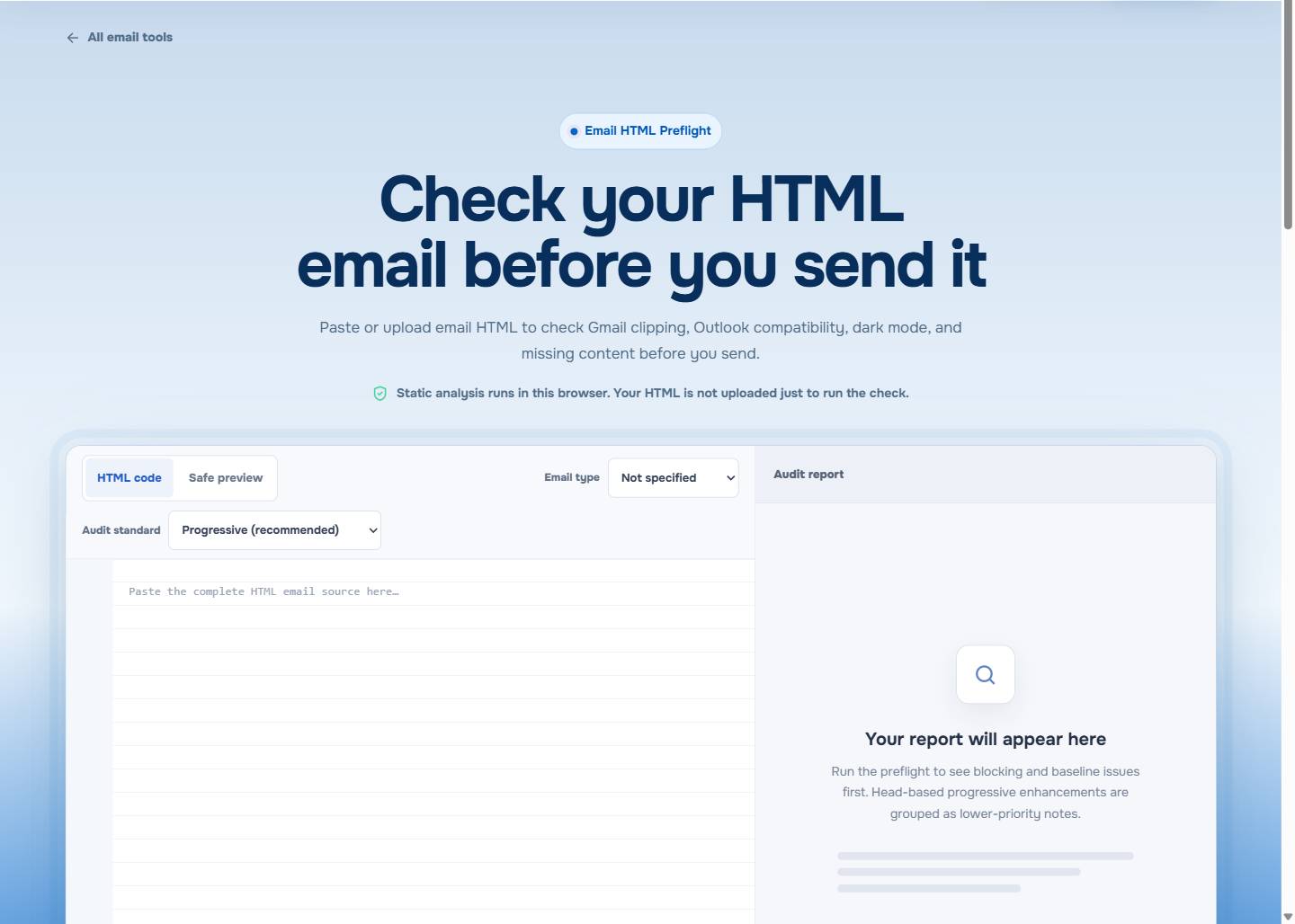
Open EasyAImail Email HTML Preflight to catch a missing alt attribute alongside other source-level email checks.
Begin with what the reader would lose
Before writing anything, cover the image and read the surrounding email. What useful information is now missing?
- If the image contains the only price, date, product detail, or status, its alternative needs to convey that fact.
- If the image is the control that takes a reader somewhere, its alternative needs to state the destination or action.
- If the image repeats nearby copy or only adds visual texture, it may not need spoken text at all.
That is a better decision rule than "every image needs a description." The same logo can be meaningful in a sparse transactional email and redundant in a message that already names the sender in the heading.
Decorative images should stay quiet
A divider, flourish, background texture, or duplicate icon can interrupt a screen-reader experience if it is announced for no reason. For a purely decorative image, use an empty alt attribute:
<img src="https://example.com/divider.png" alt="" width="600" height="18">Empty does not mean forgotten. It is a deliberate choice that says the reader loses no content if this image is skipped. Do not use alt="decorative image" or an asset name; both add noise without meaning.
Informative images need the useful fact, not a visual inventory
Suppose an order update uses an image that says "Your revised delivery date is March 18." The reader needs the date, not a description of the card's blue background or illustration.
Better:
<img src="https://example.com/delivery-update.png"
     alt="Revised delivery date: March 18">
Weaker:
<img src="https://example.com/delivery-update.png"
     alt="Image of a delivery update card">
Whenever possible, put critical facts in nearby live text too. Alt text is an important alternative, but it should not become the only place an urgent instruction exists.
Linked images should name the destination or action
When an image is a link, the useful question is, "What happens if I activate this?" A graphic button that opens a proposal should have alt text such as Review the revised proposal, not button, click here, or proposal graphic.
<a href="https://example.com/proposal">
  <img src="https://example.com/review-button.png" alt="Review the revised proposal">
</a>
Specific link language helps outside assistive technology too. It lets a hurried recipient understand the next step when image loading is slow, styling is simplified, or the button loses some visual contrast.
Avoid repeating adjacent copy
An image does not need a second version of a sentence the reader has just encountered in real text. If the email says "Your consultation is confirmed for Tuesday at 2 PM" and an adjacent calendar graphic repeats it, the graphic can often be decorative.
The answer is context, not a fixed word count. A short alternative that fills a real gap is better than a detailed paragraph that causes the email to say the same thing twice.
For the broader check around contrast, links, variables, and message structure, read HTML Email Accessibility Checklist.
Treat the checker finding as a question, not a finished answer
In the visible accessibility report, a missing image alt attribute appears as a send blocker. That is a good prompt to decide why the image is there; it is not proof that every missing attribute should receive a long description.
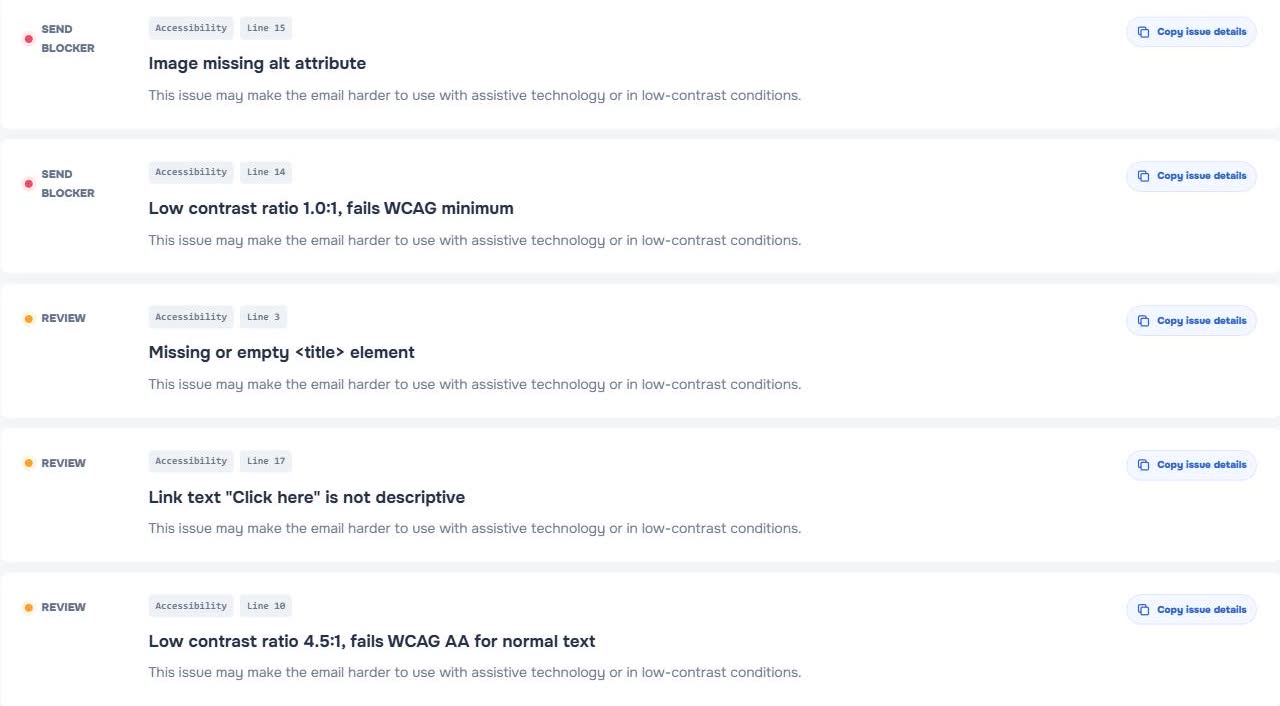
EasyAImail Email HTML Preflight can show static issues in supplied HTML, including a missing alt attribute, contrast concerns, link wording, unresolved variables, and compatibility signals. It cannot decide whether a product photo, logo, or illustration carries meaning in your particular message. That still needs a human reading the email as the recipient would.
Remember that images can fail in more than one way
The image might not load. A reader may not see it. A client may change the surrounding colors. A small screen may make it less useful than intended. That is why good alt text belongs with a more resilient content plan: key facts in real text, specific links, and a layout that does not depend on one visual treatment.
Email Dark Mode Testing: What to Check Before You Send is a useful related read when image visibility and changed color treatments affect the same message.
Use alt text in the final review, not only at build time
An email can change after its initial design. An image may become linked, a sale date may move into the graphic, or a once-decorative icon may become the only status signal. Recheck alternatives when those changes happen.
If you are creating the message from an idea, the EasyAImail web app can help turn the recipient, purpose, and facts into a complete HTML email after AI recommends templates and you choose one. If you are reviewing an existing Gmail or Outlook draft, the EasyAImail browser plugin offers a separate user-triggered review path. In either case, alt text remains a final content decision, not something the sender should blindly accept.
FAQ
Should every email image have alt text?
Every meaningful image should have a useful alternative. A purely decorative image normally uses alt="" so it does not add irrelevant narration.
How long should email alt text be?
Use enough words to preserve the information or action the reader would miss. Do not add visual details that do not affect the email's meaning.
Should a linked image say "click here"?
No. Say what the link does or where it goes, such as View your updated invoice or Review the revised proposal.
Can a missing alt attribute always be fixed with a description?
No. First decide whether the image is informative, linked, or decorative. An empty alt attribute is often the correct repair for an image that adds no content.
Write only what the image needs to say
Let the alt text supply the one sentence the recipient would otherwise miss. Leave decoration quiet, put important facts in real text as well, and review the final HTML before the image has a chance to speak for you.
 Get the Edge extension
 Get the Firefox extension