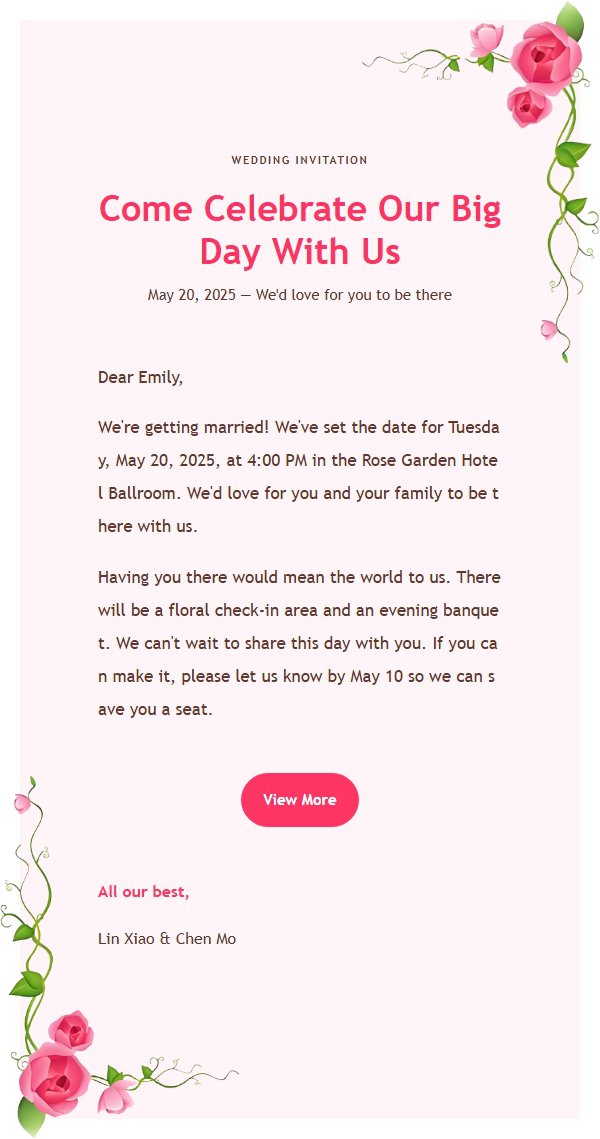
You may have seen this sequence: the images, buttons, and text look perfectly aligned in a browser preview, but after delivery the spacing changes in Outlook desktop, a button shifts, a background disappears, or a mobile inbox introduces horizontal scrolling. The problem is not necessarily your copy. Browser previews and real inboxes do not share one rendering environment.
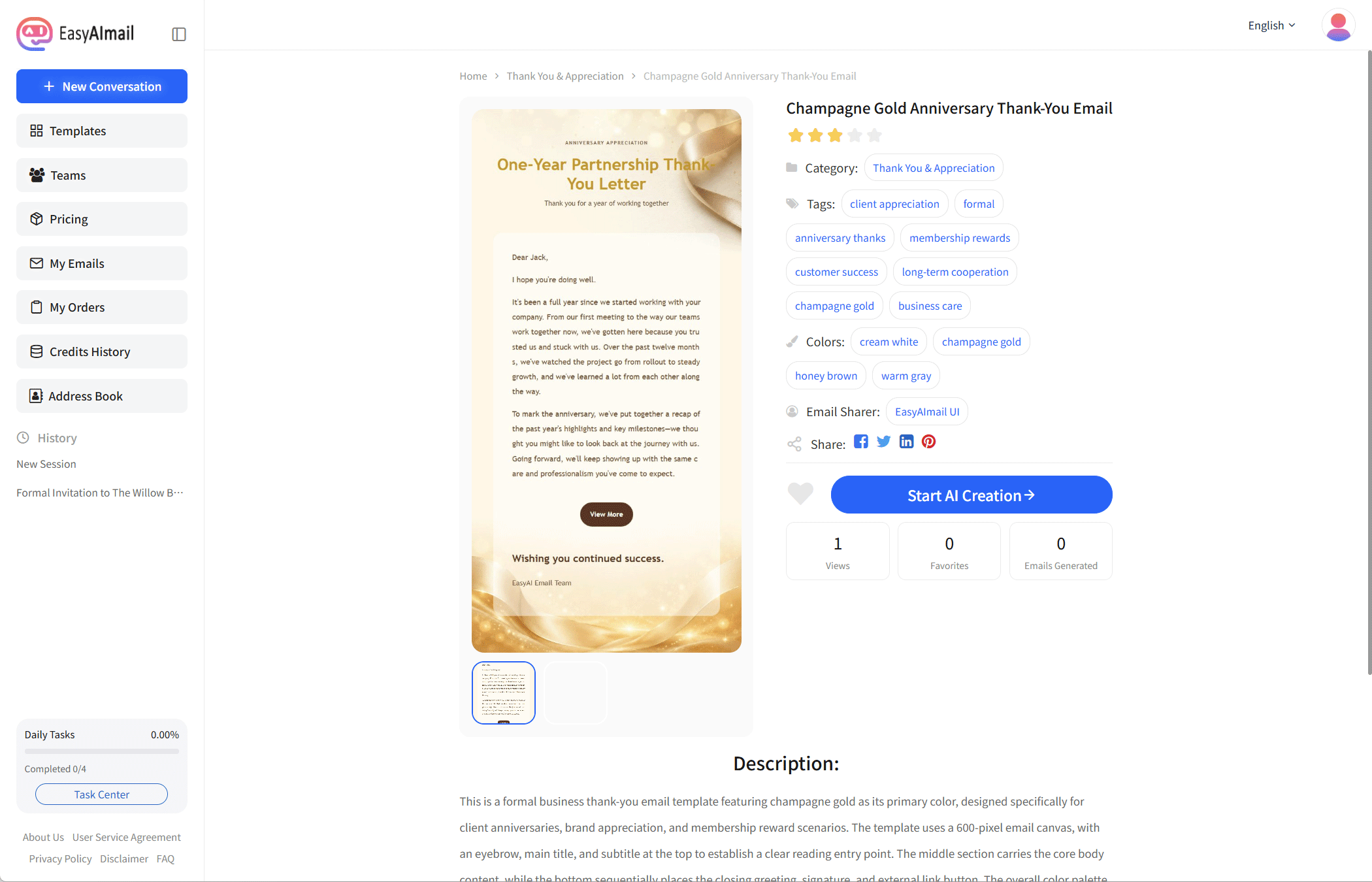
Start with the symptom: why one email changes shape
An HTML email is not rendered once in one browser page. It is processed by the sending tool and then interpreted again by the recipient’s client. The editor shows you one environment. The recipient may use another client, another viewport width, and a different set of CSS rules.
That is why “it looks good in the browser” only proves that the preview surface worked. It does not prove that Outlook desktop, Outlook on the web, Gmail, or a mobile client will look identical. Common changes include a compressed container, missing background or spacing, images that do not scale as expected, and button text separating from its border. The actual result depends on the client, version, account settings, and message, so test the combination you care about.
The cause: email clients are not the same browser
Browsers generally interpret HTML and CSS according to modern web standards. Email clients add their own security, legacy compatibility, and resource-loading rules. Outlook desktop has long followed a rendering approach closer to Word’s layout engine than to Chrome or Edge. A CSS rule that works in a browser therefore does not automatically behave the same way in Outlook desktop.
This is why an email cannot be evaluated in one preview window alone. Desktop clients, web clients, and mobile apps make different trade-offs. Some preserve most styles, while others filter or limit certain properties. A more useful question than “does this CSS look modern?” is “will the essential information remain clear in the target client?”
Why common implementations create compatibility risk
Putting every rule in the email header is convenient and familiar from web development, but some email clients may drop or rewrite those styles. Once a style is not present on the elements themselves, text color, spacing, width, and button appearance may lose their fallback behavior.
Relying on flex or grid for the main layout creates a similar risk. These tools work well on modern web pages, but support across email clients is inconsistent. An external CSS file is even less dependable as the only source of email layout because a client may not load it or may ignore it under its security rules.
That does not mean every client fails on every modern property. It means the core information, spacing, and primary action should not depend entirely on one advanced feature being supported. Test the actual target clients instead of treating a compatibility chart as a permanent guarantee.
How EasyAImail protects the basic layout
EasyAImail keeps the essential layout close to the email elements themselves. Necessary styles for text, background, width, spacing, and buttons are written into the elements’ style attributes. If a client handles header styles differently, the body still has a working baseline. More advanced effects can then be added with additional style rules, such as width-specific enhancements; if a client does not support those enhancements, the reading order should remain intact.
In the template implementation, the email body keeps a basic layout fallback. The template CSS is stored in the database, and base rules and enhancement rules work together during generation. This article does not paste a large CSS block because the real result still depends on the generated message, its image resources, and the target client. Source inspection cannot replace inbox testing.
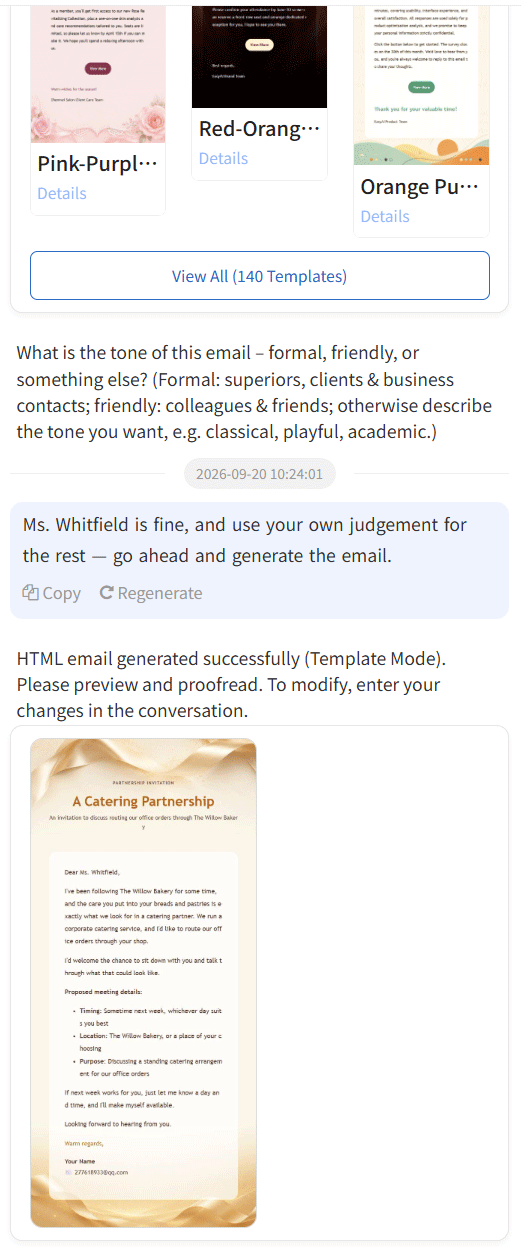
The point is not to promise pixel-for-pixel identity everywhere. It is to give important information a fallback state. You should still check font substitution, image loading, screen width, and brand elements before sending an important message.
Why pasting HTML into webmail can make things worse
Some people copy generated HTML into a webmail editor and send it manually for more control. In practice, the editor may convert the HTML into its own node structure, add wrappers, rewrite styles, or turn a clear hierarchy into a collection of rich-text fragments. Different webmail editors also paste content differently.
This does not fail every time, but it makes the final structure harder to control. Image URLs, button links, fonts, and spacing may be changed during the paste. Repeated copying and editing can make the message even harder to inspect. In some cases, unusual or duplicated HTML may also increase filtering concerns, but the result depends on the sending service, domain reputation, and content, so it is not a universal rule.
If the product provides a normal generation, preview, and sending flow, inspect the result there first. Do not use a customer’s address as a compatibility test, and do not skip inbox testing just because the browser preview is clean.
How to verify it yourself with one test message
Use one non-sensitive test message for a small comparison. Include a subject, body, button, image, and signature. After generation, send it to your own Gmail address, Outlook on the web, Outlook desktop, and mobile inbox. Compare more than colors:
- Does the body remain within a readable width, and does mobile require horizontal scrolling?
- Do images load, and is there meaningful alternative text if one does not?
- Does the button remain clickable, with its text and border still together?
- Are the title, body, list, and signature still easy to distinguish?
- If a decorative effect is unsupported, is the essential information still complete?
You can generate your own test message in EasyAImail, review the preview, and then compare it across inboxes you control. The conclusion will apply to the content and clients you tested, but it is stronger evidence than “it looked fine in the browser.” Email compatibility should always be treated as a result of actual testing.