
A client can make a reasonable extra request after a project is underway. Start by separating the added work from the original scope, then give the client a clear choice about the fee, timing, and next step. That stops a friendly “could we also add...” from becoming unpaid work.
Why scope-change emails feel more personal than they are
Naming an additional fee can feel formal. You may worry they will hear “no” when you mean “yes, with a revised plan.”
The useful middle ground is factual: acknowledge the request, state the original commitment, name the addition, and explain what changes.
Separate the original scope from the new request
Do not lead with “This costs extra.” First, make the boundary visible in ordinary language. For example, the agreed design work may include one visual direction for the homepage and one for the product page. The client now also wants an event landing page and two social-media layouts.
That distinction ties the fee to work, not to the fact that the client asked. If the original quote was broad or the request is still fuzzy, ask a focused question before pricing it.
Put the fee and the timing together
Put price and timing together. “The added landing page and two social layouts would be RMB 1,800 and would need three additional working days after your confirmation” tells the client what the amount covers and when the clock starts.
Use the numbers that belong to the actual project. Complexity, review rounds, tax, formats, and delivery requirements can all change the calculation.
Give the client one easy decision
End with a clear action: ask whether they would like to add the work to the current project. You can say that you will update the schedule or begin the additional work after they confirm.
This is more helpful than “Please advise” because the client knows exactly what you need. It also leaves room to include only one item, postpone the work, or discuss the scope first. Do not start before that confirmation.
The five parts of a clear added-work email
- Recognize the value of the new request.
- State the scope already agreed.
- Name the added deliverables in plain language.
- Give the related fee, timing, and start condition.
- Ask the client to confirm one next step.
The start condition is easy to miss. Say whether extra days begin after written confirmation, after materials arrive, or after another agreed milestone.
Scope change and added fee email example
Subject: Confirming the added landing page and social layouts
Dear Claire,
Thank you for sharing the idea of adding an event landing page and social-media layouts. They would make the launch feel more complete, and I would be glad to include them.
The confirmed scope currently covers one visual direction for the homepage and one for the product page. The event landing page and two social layouts would be additional deliverables, so I wanted to confirm the plan before I begin that work.
The added work would be RMB 1,800 and would require three additional working days after your confirmation. Until then, I will continue with the original scope as planned.
If you would like to add these items to the current project, please reply to confirm. If you would prefer to adjust or postpone any part of the request, I am happy to discuss the options first.
Best,
Mara Collins Tideway Design Studio | Independent Design Consultant
The figures and deliverables above are illustrative. Replace them with the scope, currency, schedule, and conditions you have actually agreed.
Draft the message with EasyAImail, then check the decision yourself
You do not need to arrive with a finished email. In EasyAImail, start with the real concern; the conversation can then collect the recipient, original scope, added work, fee, timing, and tone in stages.
The AI recommends templates; it does not make the choice for you. You can open the visible details, review the purpose, tags, colors, and example, then choose a template yourself before confirming the remaining facts and reviewing the draft.
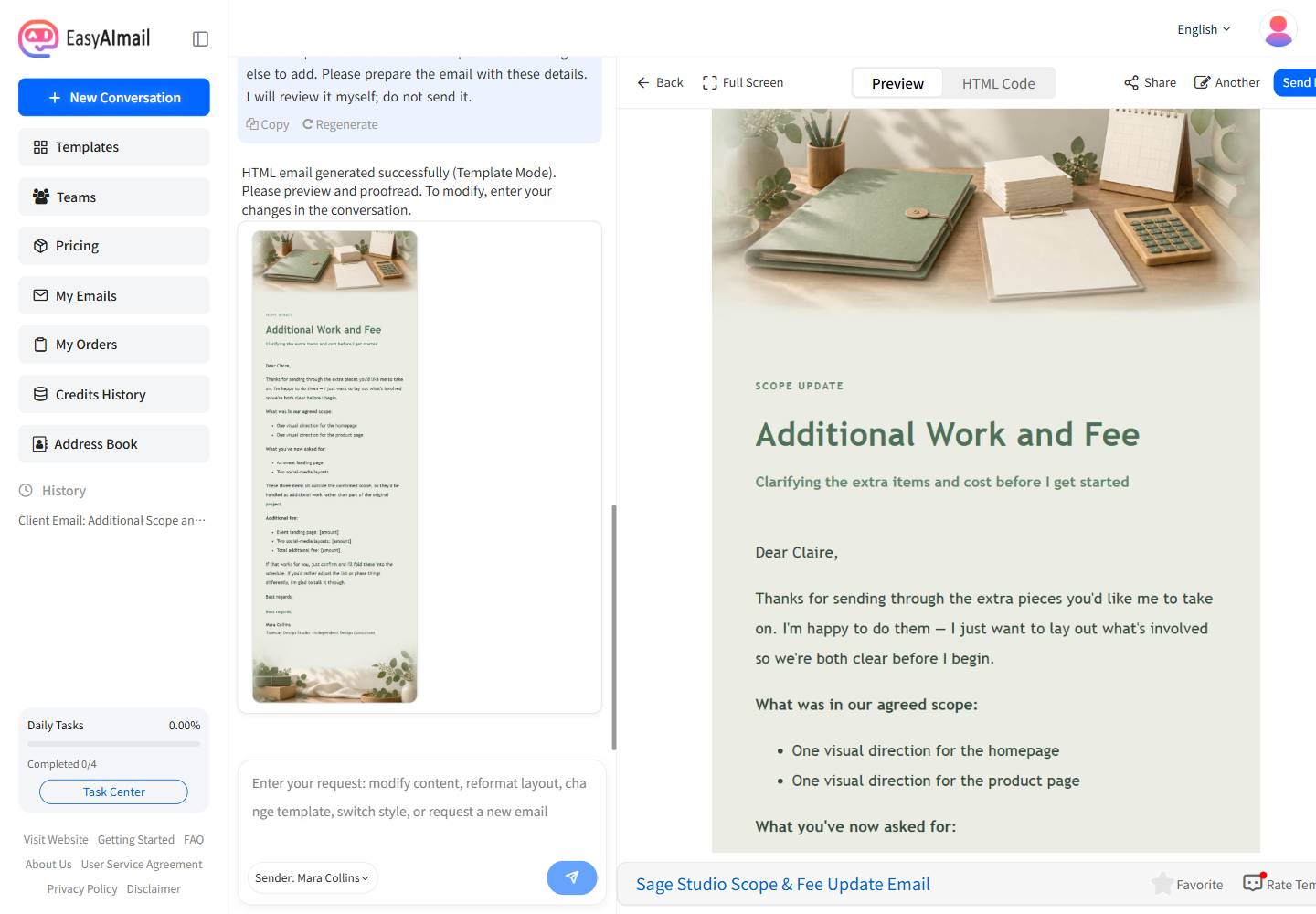
In this English-interface test, the selected Sage Studio Scope & Fee Update Email was a close fit: its visible description is for freelancers and small studios confirming added requests and adjusted fees with an existing client. Its sage, ivory, eucalyptus, and warm-wood palette also keeps a money conversation professional without looking promotional.
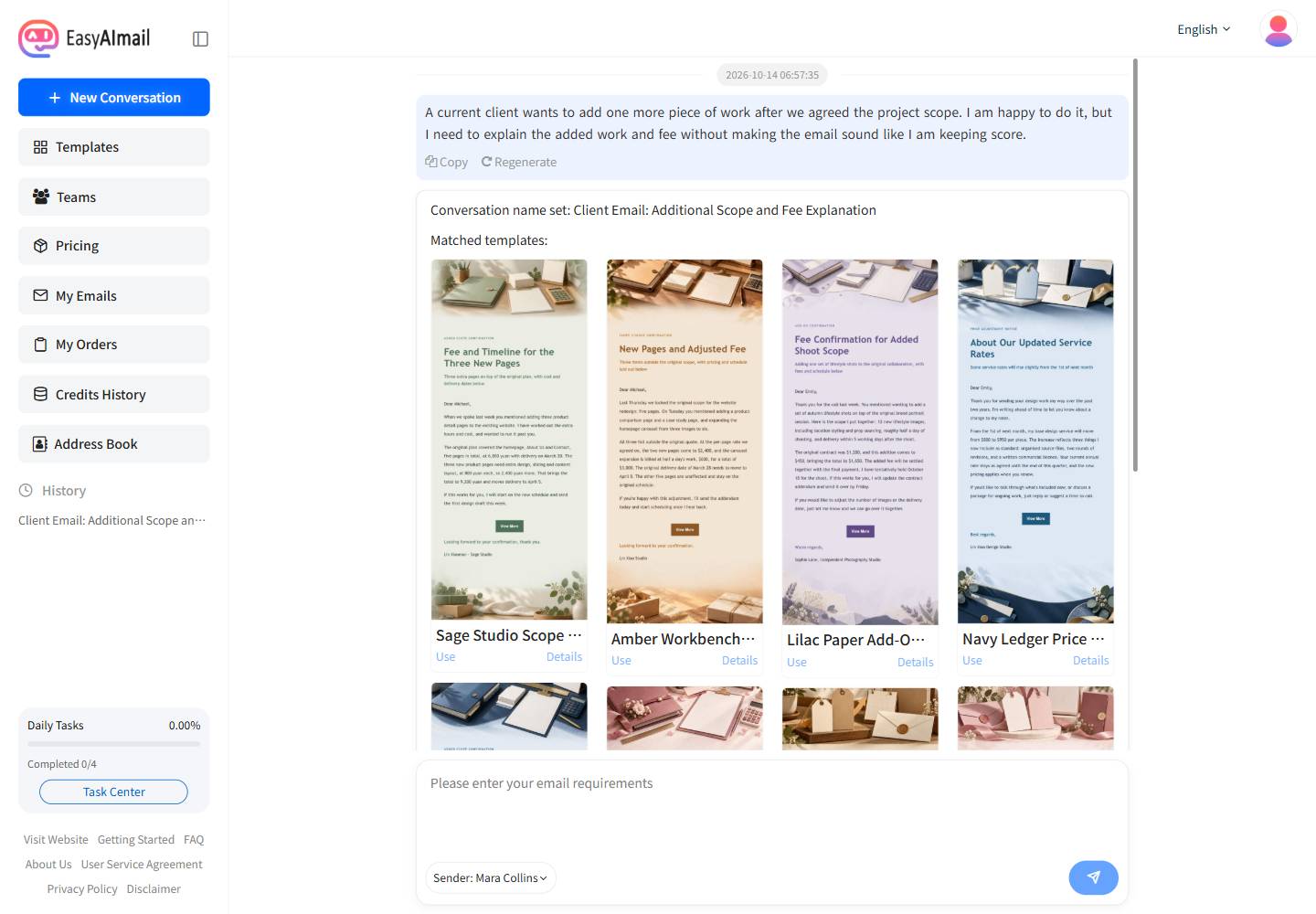
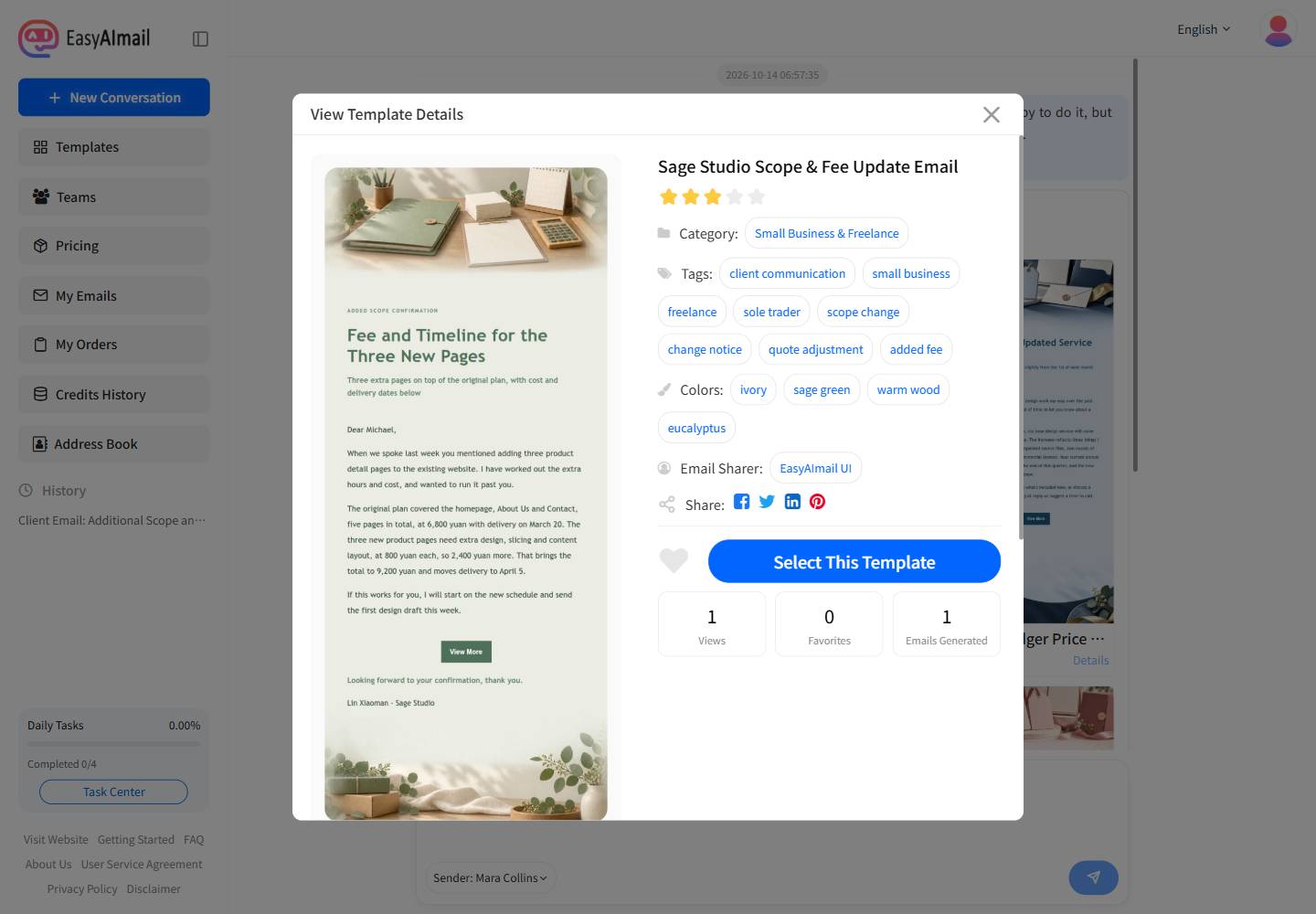
This test generated and reviewed the email only. No recipient address was entered and the Send Email action was not used. The visible signature included the fictional studio name and job title so the business context could be checked in the preview.
If you are still at the quoting stage, a quote and inquiry reply can make the first scope clearer. If the extra work moves the date, use a separate client delay email to explain the revised schedule instead of burying it in the fee note.
Before you send: check the facts, not just the tone
- Can the client see what was included before and what has been added now?
- Does the stated amount match the added deliverables and currency?
- Is it clear when extra time starts and whether an existing deadline changes?
- Have you asked for one specific confirmation instead of several decisions at once?
- Does the email welcome the request without making the new work sound free by default?
FAQ
Should I charge for a small extra request?
Not every tiny adjustment needs a separate fee. But if it takes meaningful time, changes a deliverable, or affects the schedule, write down the change.
What if I cannot price the extra work yet?
Confirm what you need to estimate it, then send the added fee and revised timing. Do not invent a fixed number simply to reply quickly.
What if the client says the new work should be included?
Return to the original agreement without accusing them of bad faith. Offer a smaller version of the request, a later phase, or the original scope unchanged. A choice is often more productive than a debate about intent.
Before you send it, make the choice easy to see: the new idea is welcome, and the added work needs a clear confirmation before it begins. That is how you stay helpful without quietly losing control of the project.
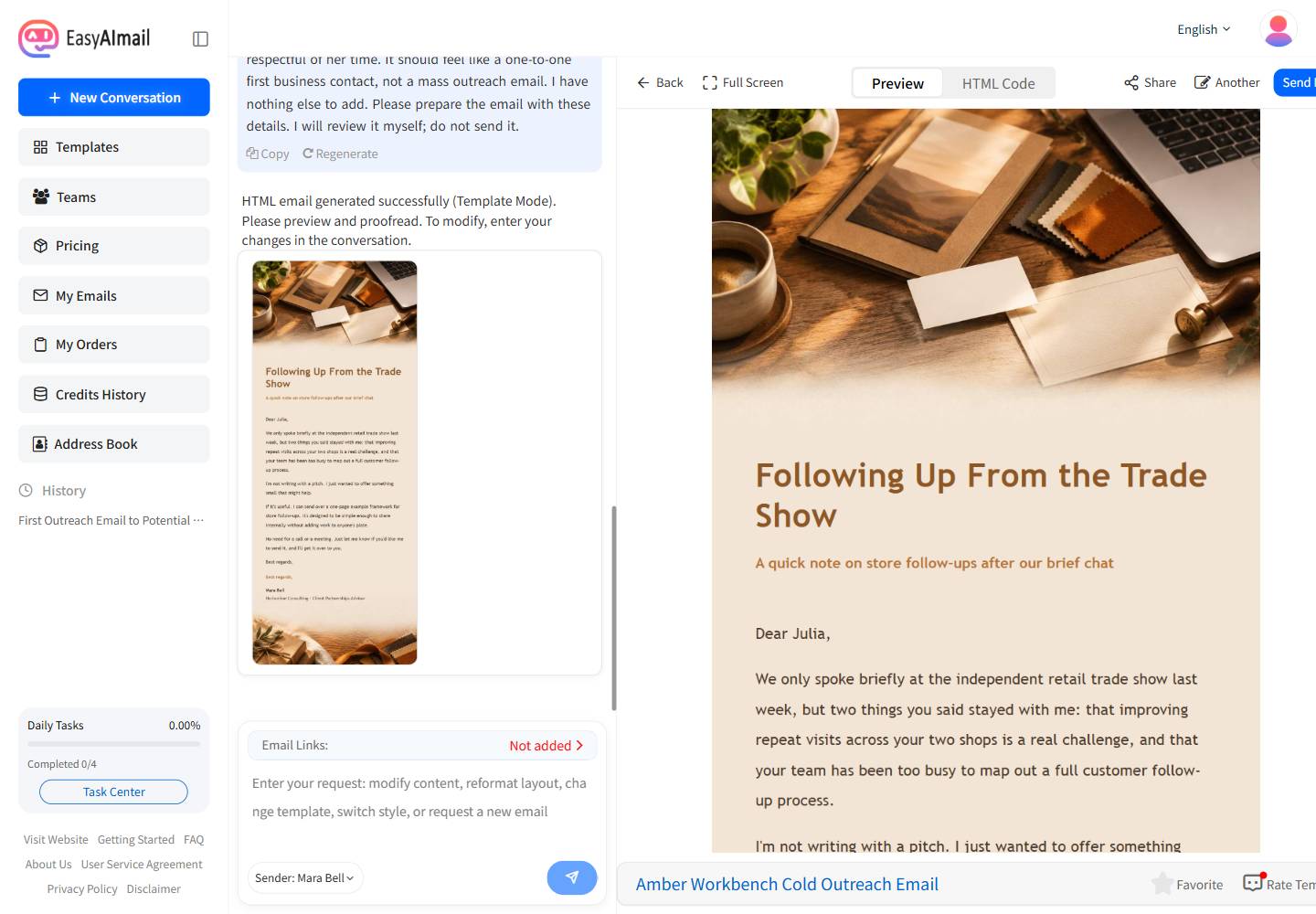
How to Write a First Email to a New Client Without Sounding Like a Sales Pitch
Learn how to write a first email to a new client with a relevant reason to reach out, a clear value, and a low-effort next step.
Read more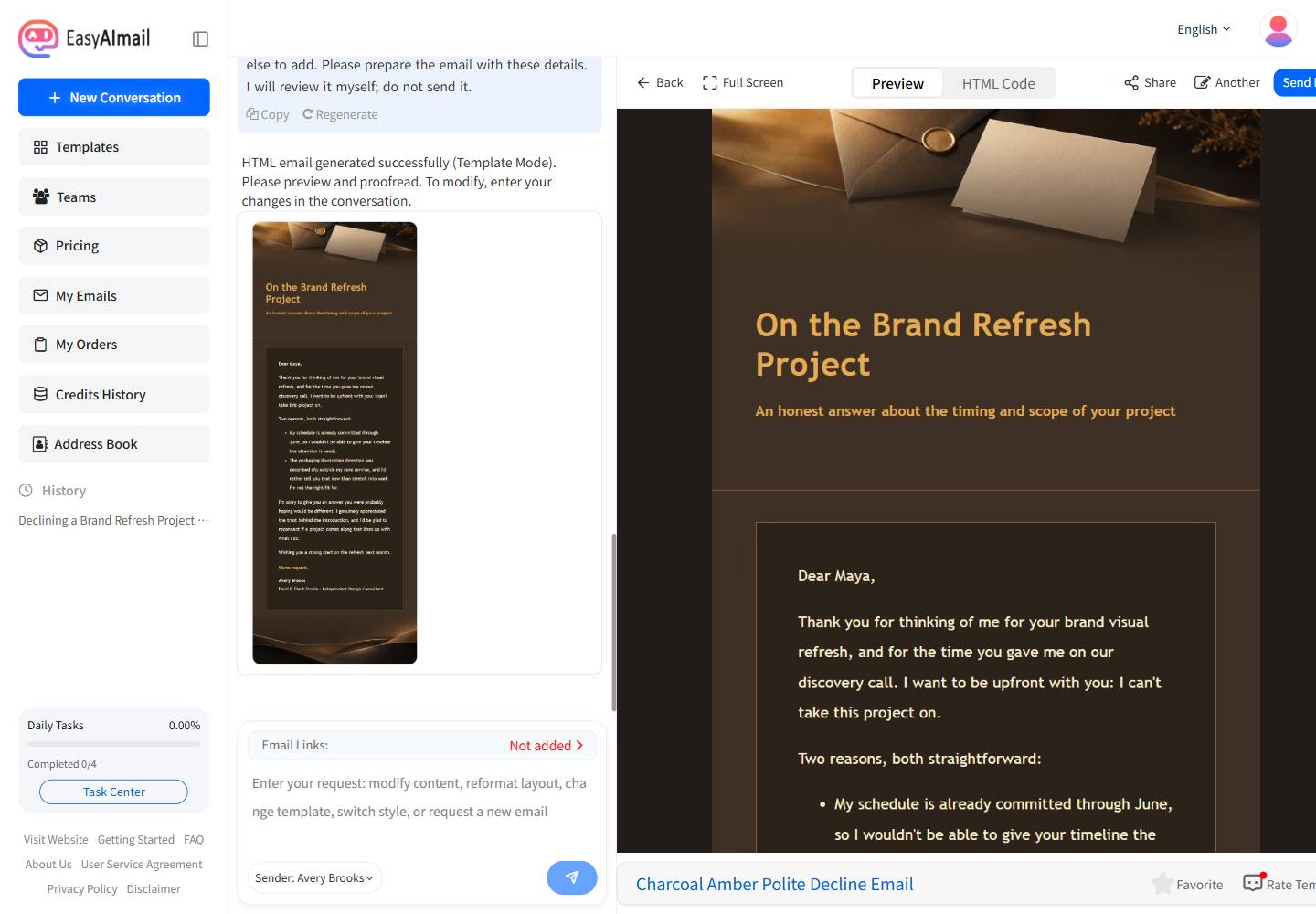
How to Politely Decline a Client Without Damaging the Relationship
Learn how to politely decline a client by stating the answer clearly, giving a brief real reason, and knowing when an alternative is useful.
Read more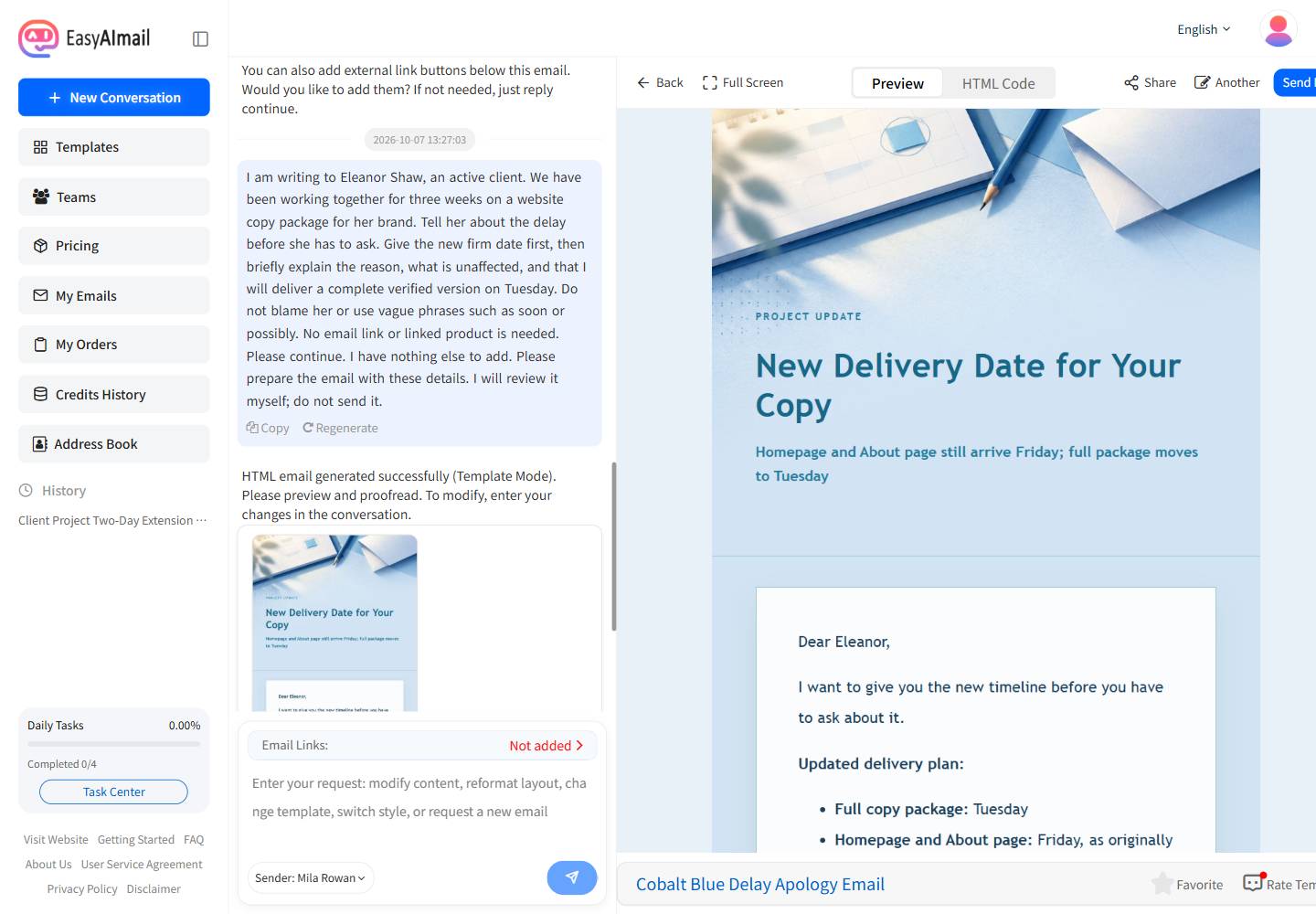
How to Tell a Client About a Delay Before They Have to Ask
Learn how to tell a client about a delay with a reliable new date, a brief reason, the affected scope, and a clear next step.
Read more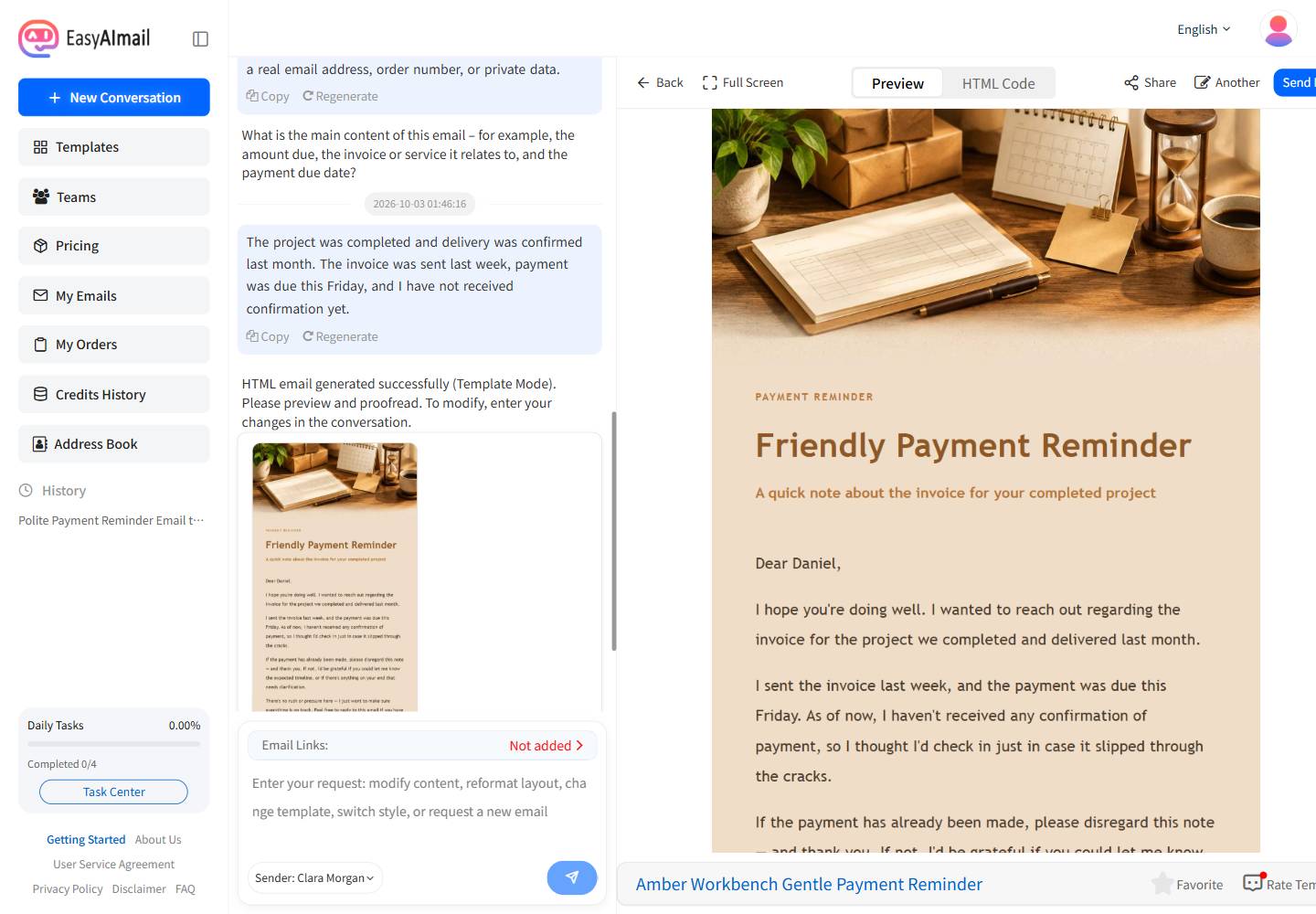
How to Write a Polite Payment Reminder Email Without Damaging the Relationship
Learn how to write a clear and considerate payment reminder email that protects the client relationship.
Read more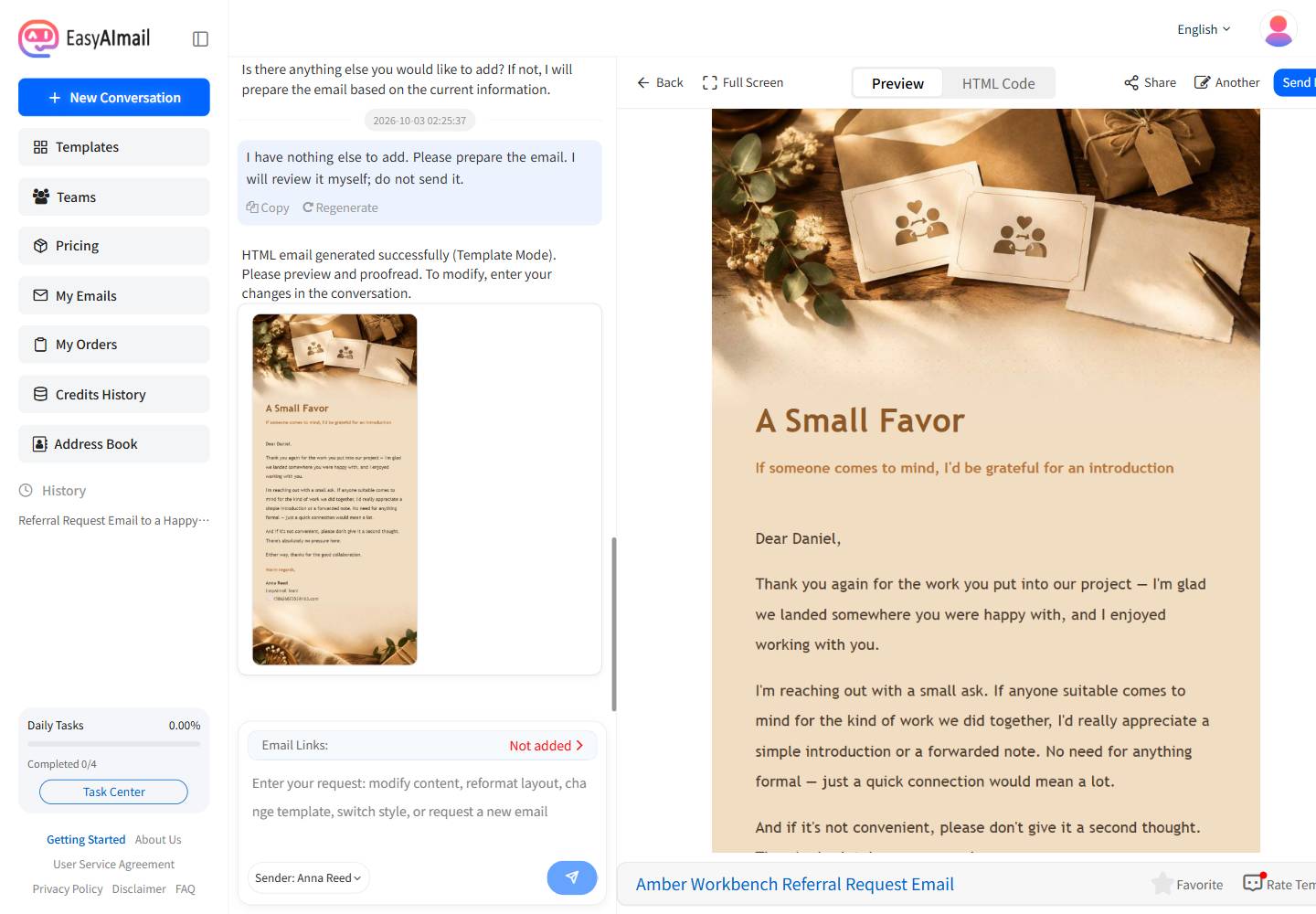
How to Write a Referral Request Email Without Making It Awkward
Learn how to ask a happy client for a referral in a genuine, low-pressure way.
Read more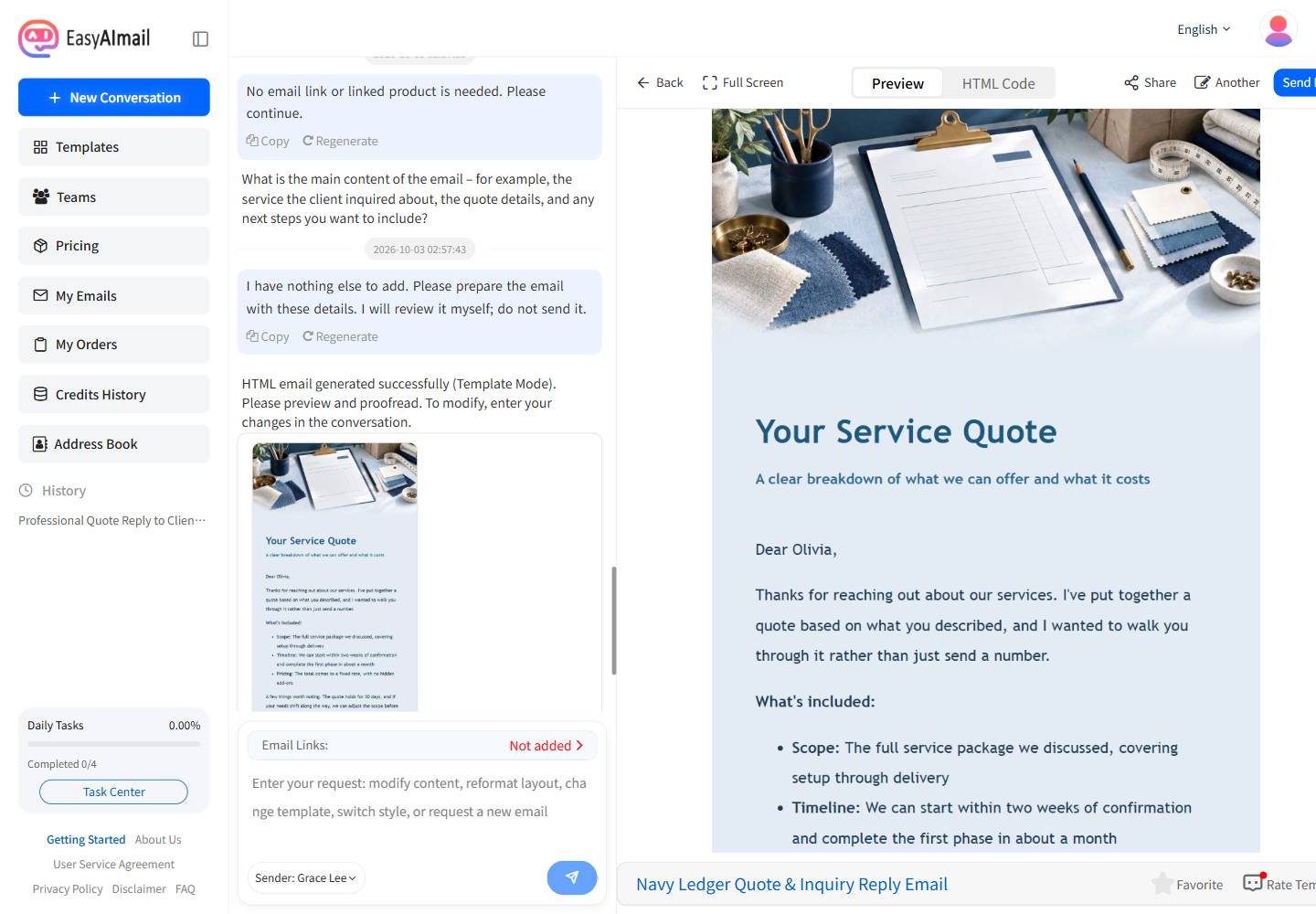
How to Write a Quote or Inquiry Reply Email for a Small Business
Learn how to reply to a service inquiry with a clear, friendly quote and a practical next step.
Read more