
If you are looking for an email template you can start editing right away, this collection is a practical place to begin. The template names below come from the current EasyAImail template center. You can filter by recipient, purpose, and visual mood, then ask the AI to adapt the greeting, body, and sign-off to your situation. That gives you a usable structure without forcing you to start with a blank page or spend your time hand-coding HTML.
The template center keeps changing, so this article does not lock in a total template count or a fixed number for any category. Check the current template center for what is available now. If you cannot find a good fit for a particular situation, your feedback can also help EasyAImail expand the collection around real writing needs.
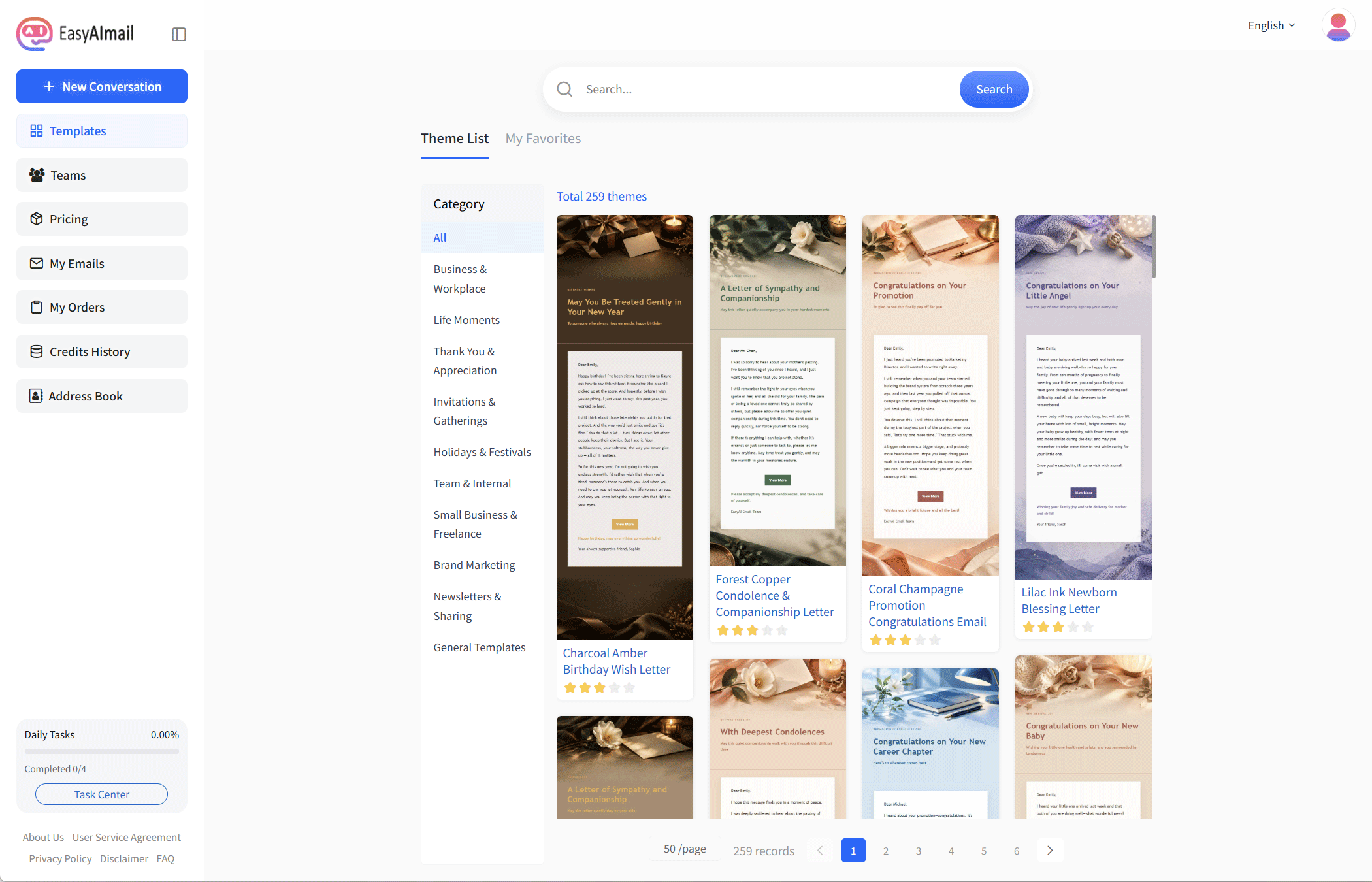
Business and Work
Business email often fails in one of two ways: the wording is accurate but too blunt, or the message contains everything but hides the point. This category is useful for follow-ups, post-meeting notes, interview thank-you messages, and delay explanations that need structure and courtesy. Use the examples below to judge the layout first, then ask the AI to make the tone more formal, friendly, or concise.
- Charcoal Amber Post-Meeting Thank-You Email: Useful after a meeting, visit, or online conversation. Its structure helps separate appreciation, a short recap, and the next step, so the message does not read like a transcript. Use it in EasyAImail
- Charcoal Amber Post-Interview Thank-You Email: Designed for a thank-you note after an interview. The restrained visual tone leaves room to mention one useful point from the conversation without turning the email into a second application. Use it in EasyAImail
- Charcoal Amber Delay Apology Email: A practical starting point for a late delivery, delayed reply, or changed plan. It encourages a clear order: acknowledge the impact, explain only what matters, and state the new arrangement. Use it in EasyAImail
When choosing a business template, look at whether the preview can hold your key points. A professional message should make the reason, arrangement, and next action easy to find, regardless of its color palette.
Holidays and Celebrations
A holiday email does not have to stop at a greeting. When you write to a customer, partner, or international contact, you may also need to explain the occasion, mention an office schedule, and say how communication will continue. These templates add a sense of occasion while leaving room for a short or medium-length business message.
- Editorial National Day Greeting Email: A good fit when you want a visible festive mood without losing business restraint. You can thank the recipient for the partnership and add a short note about office arrangements. Use it in EasyAImail
- Gilded Celebration National Day Greeting Email: Suited to a more formal and ceremonial China National Day greeting. For readers unfamiliar with the holiday, add one plain sentence explaining the public holiday before mentioning the next contact point. Use it in EasyAImail
- Ink & Gold National Day Greeting Email: A more composed option for a concise business greeting. It can carry a thank-you paragraph, a holiday note, and a sentence about reconnecting after the break without becoming crowded. Use it in EasyAImail
For international customers, explaining that China National Day is a public holiday is usually more useful than pasting a bare “Happy National Day.” The template creates visual order; the facts and tone should still reflect your relationship and schedule.
Important Life Moments
Promotion, retirement, condolences, and other turning points require more judgment than an ordinary greeting. The recipient may be a close colleague or someone you know mainly through work. A template should not decide how close you are; it should give you a respectful frame. When you ask the AI to rewrite it, provide the relationship, the event, and the feeling you want to convey instead of asking for generic congratulations.
- Cobalt Teal Promotion Congratulations Email: Suitable for congratulating a colleague, partner, or professional contact. Its fresh blue-green direction leaves space for one specific observation about the recipient’s work. Use it in EasyAImail
- Cobalt Teal Retirement Tribute Email: A formal starting point for a retirement note or a message marking the end of a career chapter. Keep one shared memory, then close with a concise good wish rather than a public award speech. Use it in EasyAImail
- Cobalt Blue Sympathy & Companionship Email: Useful when you want to offer care but are unsure how much to say. Keep the focus on respect and presence, and avoid explaining the other person’s feelings for them. Use it in EasyAImail
These messages do not become meaningful because they are long. One concrete memory or observation usually does more than a page of broad adjectives. Let the template protect the spacing and rhythm, while your own detail carries the weight.
Invitations and Gatherings
An invitation should answer three questions quickly: why the recipient is invited, when the event happens, and what they need to do. Whether it is a client dinner, an industry gathering, or a smaller social event, the reader should be able to find the occasion, time, location, and reply method at a glance.
- Lilac Garden Team Dinner Invitation: Suitable for a formal or semi-formal team dinner invitation. Its steady visual style can hold the reason for the gathering, the event details, and a reply prompt. Use it in EasyAImail
- Rose Editorial Team Dinner Invitation: A more design-led option that can still feel professional. Put the reason for gathering near the opening and keep the event information in its own readable block. Use it in EasyAImail
- Lilac Ink Industry Networking Invitation: Useful for a small industry exchange, networking gathering, or community event. It does not need to sound like a promotional landing page; make the topic and participation details clear. Use it in EasyAImail
Do not forget the reply deadline and the contact person. “We would be delighted to see you” is courteous, but it is not enough if the recipient does not know how to confirm attendance.
Small Businesses and Independent Work
Small businesses and independent professionals often handle customer communication, workshop invitations, follow-ups, and service introductions themselves. These emails need a human feel: recognizable, but not like a bulk advertisement; clear about the next step, but not pushy.
- Coral Black & White Post-Purchase Follow-Up Email: Useful after a service or purchase when you want to ask about the experience or offer help. Keep the questions focused so the follow-up does not become a complicated survey. Use it in EasyAImail
- Peach & Ink Workshop Invitation Email: A good fit for a class, workshop, or small offline event. Its warmer direction supports a relaxed invitation, while the body should still state capacity, time, and registration details. Use it in EasyAImail
- Coral & Navy Career Growth Email: Suitable for a consultant, freelancer, or service provider explaining a professional direction or a new area of work. Keep the self-introduction brief and make the recipient’s possible benefit clear. Use it in EasyAImail
Your business does not need a complete brand system before you send a good email. Start with a layout that matches how you want to work with people, then observe which structures are easiest for customers to understand.
General Templates
When you are unsure whether the message should be formal, warm, or celebratory, a general template is a low-pressure starting point. These designs do not force a strong holiday or industry context, so they can work for a reconnection, a simple greeting, a thank-you note, or a message that needs a quick adjustment.
- Floral Vine Letterhead Universal Email Template: A flexible choice for everyday communication with a little warmth but no strong seasonal signal. Organize the body into an opening, the main point, and the next step. Use it in EasyAImail
- Pink Rose Floral Greeting Letter: Useful for a gentle greeting, good wish, or thank-you note. Adjust the greeting carefully so a soft visual mood does not make a formal business relationship sound too intimate. Use it in EasyAImail
- Peach Camellia Floral Thank-You Email: A good fit for a personal thank-you, a post-project note, or a small service follow-up. It works best when you include one specific detail instead of a list of compliments. Use it in EasyAImail
General does not mean “suitable for anything without editing.” If the AI asks for context, tell it who the recipient is, why you are writing, and what you want the reader to do after reading. “Make it look nicer” is not enough information to produce a natural message.
Thanks and Appreciation
Thank-you and appreciation emails are common, but they are also easy to make vague. A good template helps you arrange the person you are thanking, the specific help they offered, the effect it had, and your closing wish. That structure can work for a professor, interviewer, long-term customer, colleague, or friend.
- Gold Filigree Letterhead Business Thank-You Email: Suited to a customer, partner, or professional contact. Its formal direction works well when you explain what the recipient did and why it mattered. Use it in EasyAImail
- Pink-Orange Floral Frame Thank-You Email: A warmer option for a personal note or a closer professional relationship. Keep the soft visual mood, but adjust the wording to match the actual distance between you. Use it in EasyAImail
- Floral Letterhead Warm Thank-You Email: Useful for a personal thank-you, a late greeting, or a thoughtful note to someone who helped you. It supports a short or medium body; one real detail is stronger than several broad compliments. Use it in EasyAImail
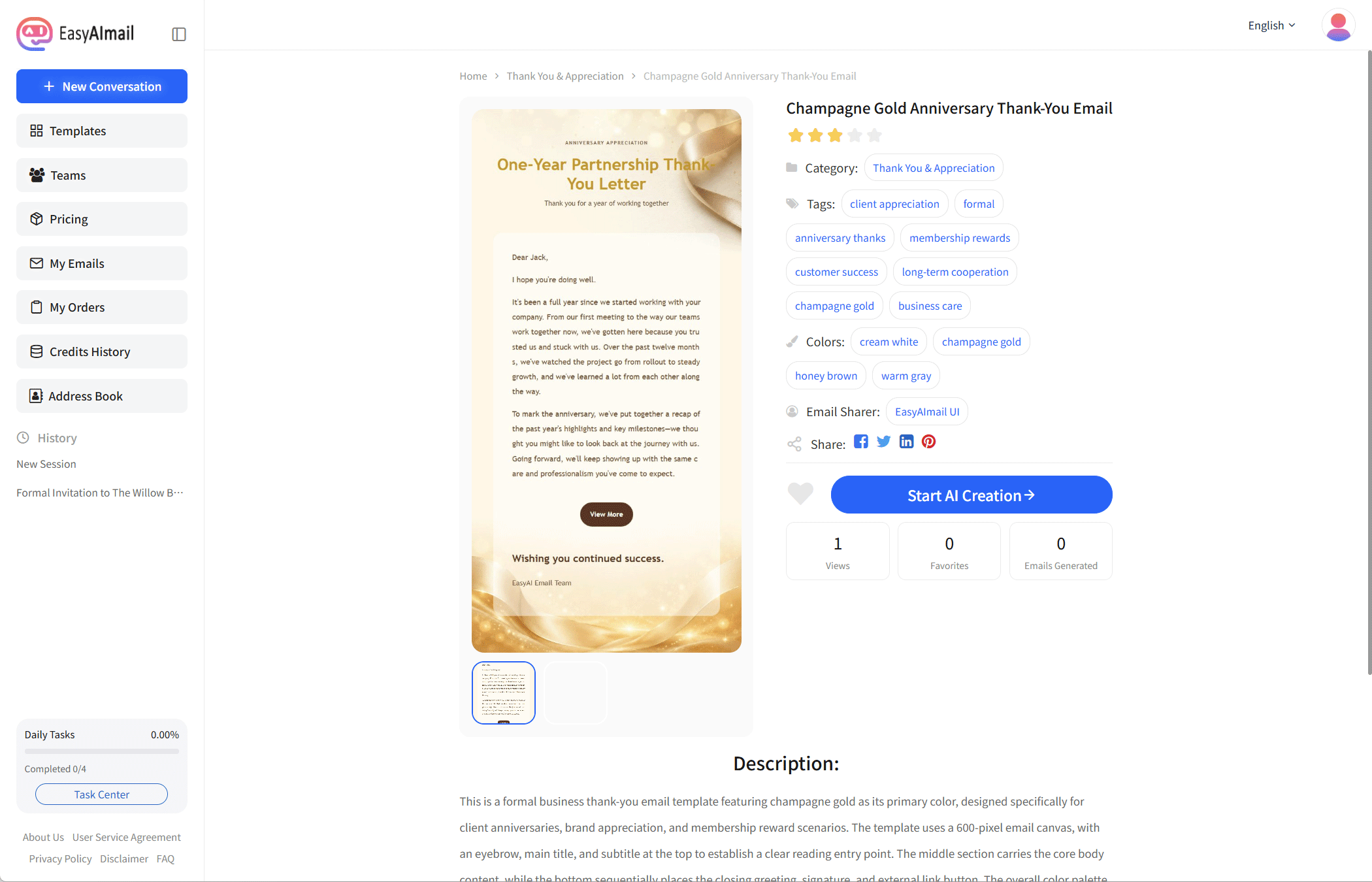
You can open the EasyAImail template center and browse the current collection by scenario, or tell the AI who you are writing to and why. It can suggest a starting point, while you remain the person who reviews the details and chooses the layout. Because the collection changes over time, use the templates shown on the page today as the source of truth, and send feedback when a useful scenario is missing.