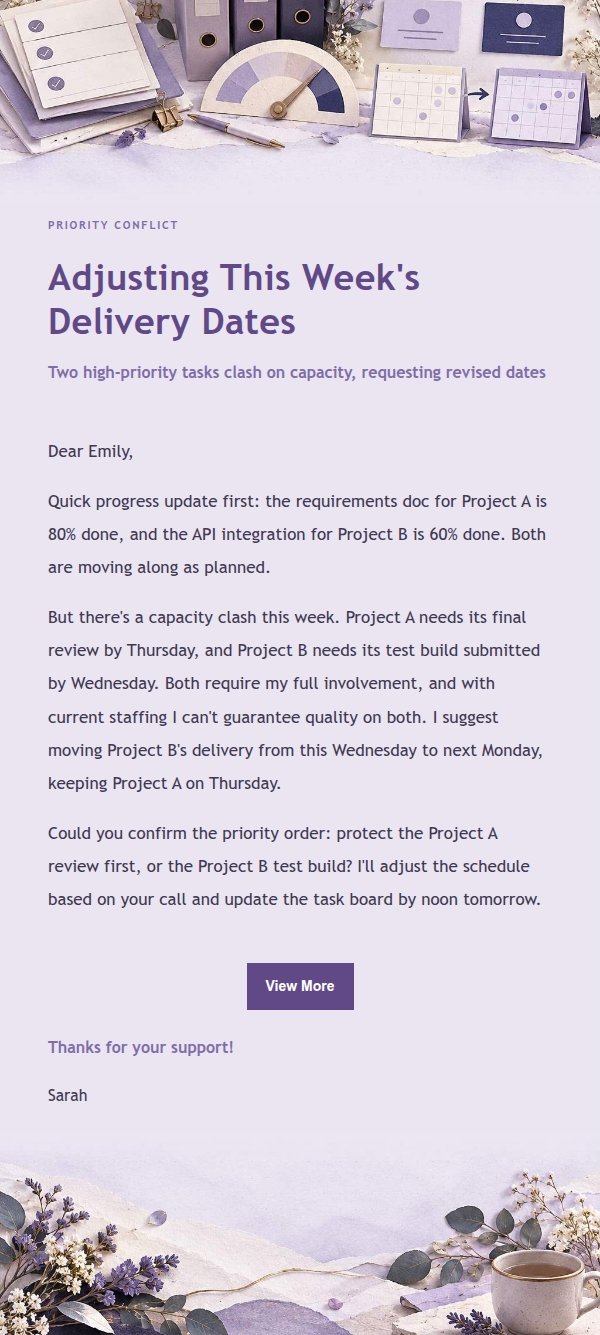
When two important tasks collide, the hardest sentence is usually not “I am sorry.” It is naming the decision you need from your manager. Start by showing your progress, the clash, and the workable trade-off. That turns the email into an early risk update instead of an excuse delivered at the deadline.
Tell them while there is still a choice
“I am busy” does not give a manager much to act on. A clear note does: these are the two deadlines, this is what is already done, and this is what moves if task A comes first. Your manager can then confirm the order, reduce scope, or reassign part of the work.
Raising the conflict early is not a sign that you cannot manage your work. It is how you keep a predictable problem from becoming a surprise.
Include four useful facts
- Completed progress. Say what is already ready.
- The actual conflict. Name the remaining work and each deadline.
- A realistic revised date. Do not offer a date just because it sounds reassuring.
- One decision request. Make it easy for the manager to answer.
“I cannot get everything done, what should I do?” hands over the whole problem. “If I finish the payment-page acceptance first, the analysis is ready Wednesday afternoon; if the analysis must be ready Wednesday morning, can we reassign or reduce the acceptance work?” gives your manager a decision they can make.
Priority conflict email example
Subject: Please confirm priorities for this week’s two deliverables
Dear Paula,
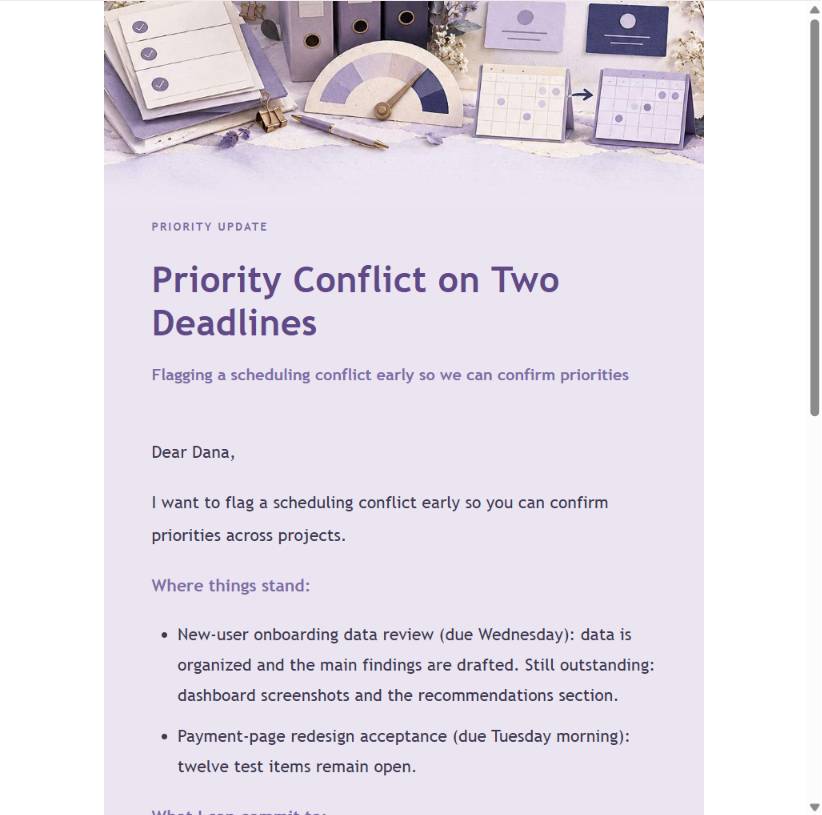
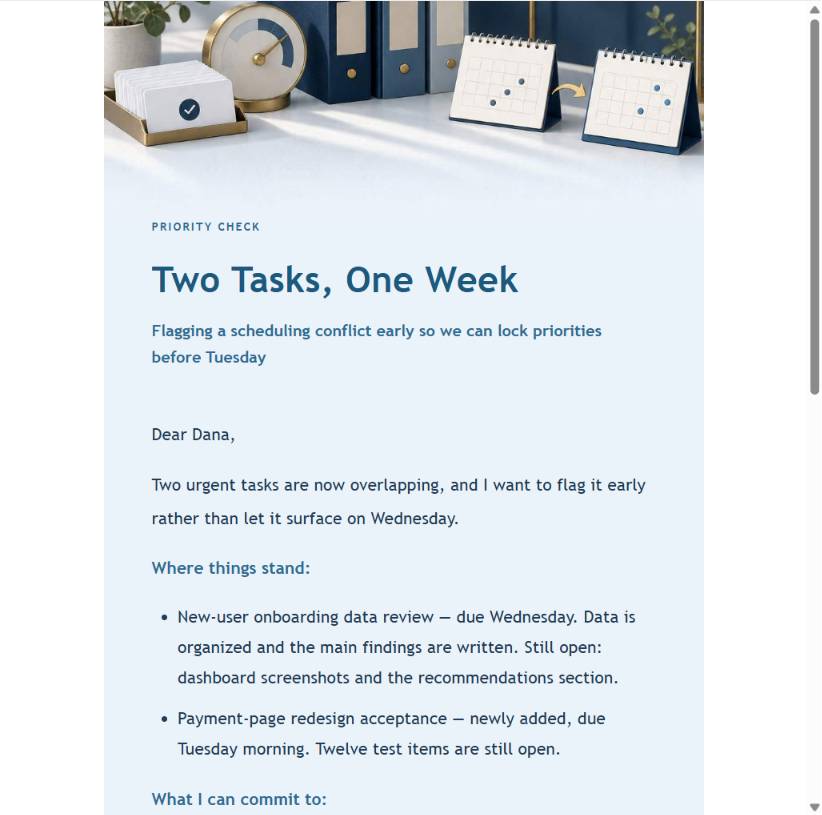
I want to flag a scheduling conflict early. The new-user onboarding analysis is due Wednesday. I have organized the data and drafted the main findings, but the dashboard screenshots and recommendation section still need to be completed. At the same time, the payment-page redesign acceptance is due Tuesday morning, with twelve tests still open.
If I prioritize the acceptance work through Tuesday morning, I can deliver the complete analysis on Wednesday afternoon. If the analysis needs to be ready Wednesday morning, could you confirm whether the acceptance work should move to a teammate or whether we should reduce the test scope for this round?
I will work to the priority you confirm and send an updated plan by the end of today.
Thank you,
Miriam Cole
North Shore Product Operations | Product Operations Specialist
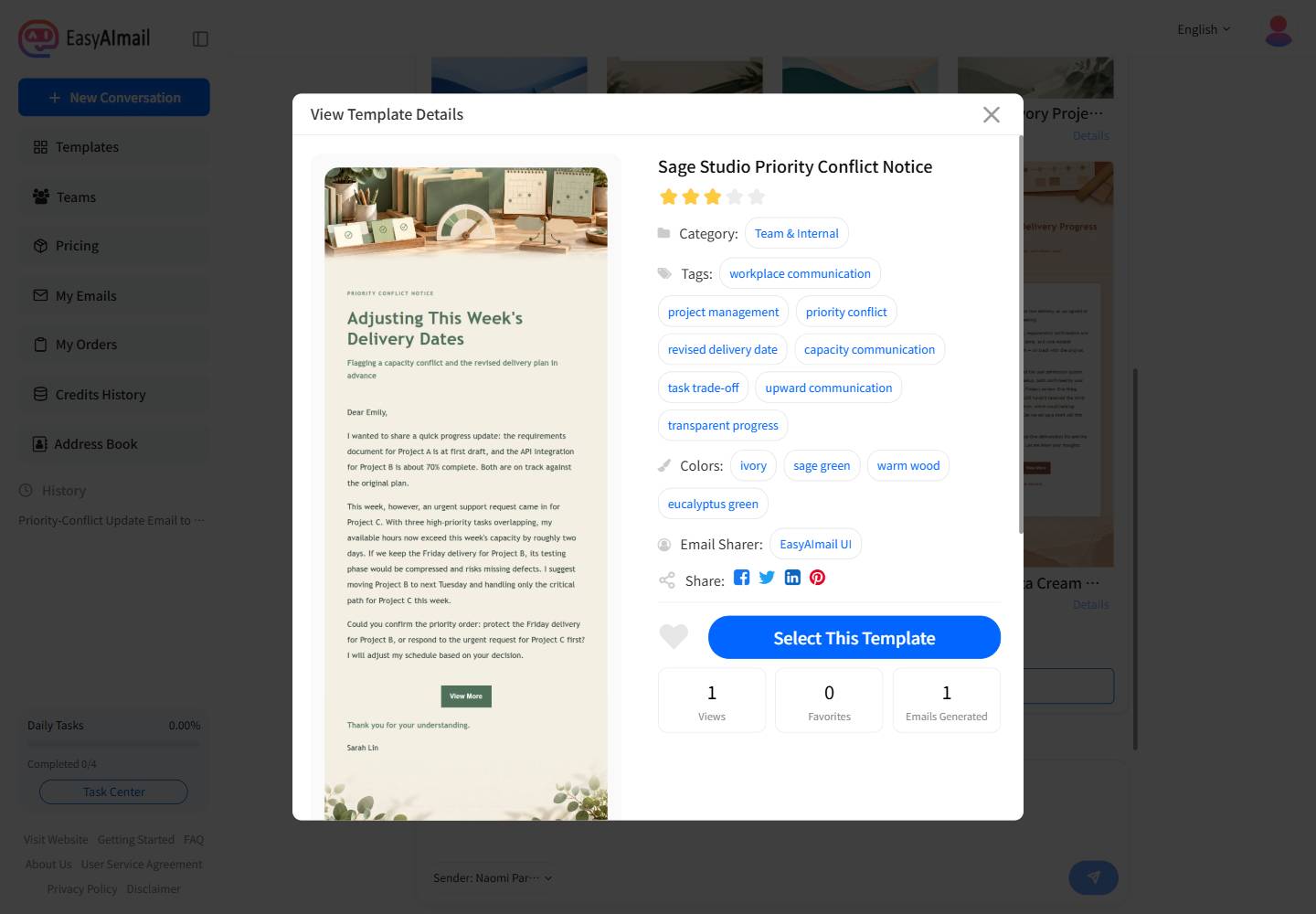
In this English-interface test, the simulated user opened the recommended template details before choosing it. The purpose, tags, example, and layout needed to support progress, trade-offs, and a decision request, not merely look polished.
Three visual directions for the same decision
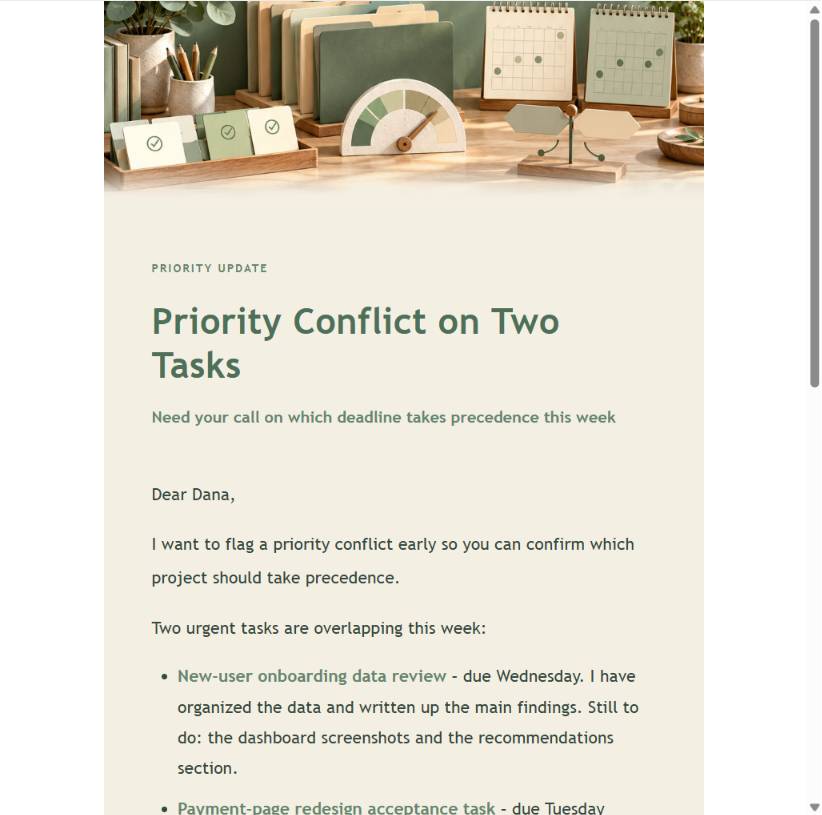
The facts should stay consistent; the presentation can fit different teams. A soft neutral treatment works for a manager relationship with an established, direct rhythm. A lighter editorial layout makes the note easier to scan. A more structured version is useful when dates and choices need to be read quickly.
Use EasyAImail to make the decision visible
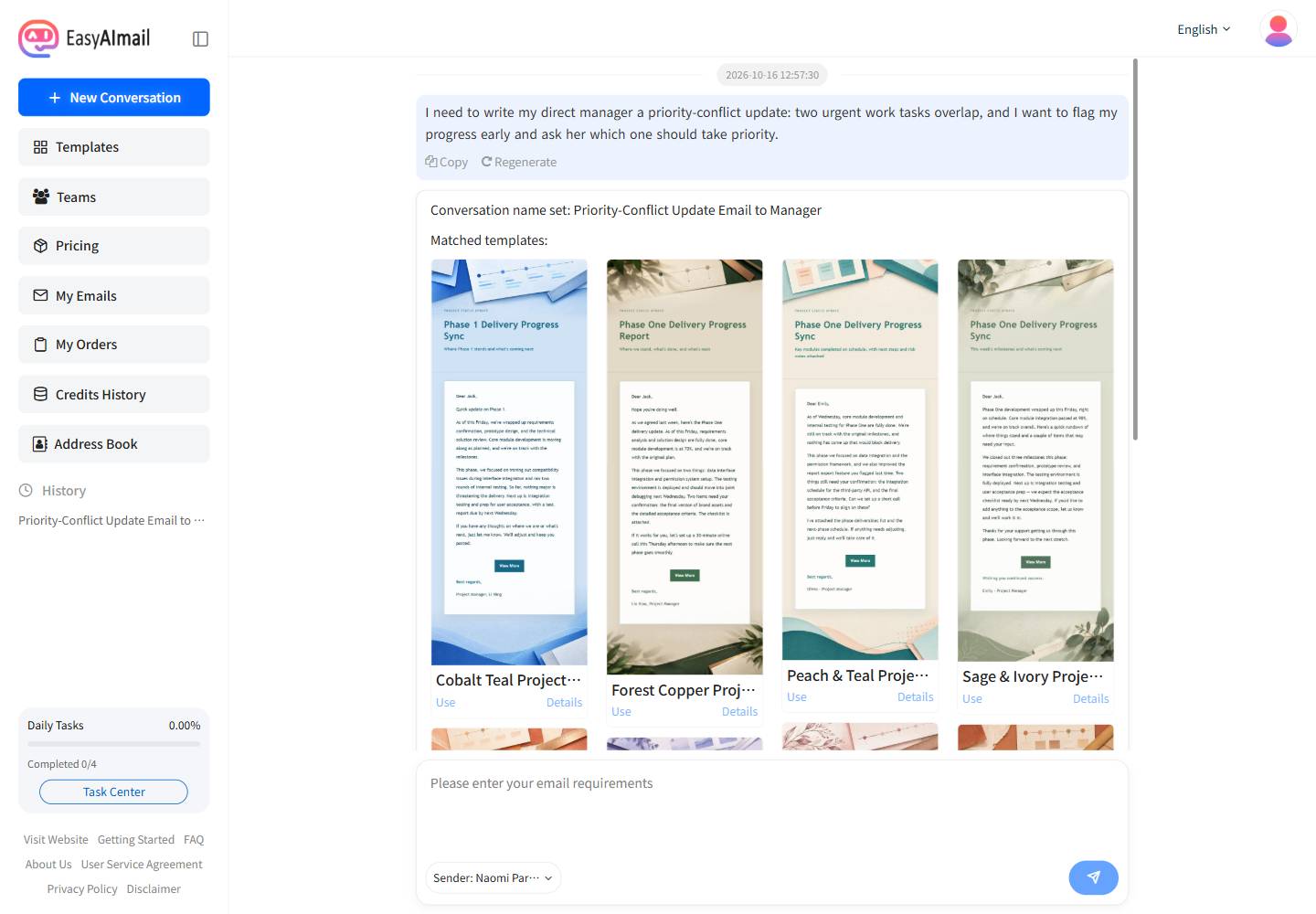
Begin with the plain situation: “Two important tasks have collided, and I need to update my manager and confirm which comes first.” EasyAImail can recommend relevant templates, but you open the details and choose the one that suits the relationship.
It then asks for the greeting, completed work, competing deadlines, workable dates, and tone in smaller turns. Before generating, check that the email asks a question your manager can genuinely answer. This workflow generates and previews the email only; it does not send it.
Before you send
Before you send it, check that the message contains completed progress, the real dates for both tasks, a date you can keep, and one clear priority decision.
Should I blame another team for the delay?
No. You can name a dependency, but a list of outside causes hides the decision you need. Lead with your progress and the impact of each option.
Is “which is more important?” enough?
Only if you explain the result of each choice. A manager needs to know what moves when one item comes first.
What if my manager does not reply quickly?
Continue with the most reasonable current priority and send a short confirmation before you need to switch work. Do not wait until both deadlines have passed.
> All people, companies, dates, and email copy in this article are fictional examples. The email was generated and previewed only; it was not sent.