
Gold Filigree Letterhead Business Thank-You Email
A gold filigree letterhead business thank-you email template for formal appreciation. Ivory and antique gold give it a steady, professional look—just fill it in and send.
Create a free account and this template opens in the writing screen. Tell AI who the email is for and why you are writing; it asks for the missing details and creates your complete email.
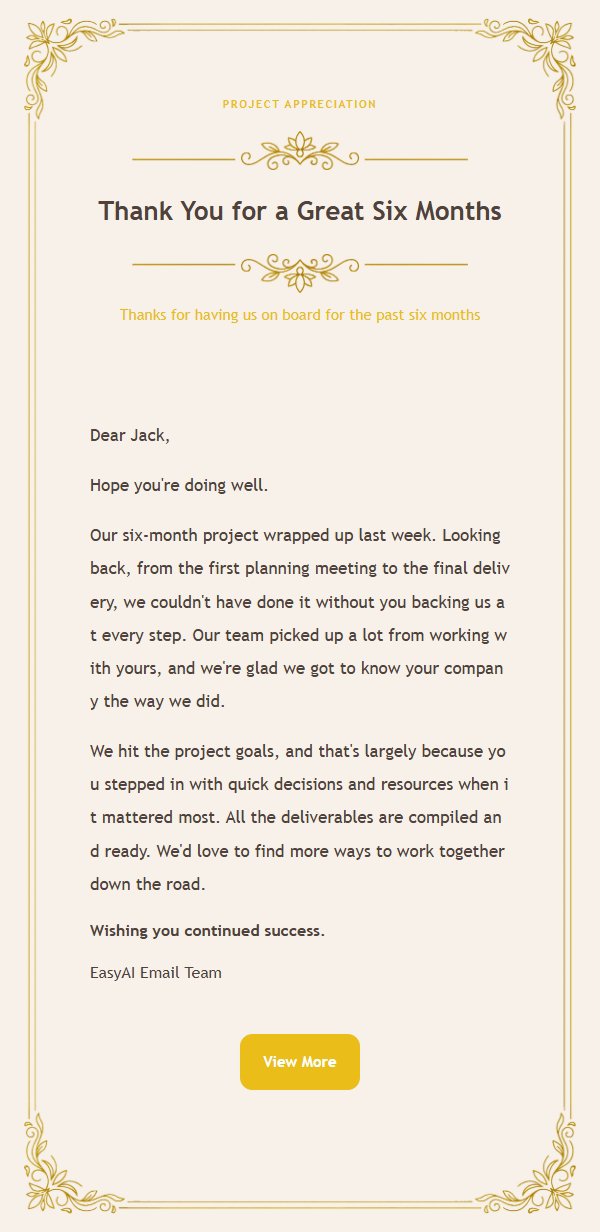
About this template
A formal business thank-you email template with a gold filigree letterhead. Use it to say thanks after a project wraps up, a contract is signed, or for annual client check-ins. The 600px canvas is split into three parts: an eyebrow, main title, and subtitle at the top; the body in the middle; and the closing, signature, and an external link button at the bottom. Ivory, warm white, antique gold, charcoal gray, and light gray give it a steady, professional feel. Font sizes, line heights, and link colors stay consistent, and the background stretches vertically so longer messages still look clean. You can also set up product displays in one or two columns, which makes batch editing and exporting straightforward.
Email previews
2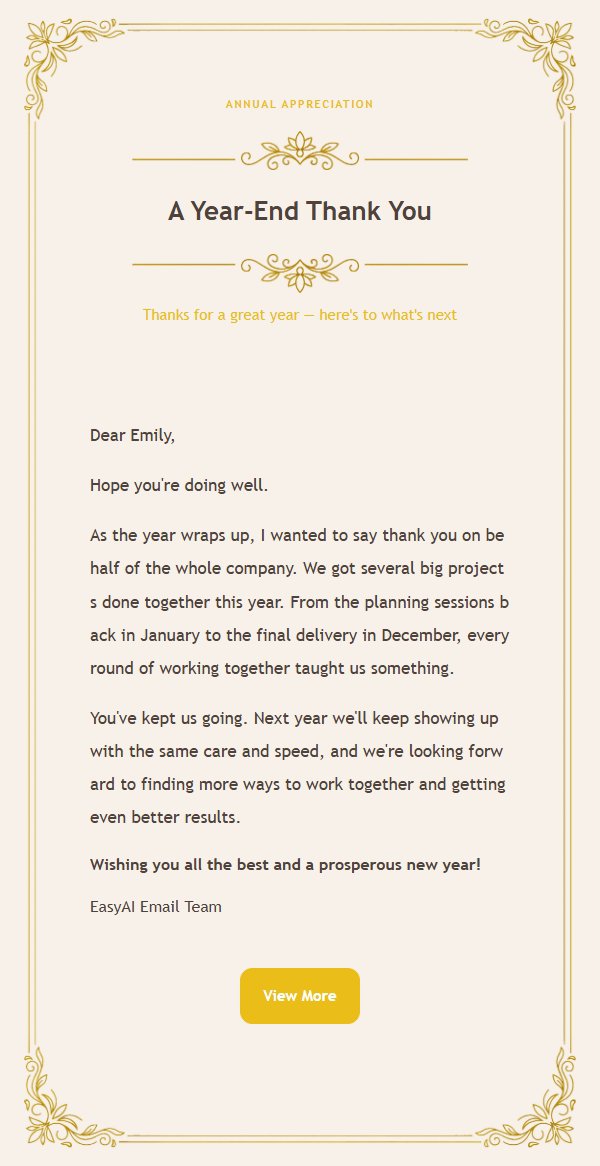
Use this template in three steps
No downloads and no HTML editing. After you sign in, this template opens automatically; just tell AI who the email is for and why you are writing.
- 1
Open this template
Click the button and sign in or create a free account. The writing screen opens with this template already selected.
- 2
Tell AI the essentials
In your own words, share the recipient, purpose, and tone. If dates, locations, links, or other details are missing, AI asks for them.
- 3
Preview, revise, and send
Review the complete email and ask AI for changes. Then enter the recipient and choose to send now or schedule it.
Version history
- v1.0First Created
Turn this template into your own email
Create a free account and this template opens automatically. Tell AI who you are writing to, why, and what matters; then preview the complete email, revise it, and decide how to send it.