
When a recipient cannot see the HTML, the worst outcome is not losing the colors. It is losing the point of the email: what changed, what they should do, and where a link leads. A raw tag dump or a bare wall of URLs does not give them a useful alternative.
A readable plain-text version of an HTML email keeps the meaning and the next step available when the visual layer is unavailable, reduced, or simply not the recipient's preferred way to read. The goal is not to erase tags as fast as possible. It is to preserve the human message.
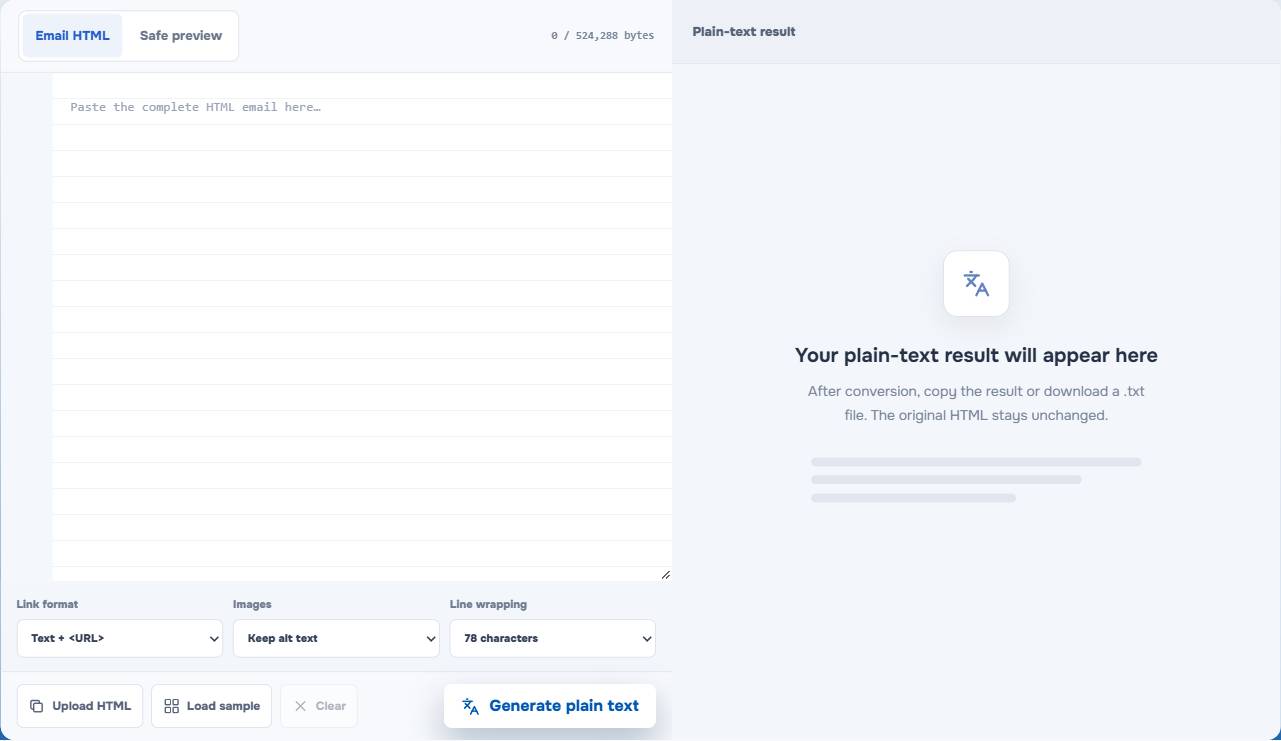
Why an HTML email needs a text alternative
HTML helps an email carry hierarchy, buttons, spacing, images, and branded presentation. It cannot be the only place where the message makes sense.
Someone may use a text-oriented client, choose a simplified view, rely on assistive technology, be on a constrained connection, or just prefer the faster plain version. They still need to identify the sender, understand the update, and act on the request without reconstructing the message from code fragments.
That is the practical value of a text part alongside an HTML part in a multipart email: it offers the same underlying communication in a different reading form. It is not a second marketing slogan and it is not an excuse to make the HTML less accessible. For the broader content review, see the HTML Email Accessibility Checklist.
Preserve meaning, not the visual layout
Plain text cannot reproduce a two-column card, a gradient, or a designed button. Trying to imitate every visual decision usually creates noise.
Instead, preserve the order in which a person needs the information:
- A clear subject-like heading or opening.
- The central update, request, or offer.
- Any list that makes decisions or status easier to scan.
- A usable link and a clear action.
- The closing and sender identity.
The EasyAImail HTML Email to Plain Text converter is built for that reading order. It keeps headings, paragraphs, ordered and unordered lists, and readable table content rather than applying a simple strip-all-tags operation.
Decide how links should appear
Links are often the difference between a useful text alternative and a frustrating one. A button label such as "View the latest status" needs a destination a text-only reader can use.
Text plus URL is the safe default
For a short operational email, showing the link text followed by its URL gives the reader enough context and an immediate path to act. It is usually the clearest choice when there are only a few links.
End references can keep a long message cleaner
For a longer update with several links, references gathered at the end can keep paragraphs easier to scan. The important test is whether a reader can still tell which sentence each link supports.
Text-only links need extra caution
Visible text alone can be tidy, but it only works when the label is genuinely specific and the recipient does not need to copy or inspect the destination. Do not turn every useful URL into a vague "Read more."
Treat images as information decisions
Images are not automatically useful in a text alternative. A decorative divider or background flourish should not create noisy text. A product image, account-status graphic, or meaningful visual may need alt text when that text carries information the recipient would otherwise miss.
The converter lets you keep alt text or ignore images. Choose based on the purpose of each image, not because one setting sounds more accessible. If the offer, date, price, or required action exists only inside an image, fix the HTML email too: the core message should exist in real text nearby.
Do not include content the reader never saw
An HTML source may contain hidden desktop/mobile copies, tracking elements, decorative images, or client-specific blocks. A good conversion should not announce every hidden fragment as if it belonged in the message.
EasyAImail excludes hidden, display:none, mso-hide, tracking, and decorative image content from the readable result. It also does not execute media queries or load external styles, so it should not be treated as a visual rendering engine. Review the output for facts, names, and actions before you use it.
Keep line wrapping useful, not rigid
Line wrapping is mostly a reading comfort decision. A sensible width makes a long email easier to follow in narrow panes and plain-text clients. But a line break that cuts a URL, a long word, Unicode text, or preformatted content can make the message harder to use.
The tool offers 72 characters, 78 characters, or no wrapping. There is no universal winner. Use a conventional wrapped width for ordinary status updates, and use no wrapping only when the actual message has a reason to preserve its original line structure.
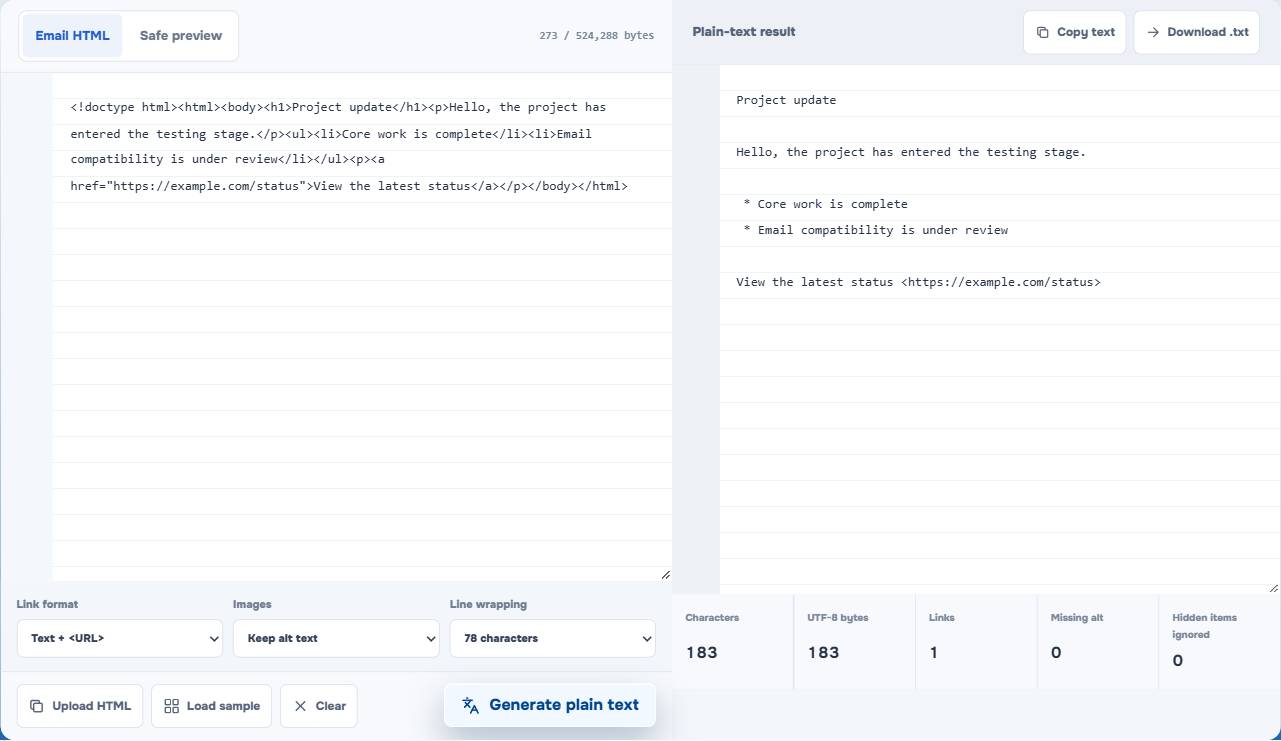
In the visible tool test, the result kept the heading, the project list, and the link address. That is the right standard for a text fallback: not a visual clone, but a readable path through the same information.
Review the HTML and text together
The text version is not a lower-priority draft. Read it immediately after the HTML version and ask four questions:
- Can someone understand the update without seeing a visual card or button?
- Does every important link have a useful destination or reference?
- Did meaningful images add the right explanation, while decorative images stay quiet?
- Are names, prices, dates, and requests the same in both versions?
Then run the final HTML through the EasyAImail Email HTML Preflight. A text alternative does not prevent Gmail clipping, Outlook CSS failures, or a missing image source in the HTML. For source-size risk, read Gmail Clipping at 102 KB.
If you are starting with a message, not code
If the difficult part is finding the right words for a client, colleague, or friend, start with the message itself. In EasyAImail's web app, you explain the situation, AI recommends relevant templates, and you choose the visual direction. The conversation asks only for missing details before creating a complete HTML email you can preview and revise. You decide what is accurate and whether it should be sent.
Once the HTML exists, the text converter is one practical way to make sure the message remains usable beyond its visual presentation.
FAQ
Can I send the generated plain text without reviewing it?
You should review it first. The converter preserves useful structure, but only you can confirm that names, facts, links, and the intended tone are correct for the recipient.
Should every image become text in the alternative?
No. Keep alt text when an image carries information or an action. Ignore decorative images so they do not interrupt the reading flow. Important facts should also appear in real text in the HTML message.
Is plain text less professional than HTML email?
Not when it is readable and carries the same essential information. It is a practical alternative reading path, not a lesser version of the message.
Does the converter render my CSS or load external images?
No. It does not execute media queries or load external styles and resources. It converts the supplied HTML into readable text, so you should still review the actual HTML email in the clients that matter.
Keep the alternative useful enough to stand on its own
Make the final choice from the recipient's reading experience: preserve the message hierarchy, keep the action and its destination clear, silence decorative noise, and compare the text with the final HTML. A text alternative earns its place when it still lets a person understand and act without the designed version in front of them.