
Important emails are often sent when you are tired, late, or trying to clear your inbox. That is exactly when a missing date, an old signature, or a vague promise slips through.
Use the EasyAImail browser plugin's AI review as a second reading pass for a Gmail draft you already wrote. It checks the open draft; it does not send it or make the final decision for you.
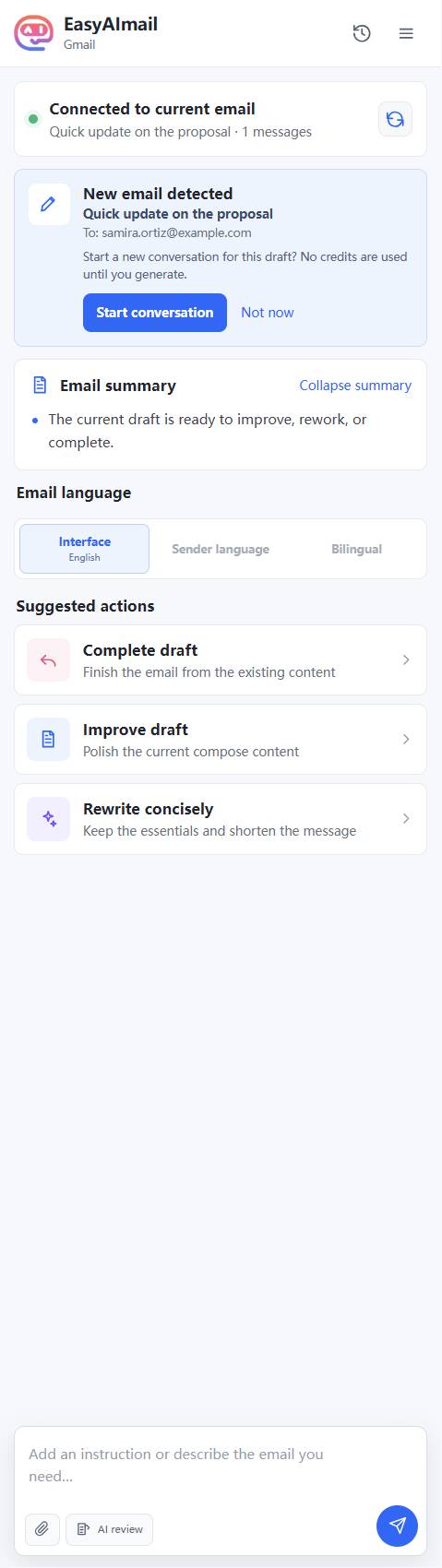
Look for decision-changing issues
The best review is not about making every sentence sound fancy. It is about finding what changes the recipient's next move: an unclear delivery time, no ownership of a delay, no next step, or a signature left over from another situation.
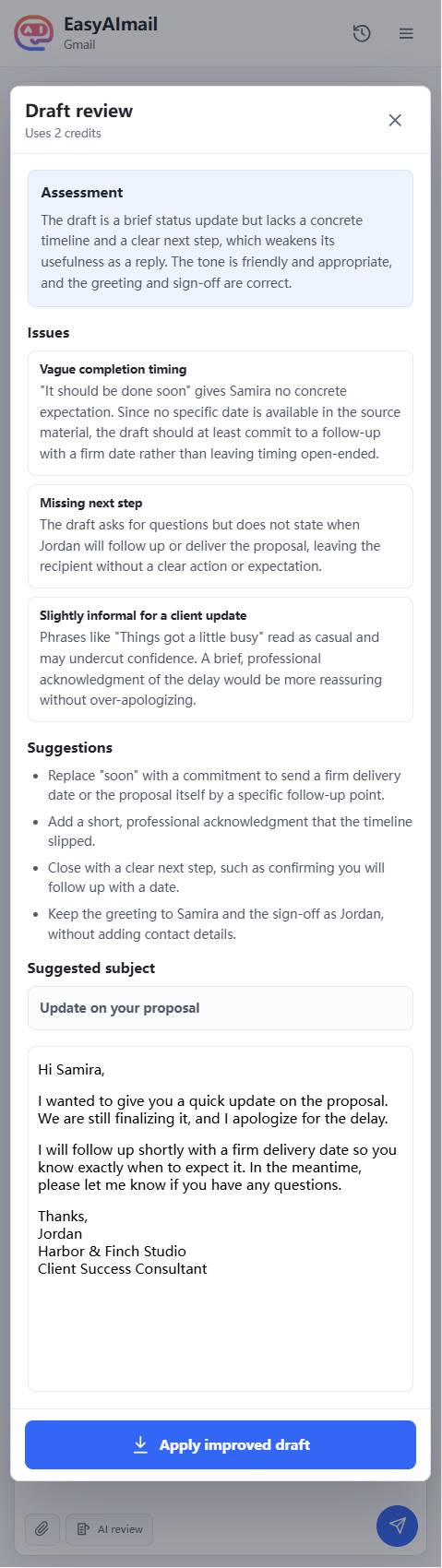
Read the feedback against the real facts. AI review can identify that "soon" is weak; only you can confirm whether Friday, next week, or another date is true.
Apply, then read it once in Gmail
If the improved version is useful, choose to apply it. It is inserted into the Gmail editor as an unsent draft. Read it once more where it will actually be sent.
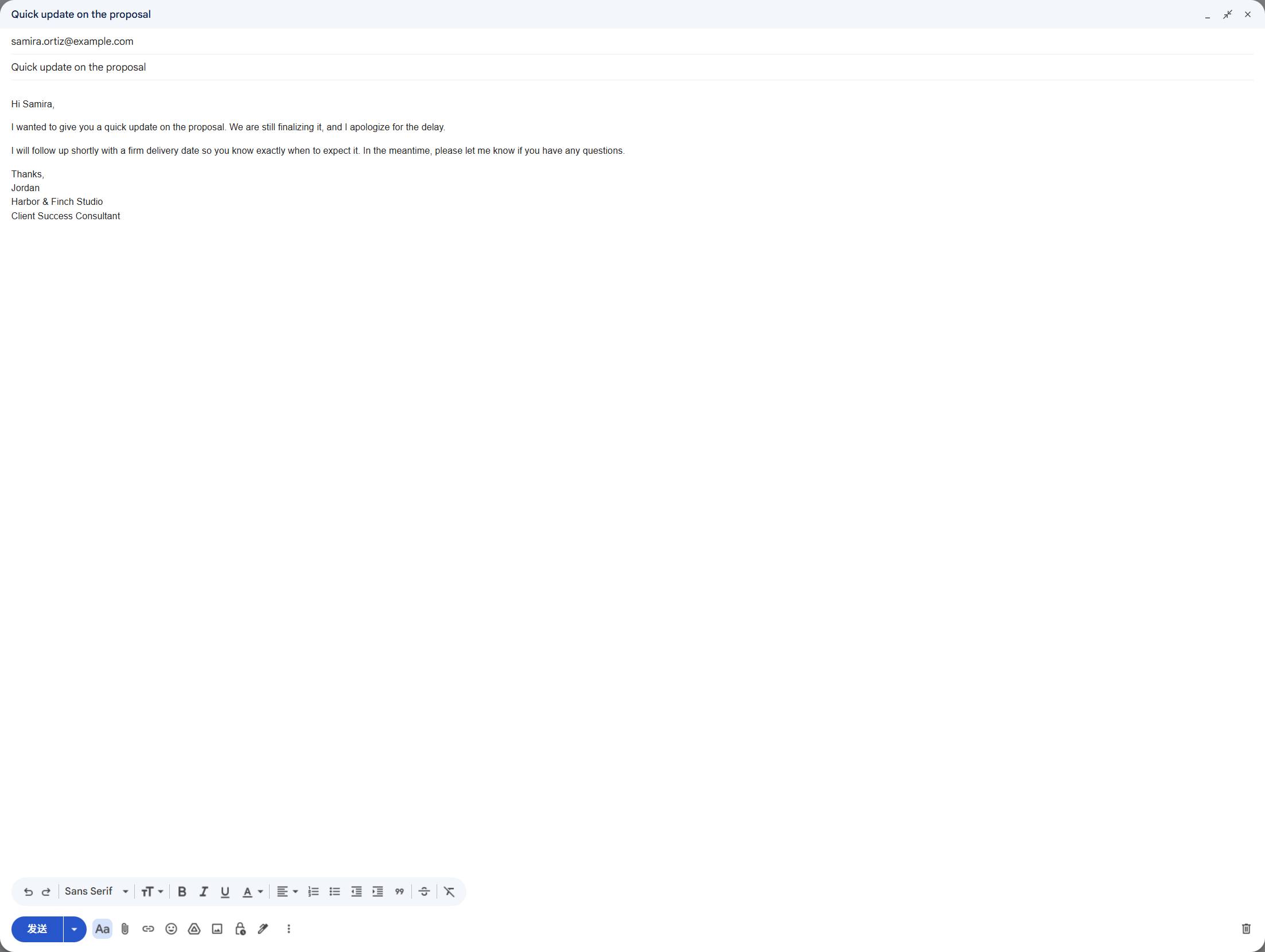
Use this last checklist: recipient, subject, dates, promised next step, attachments or links, signature, and tone. EasyAImail helps with the second pair of eyes; Send remains your button.