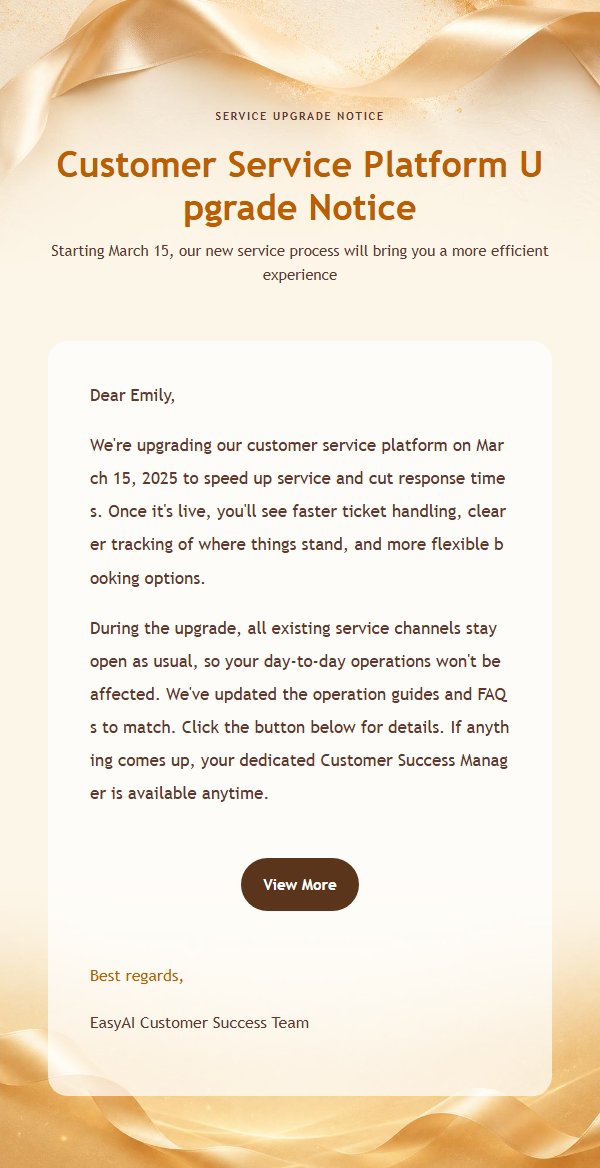
You're writing to one person. Maybe to propose a meeting, maybe to answer something they asked you to look into, maybe to thank them, apologise, or follow up on a conversation that went quiet.
You know what you want to say, and ten minutes later it's written. You read it back — everything's there. But that block of black text on the screen doesn't feel like a letter you'd want to send. The content is fine. It just doesn't look like it was worth writing.
That's not a writing problem. Getting the message across and making it look right are two different jobs.
Notification emails can look rough. Yours can't
Start by separating two things.
Look at what landed in your inbox today: order confirmations, verification codes, billing reminders. Nobody minds if those look plain — you scan for the one line you need and close them.
An email you write to a person is different. They will actually look at it. They'll notice how you addressed them, whether the paragraphs breathe, whether you seemed to care. They can't see how long you spent. They only see what arrives.
Layout is posture, in writing. Cram the same words tight and grey and the reader quietly files you under "casual". Give the same words room and let the important line stand out, and they think: this person took it seriously.
Content carries the information. Design carries the attitude. Two jobs.
Polished doesn't mean typed from scratch
Some people worry that a template, or a tool, makes the email less genuine.
Try it the other way round. People who write letters that matter use a format. Designers work from type systems. Law firms have house styles for correspondence. Borrowing a format that's already proven doesn't mean the words aren't yours.
What makes an email sound like you is the content: whether you're saying something specific, whether your own judgement and tact are in it, whether you've accounted for the other person's situation.
The format can be borrowed. The words have to be yours. Once that's clear, a tool won't make your email feel fake.
The things you're actually worried about
Can they tell a tool helped me write it?
No. All the recipient sees is a sender, a subject, and a body. There is no such thing as a tool fingerprint.
Will it read like a mass mailing?
That depends on how specific the content is. "The shipment we talked about at the meeting" reads personal. "Regarding the matter of cooperation" reads like a template even when a human typed it. You're also sending one-to-one: there's no bulk-mail machinery attached, and every word is yours to change.
Will the layout break in their mail client?
No. The styling is written inline into the email itself, so the basic layout holds even in clients that ignore advanced CSS.
One thing worth knowing in the other direction: copying the generated HTML into webmail and pasting it there causes more problems. That markup is messier than a proper send, and it trips spam filters more easily.
Is it safe to connect my own mailbox?
What you enter is an app password, not your login password. It's a credential your provider issues specifically for third-party clients, and you can revoke it from your mailbox settings at any time — the tool loses access the moment you do. If you don't connect a mailbox and use the system channel, your password is never involved at all.
How do I know they got it?
Every send is logged, recipient by recipient. No need to circle back and ask "did this arrive?".
Will it actually send?
The least of your worries. Email travels over SMTP, and any server with sending capability can speak it. When you click send in your own mailbox, a server is running that same protocol behind the scenes. Different button, same email.
Making the sender show your own address
This is usually the last thing holding people back. Two routes.
Route one: send through the system channel. The sender field shows the platform's address, but the reply-to points at you — if they hit reply, it comes to your mailbox. You get a copy too, identical to what the other person received.
Route two: connect your own mailbox. Enter your provider's SMTP details once (server, port, app password), and the sender they see is your own address — indistinguishable from sending it yourself in webmail.
The content and where replies go are the same either way. The only difference is who they see. For email to clients or partners, you already know which route you want.
In practice, it's three steps
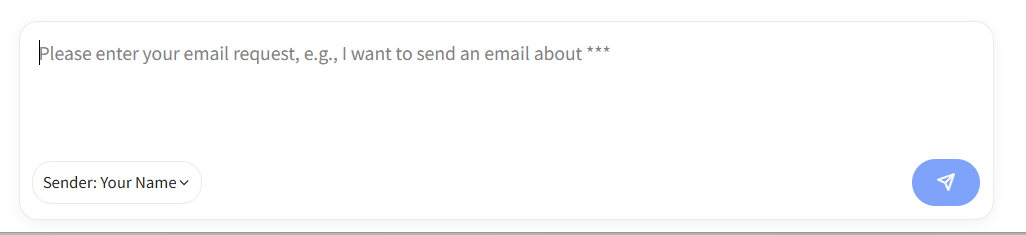
One: say what you need. No full sentences required — who it's for, why you're writing, and what you want to happen is enough. "Write to Mr. Lee, who I met last week — thank him for his time and set up a call about the quote next week."
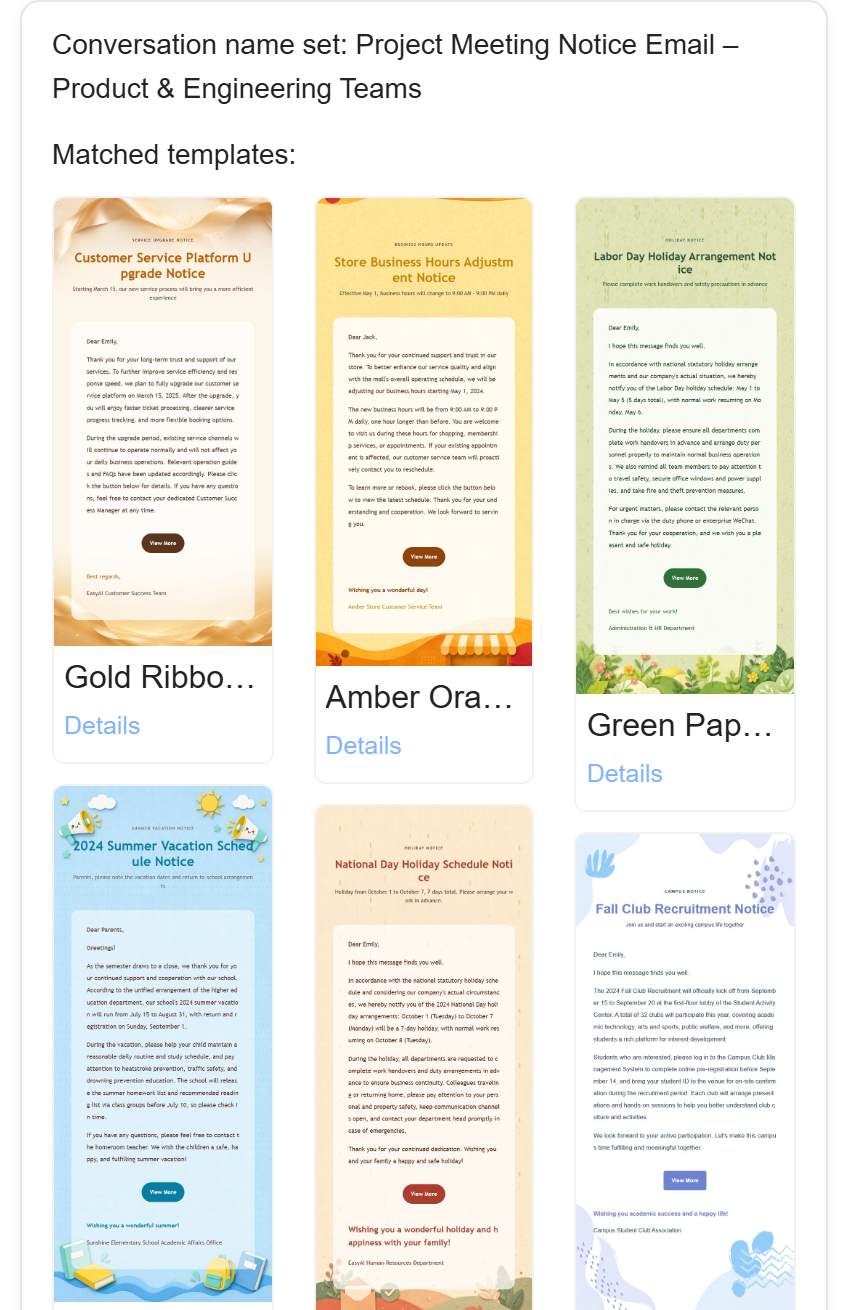
Two: watch it draft. It works out what kind of email this is and picks a matching layout. Then you read the draft and say what's off; changes happen in the same conversation, no starting over.
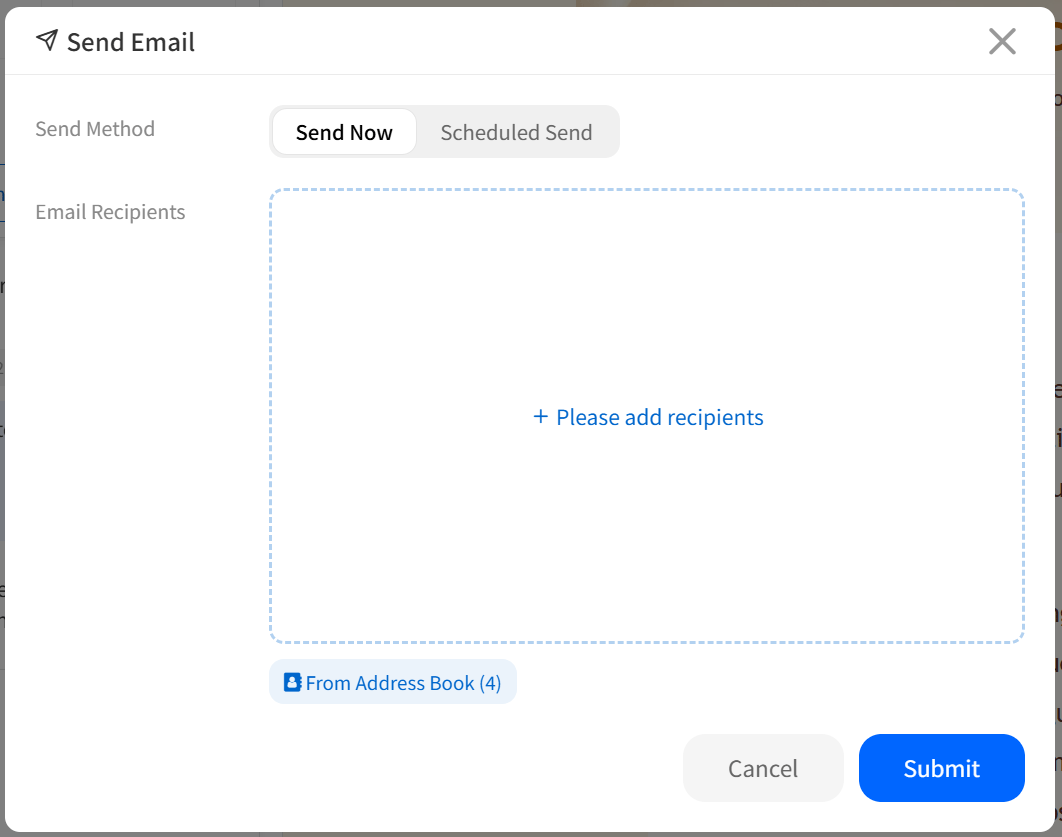
Three: add the recipient and send.
Realistically: a minute or two to brief it, three to five to revise. Faster than grinding it out from a blank page, and steadier than sending whatever came out first.
In one paragraph
You're not "using AI to write an email". You're writing a letter to one person, and the tool's job is to make that letter presentable.
To see it for yourself, the simplest test: write one to your own address and look at how it sits in your inbox.