
Why I built this email tool
I studied design first, then moved into software development.
I studied design first, then moved into software development.
That order matters. As a designer I knew what an email should look like; after I started writing code I learned why it so rarely ends up that way. The work sitting between those two things never had a decent answer.
Every email had three gates to pass
I write a lot of email at work. Not the automated kind — the kind addressed to one specific person: a client, a partner, a colleague on the same project, someone I interviewed with and owe a follow-up.
That kind of email has to clear three gates.
Decide what to say. And what to say differs per person — wording that works for a client doesn't work for a colleague.
Lay it out so it looks like something. Line width, white space, where the emphasis lands: it needs a shape.
Then turn it into HTML that mail clients will actually render. This is the annoying gate. It looks fine in a browser and falls apart in desktop Outlook.
Skimp on any one of the three and the email shows it: right content that looks careless, or a handsome layout saying the wrong thing.
The hard part wasn't the difficulty. It was the repetition
Every email meant walking all three gates from the start. New recipient, first two gates again. New content, all three again.
After enough rounds you realise this isn't "takes a while occasionally" — it's every single time. A proper email, with the back-and-forth, can easily eat an hour or two.
So most of the time I settled. A plain-text note covering the facts, or an older email with the name and date swapped out.
Settle often enough and it turns into a habit: when something genuinely deserves care, the first thought becomes "never mind, a quick line will do".
What I wanted was simple
Describe what you need, get back an email you can send — content fitted to that person, and the thing looking presentable.
The hard part was never the design. It was the tact: the same news, written differently for a client, a colleague, a friend. Templates don't solve that. Templates let you fill in blanks.
So I never built it. The missing piece was understanding the request.
AI filled in that missing piece
Today you can hand over a sentence like "write a short Mid-Autumn greeting to a client we've worked with for years — no sales pitch", and it understands. Then it asks for what you left out: how to address them, formal or relaxed, roughly how long.
The part that used to run laps inside your head now has something to catch it.
The layout gate changed too. No more starting from a blank page: the template library holds finished layouts, and it picks a few that suit the kind of email you're writing. Wrong one? Swap it.
What used to take a designer, a copywriter and a front-end developer now comes together in a few turns of one conversation.
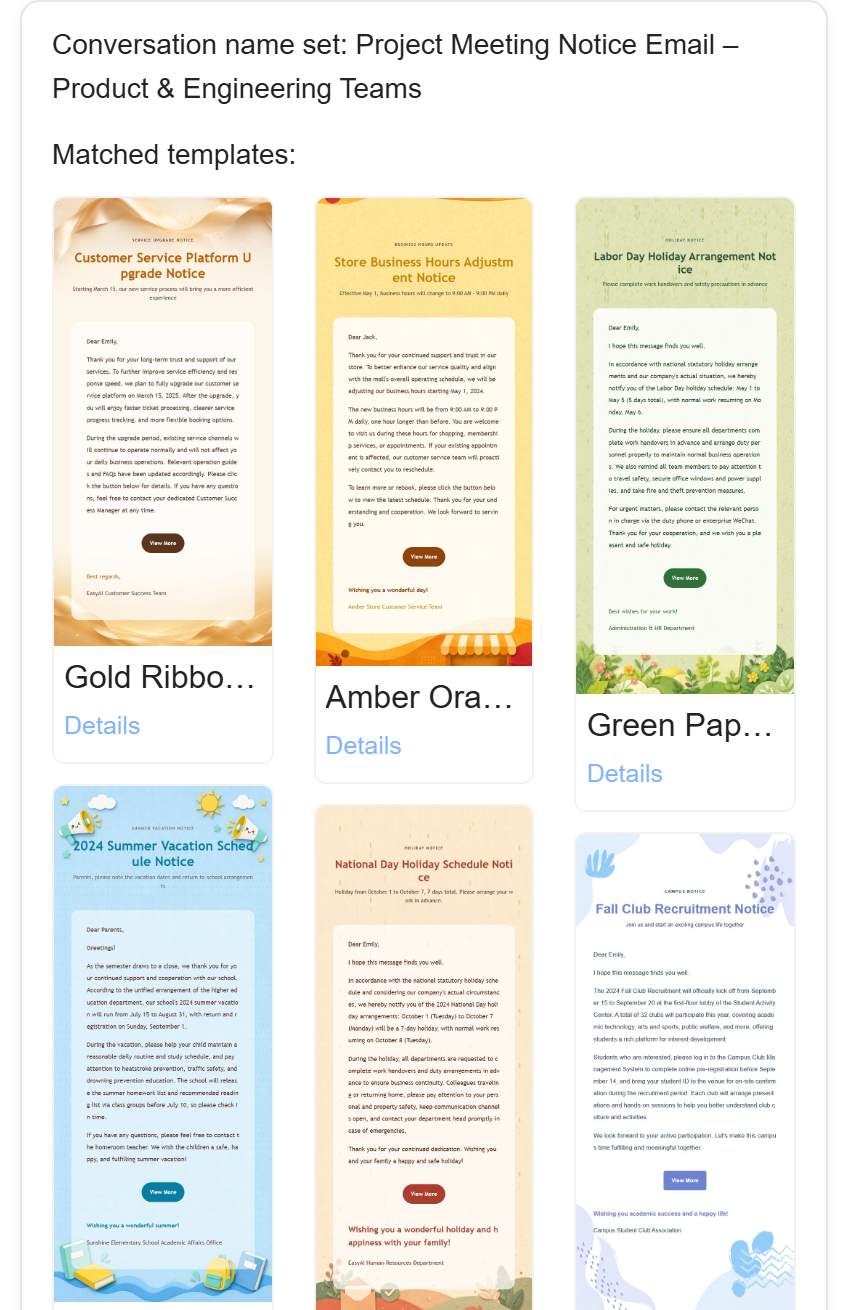
So EasyAImail exists
It works in three steps: describe what you need and it drafts; say what's off and it changes in the same conversation; add the recipient and send.
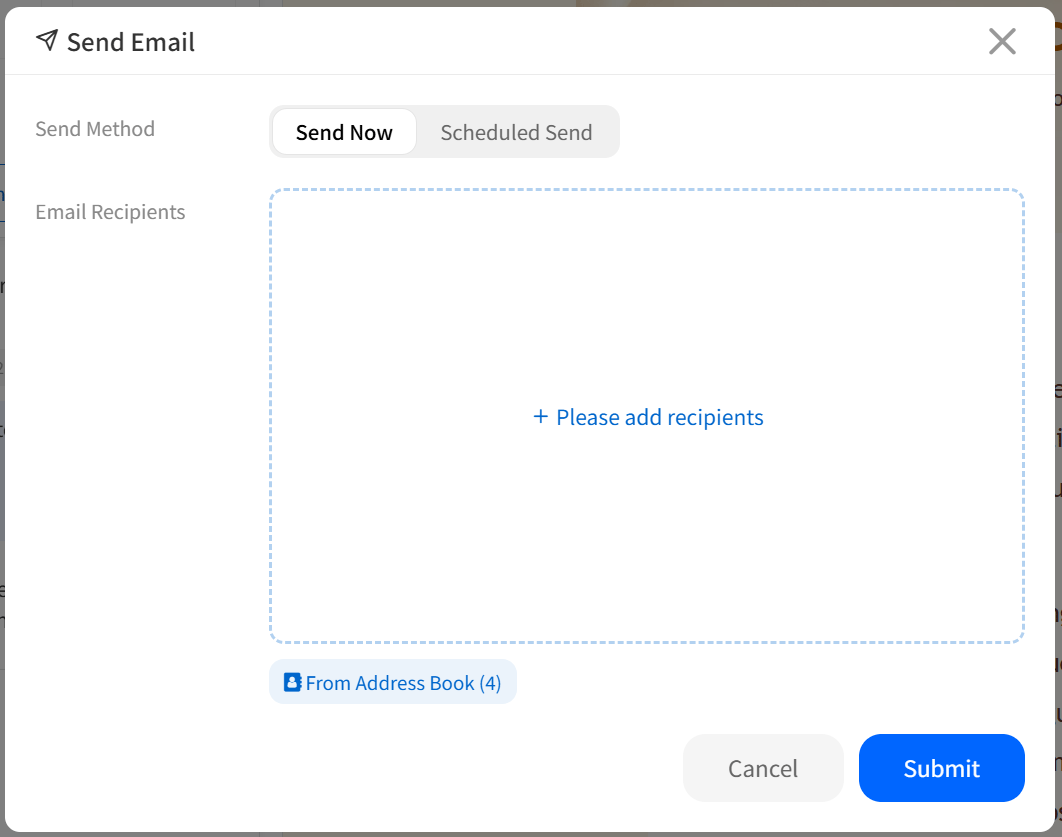
One thing took the most work: the email it produces is ready to send. Layout and styling are written into the email itself, so it holds together whatever the recipient opens it in. Without that, everything before it would be wasted.
Last thing
This tool started as something I built for myself, to get my own problem out of the way.
If you've ever wanted to write someone a proper email, thought about it for a while, and then let it go — we're probably the same kind of person.
Ready to put this guide into practice?
Start with one sentence about your recipient, purpose, and key points. EasyAImail guides you through the rest.