
How to revise instead of regenerate
Regenerating from scratch every time something's off is usually the worst-value move — a fresh email is charged as a creation, while an edit in the same...
Regenerating from scratch every time something's off is usually the worst-value move — a fresh email is charged as a creation, while an edit in the same conversation is charged as a revision, and the second one is far cheaper.
Revisions aren't free either. So the real saving isn't making fewer edits — it's saying everything you want changed in one message.
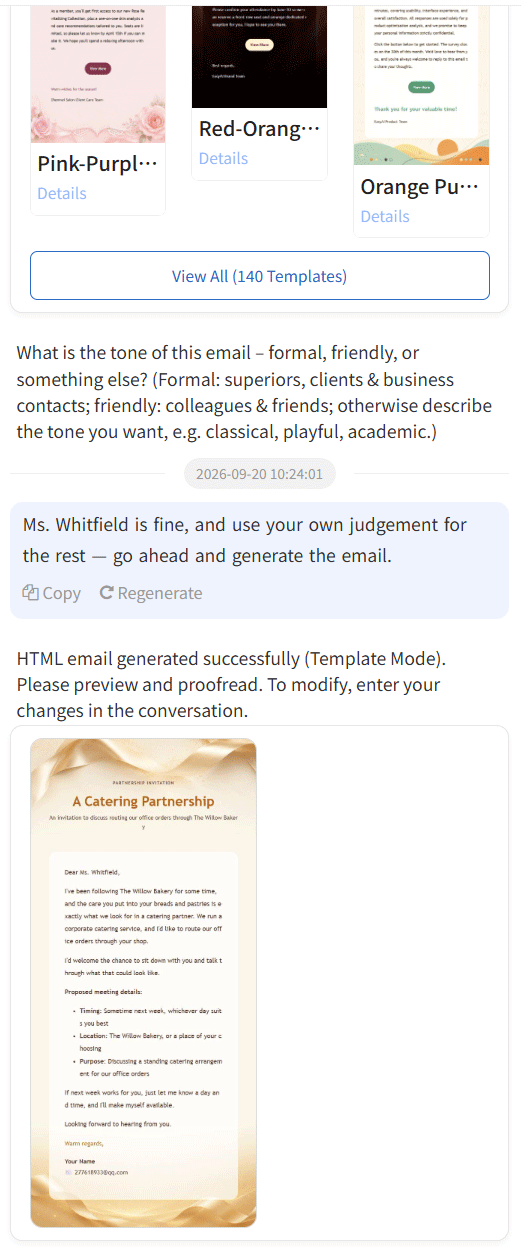
You don't need a new conversation to edit
Once an email exists, the input box at the bottom changes its placeholder to:
Enter your request: modify content, re-layout, change template, switch style, or a new email request
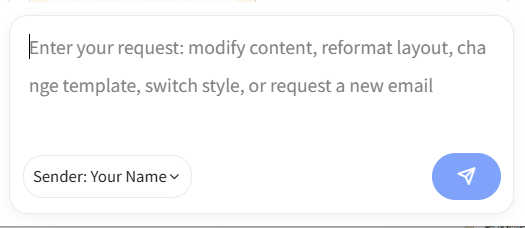
That sentence is your cue that you're in revision mode. Keep talking, it keeps editing, and it all stays in one thread so you can compare versions.
Five things you'll change most
These all work as written. But every revision you submit costs credits, so batch them where you can — "shorten the subject, drop the second paragraph, add a line about looking forward to a reply" in one message is charged once.
The subject line
The subject is too long — cut it to under 8 words
Make the subject more formal, drop the exclamation mark
The tone
Make the whole thing a bit more polite, but not servile
Too stiff. Write it the way you'd talk to a colleague you get along with
One passage
Delete the second paragraph
Change the date from Wednesday to Thursday at 3pm
Add "Looking forward to your reply" at the end
The layout
Switch to a cleaner layout, this one's too busy
Change the palette to warmer tones, drop the blue
The template
Re-layout this with a different template, keep the content
Switch to a business-style template

After each change, use Preview or Full Screen in the bar above to check it before deciding what's next.
Changing one thing? Fence it off
If only one detail needs to move and everything else should stay exactly as it is, say so explicitly:
Change only the date in the third paragraph. Leave everything else untouched.
That phrasing triggers what's essentially a surgical edit: smallest possible change, most predictable result. The opposite — a vague "can you tweak it" — sometimes rewrites neighbouring paragraphs too. It isn't a malfunction; you just didn't draw the boundary.
When regenerating is genuinely the right call
Three cases, and only three:
- The audience changed. It was written for a client; now it needs to go to a colleague.
- Several rounds in, it's still wrong. That means your original brief was missing something. Go back, fill the gap, start fresh — faster than continuing to nudge.
- You want a genuinely different direction. Keep the current one as a reference and generate a second version alongside it.
Save the ones that work
When a version clicks, hit Favorite below the email and that layout goes into your favourites.

Next time it's waiting for you under the My Favorites tab at the top of the Template Center — no digging required.
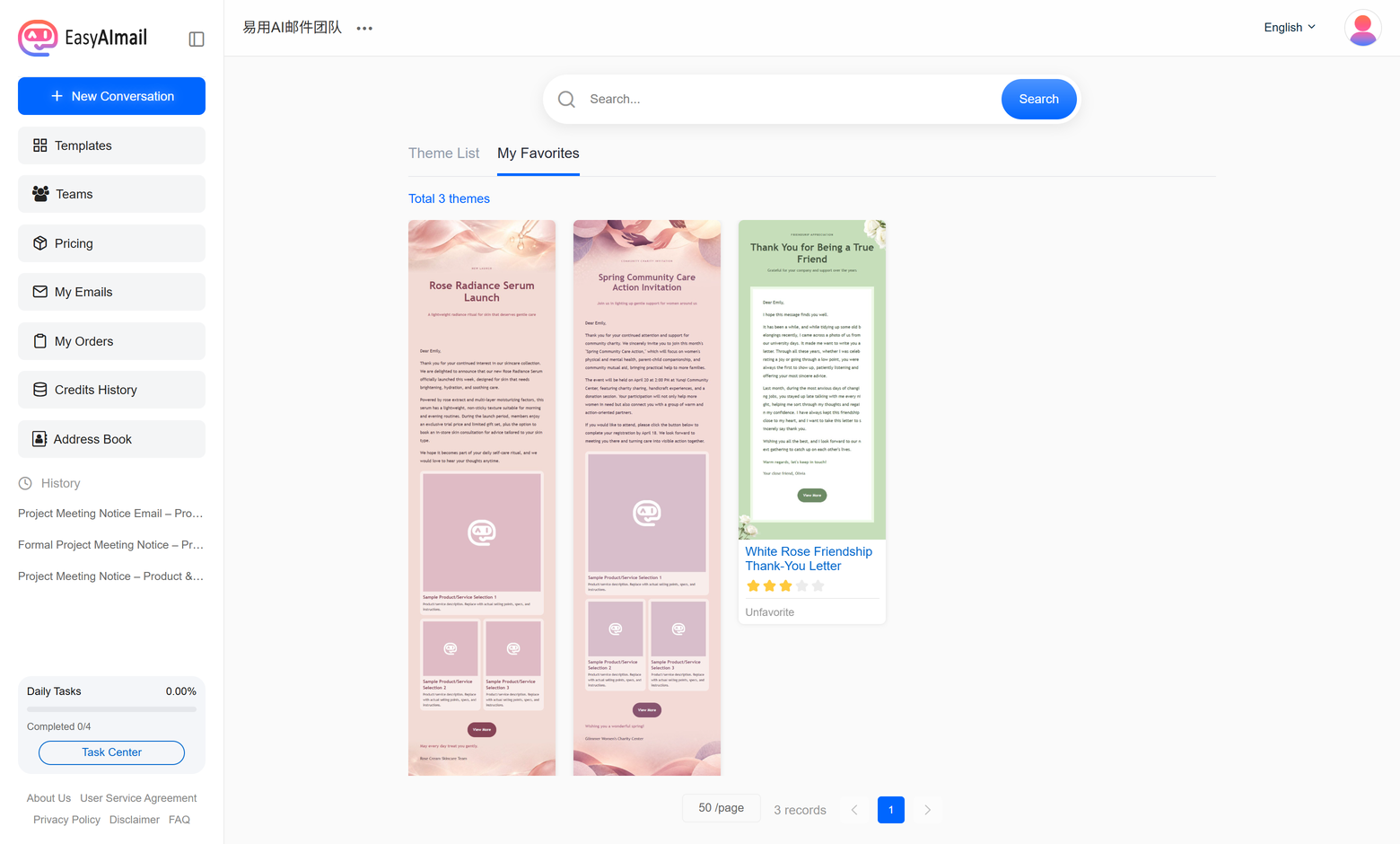
Rate Template sits right next to it. Reviews show up on the template's detail page, which helps whoever lands on it after you.
Ready to put this guide into practice?
Start with one sentence about your recipient, purpose, and key points. EasyAImail guides you through the rest.