
Terracotta Cream Retirement Tribute Email
Write a retirement tribute with warmth: a terracotta cream template to honor dedication, celebrate a mentor, and make the farewell moment truly seen.
Create a free account and this template opens in the writing screen. Tell AI who the email is for and why you are writing; it asks for the missing details and creates your complete email.
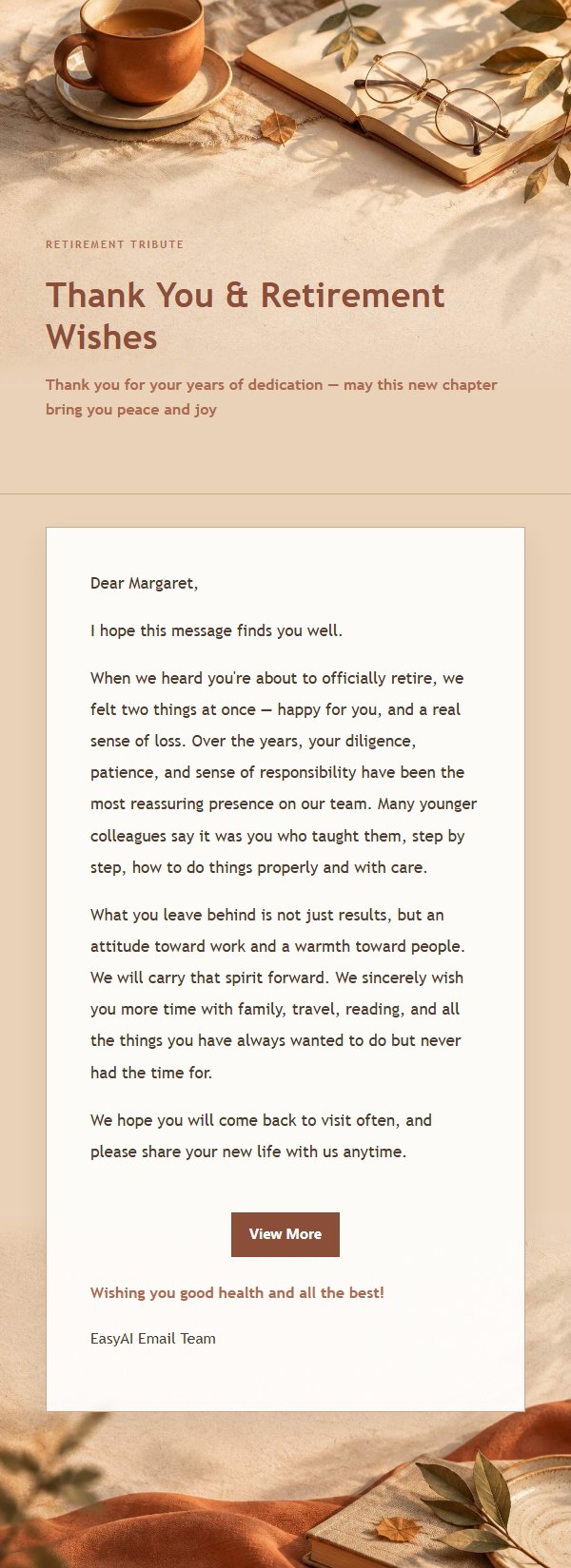
About this template
A heartfelt retirement tribute email template designed for life's meaningful milestones. Featuring a warm terracotta and cream palette with paper, fabric, and soft window-light textures, it creates an intimate, low-contrast atmosphere. Great for honoring a colleague's retirement, bidding farewell to a mentor, or marking a career milestone. The structure guides you from expressing your reason for writing, to acknowledging their dedication and value, to offering specific well-wishes, and finally to a customizable closing blessing. Mobile-first design with desktop enhancements for spacing and button layout, great for those who value ceremony and express sincerity through words.
Email previews
2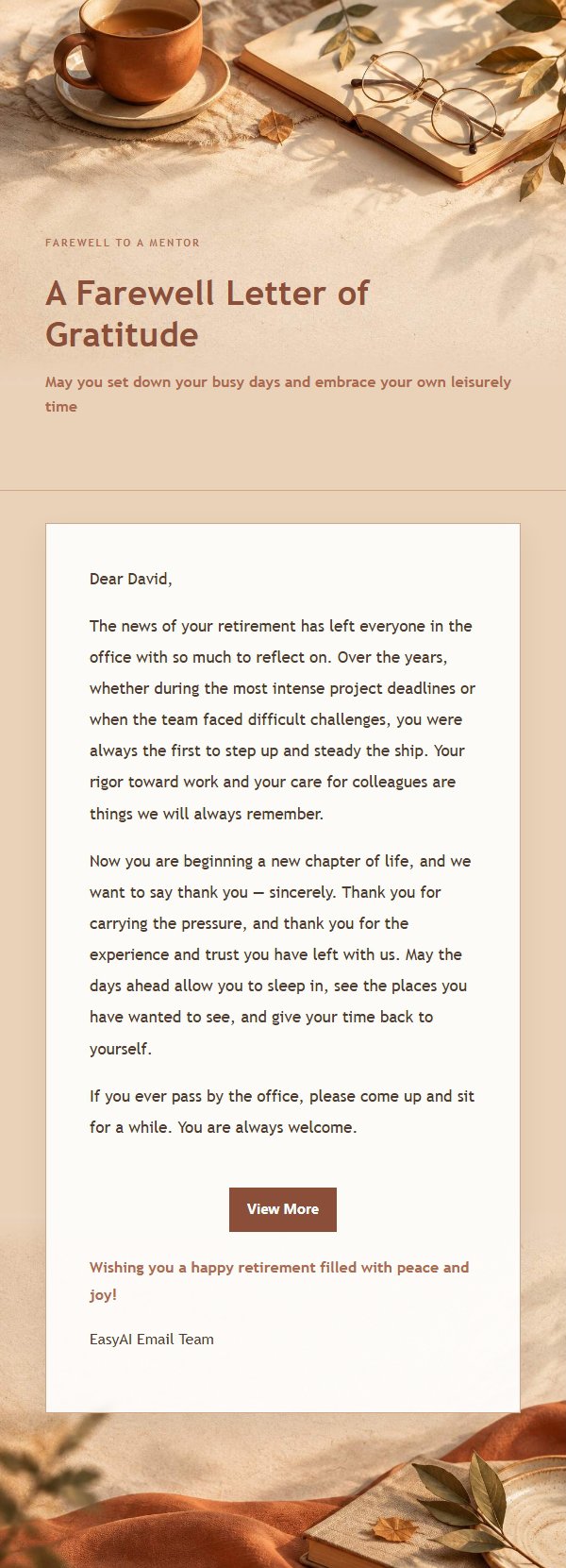
Use this template in three steps
No downloads and no HTML editing. After you sign in, this template opens automatically; just tell AI who the email is for and why you are writing.
- 1
Open this template
Click the button and sign in or create a free account. The writing screen opens with this template already selected.
- 2
Tell AI the essentials
In your own words, share the recipient, purpose, and tone. If dates, locations, links, or other details are missing, AI asks for them.
- 3
Preview, revise, and send
Review the complete email and ask AI for changes. Then enter the recipient and choose to send now or schedule it.
Version history
- v1.0First Created
Turn this template into your own email
Create a free account and this template opens automatically. Tell AI who you are writing to, why, and what matters; then preview the complete email, revise it, and decide how to send it.