
Terracotta Cream Partnership Follow-Up Email
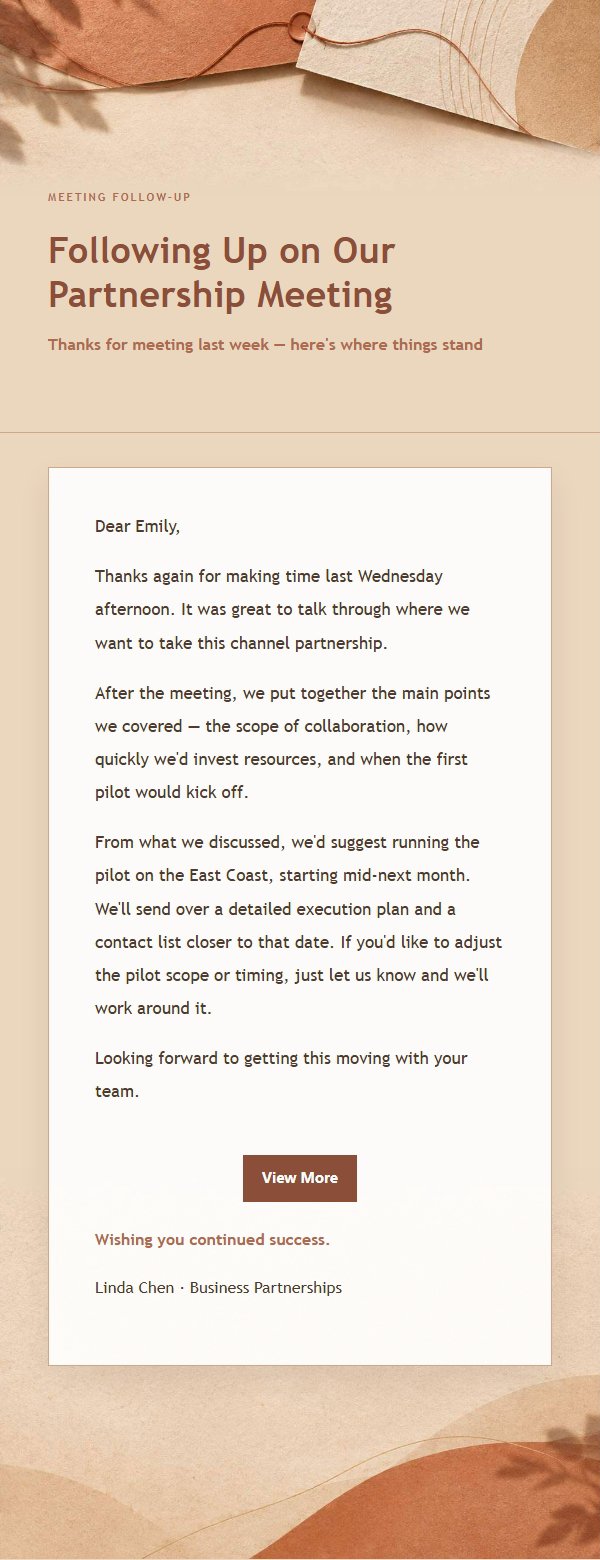
Terracotta cream partnership follow-up email template with warm paper texture, making business communication clear, graceful, and well-measured for follow-ups and confirmations.
Create a free account and this template opens in the writing screen. Tell AI who the email is for and why you are writing; it asks for the missing details and creates your complete email.
About this template
A polished business follow-up email template designed for partnership communication, featuring a warm terracotta-cream aesthetic built on a #f5ede4 palette with soft gradients, fine borders, and generous paper-like whitespace. It suits post-meeting follow-ups, partnership confirmations, project updates, proposal delivery, and progress reminders, helping professionals turn stiff or wordy messages into clear, graceful, and readable relationship communication. The structure opens with the reason for writing, explains context and next steps, and closes with a replaceable sign-off, balancing efficiency and respect. Mobile-first, with desktop enhancements via media queries and pre-defined dynamic link styles for reliable inline sending.
Email previews
2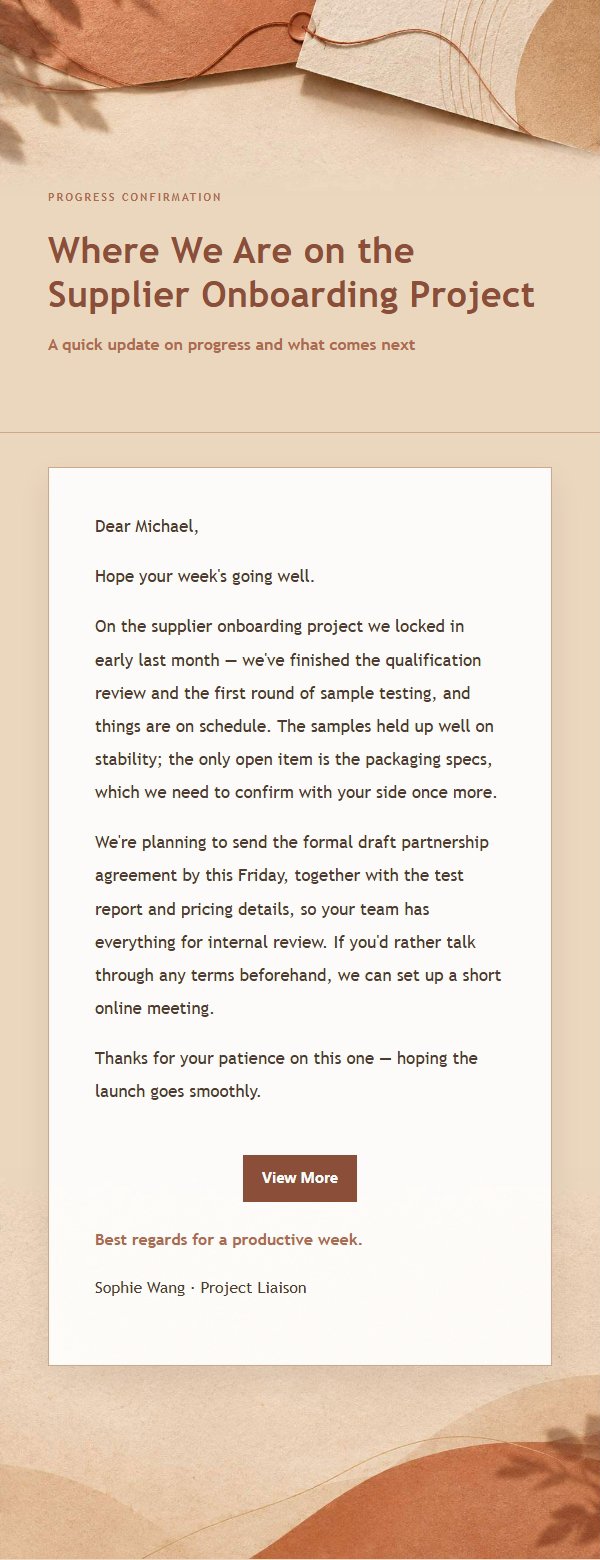
Use this template in three steps
No downloads and no HTML editing. After you sign in, this template opens automatically; just tell AI who the email is for and why you are writing.
- 1
Open this template
Click the button and sign in or create a free account. The writing screen opens with this template already selected.
- 2
Tell AI the essentials
In your own words, share the recipient, purpose, and tone. If dates, locations, links, or other details are missing, AI asks for them.
- 3
Preview, revise, and send
Review the complete email and ask AI for changes. Then enter the recipient and choose to send now or schedule it.
Version history
- v1.0First Created
Turn this template into your own email
Create a free account and this template opens automatically. Tell AI who you are writing to, why, and what matters; then preview the complete email, revise it, and decide how to send it.