
Terracotta Cream Condolence & Companionship
Write the words that are hard to say into a letter that won't pressure anyone. Terracotta Cream Condolence & Companionship template, quietly and gently accompanying every important moment.
Create a free account and this template opens in the writing screen. Tell AI who the email is for and why you are writing; it asks for the missing details and creates your complete email.
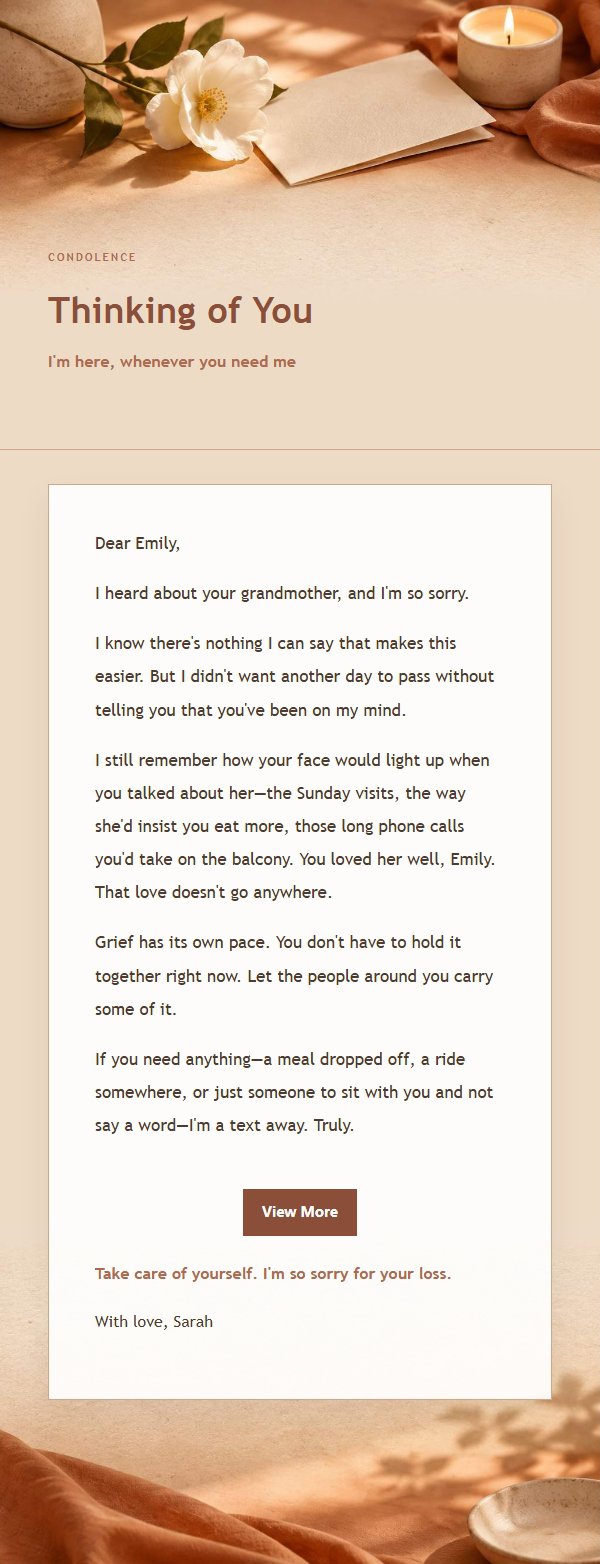
About this template
A heartfelt email template designed for condolence and companionship moments, crafted for life's most significant and difficult times. The design philosophy centers on transforming sentiments worth celebrating, commemorating, or offering comfort into a message that feels neither perfunctory nor overwhelming. Featuring a terracotta cream aesthetic, it uses paper textures, fabric, window light, and low-contrast decorations to create an emotional atmosphere—never turning important moments into loud posters, nor letting condolences, encouragement, or confessions become empty slogans. Visual emphasis is placed on the emotional entry point of the title, scene cue tags, breathing room in the body text, the distance between blessings and signature, and the gentle closure of external link buttons. The content strategy first expresses the reason for writing, then acknowledges the recipient's experience, efforts, or the preciousness of the relationship, followed by specific yet restrained wishes or promises, and finally preserves a replaceable closing blessing so the recipient feels truly seen. For women, those who value ritual, and senders skilled at expressing heartfelt sentiments through words.
Email previews
2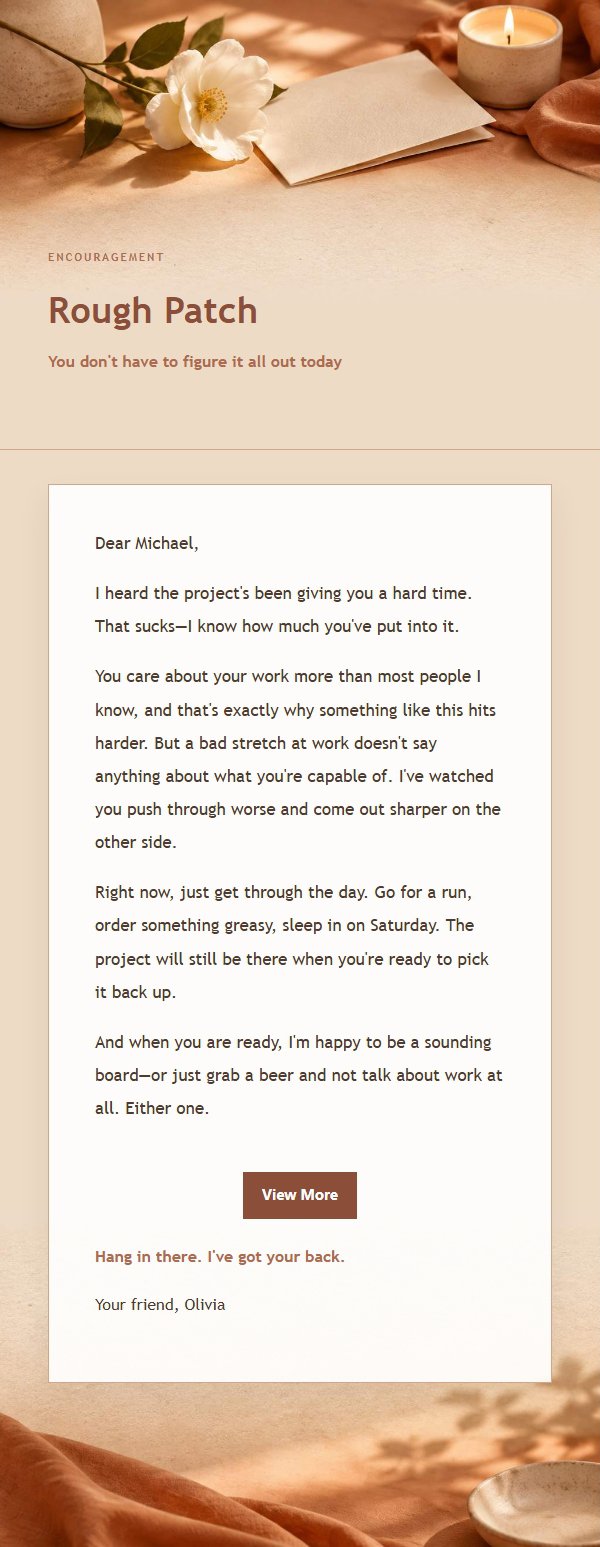
Use this template in three steps
No downloads and no HTML editing. After you sign in, this template opens automatically; just tell AI who the email is for and why you are writing.
- 1
Open this template
Click the button and sign in or create a free account. The writing screen opens with this template already selected.
- 2
Tell AI the essentials
In your own words, share the recipient, purpose, and tone. If dates, locations, links, or other details are missing, AI asks for them.
- 3
Preview, revise, and send
Review the complete email and ask AI for changes. Then enter the recipient and choose to send now or schedule it.
Version history
- v1.0First Created
Turn this template into your own email
Create a free account and this template opens automatically. Tell AI who you are writing to, why, and what matters; then preview the complete email, revise it, and decide how to send it.