
Sage & Ivory Postponement Apology Email
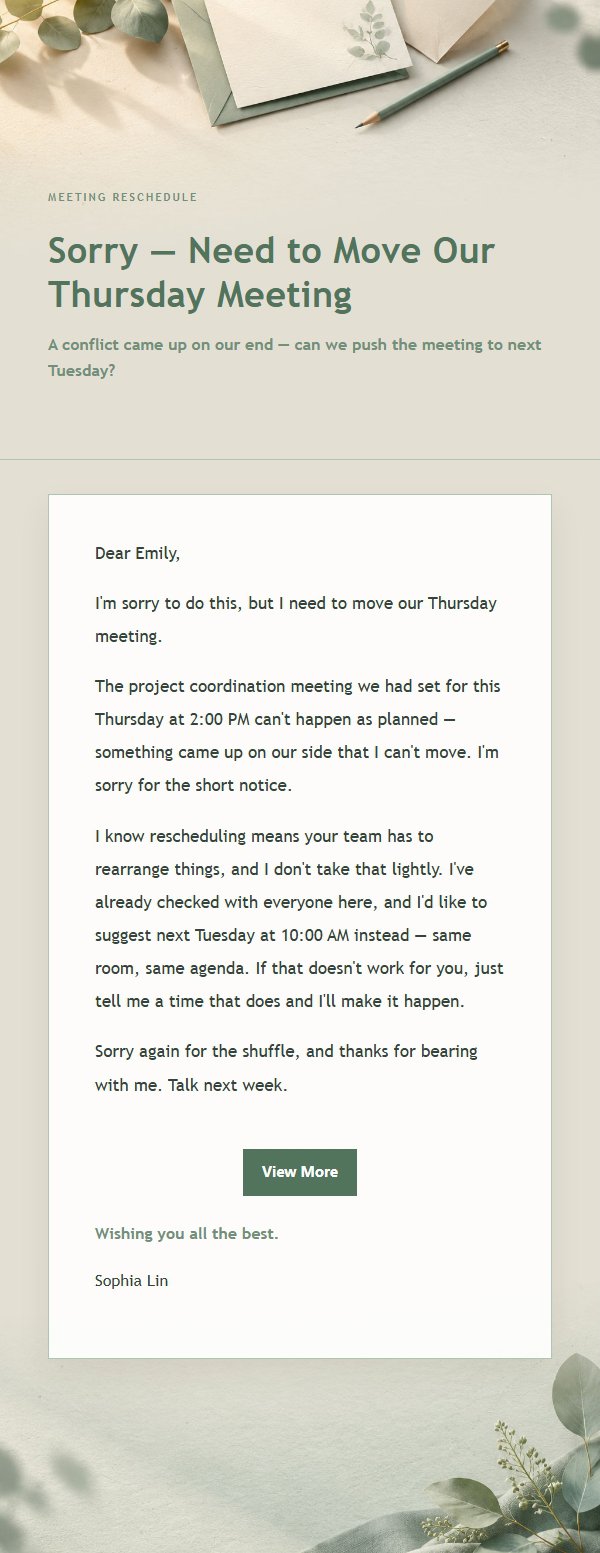
A gracefully written postponement apology email with sage and ivory tones, warm yet professional. Explain the reason first, then offer a remedy, so your apology is read with care.
Create a free account and this template opens in the writing screen. Tell AI who the email is for and why you are writing; it asks for the missing details and creates your complete email.
About this template
A professional business etiquette email template designed for postponement and apology scenarios, featuring a sage and ivory visual style with a #edf1eb color base, low-contrast gradients, fine borders, and paper-like whitespace. Great for female professionals and business communicators who value aesthetics, it suits meeting rescheduling, schedule changes, project delays, and rebooking. The content strategy first explains the reason for writing, then covers the background, impact, and next steps, ending with a replaceable closing wish so recipients quickly grasp the key points while feeling the sender's sincerity and respect. Mobile-first structure with desktop media queries enhancing font size, spacing, and button layout.
Email previews
2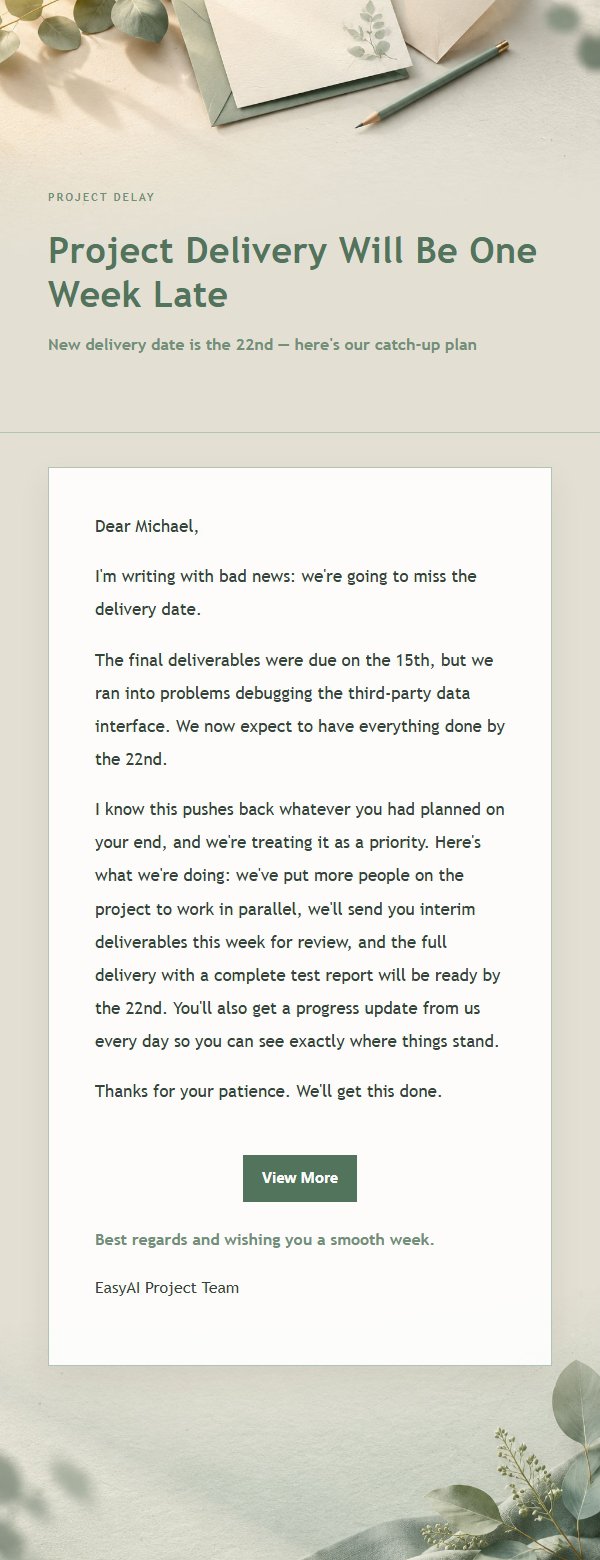
Use this template in three steps
No downloads and no HTML editing. After you sign in, this template opens automatically; just tell AI who the email is for and why you are writing.
- 1
Open this template
Click the button and sign in or create a free account. The writing screen opens with this template already selected.
- 2
Tell AI the essentials
In your own words, share the recipient, purpose, and tone. If dates, locations, links, or other details are missing, AI asks for them.
- 3
Preview, revise, and send
Review the complete email and ask AI for changes. Then enter the recipient and choose to send now or schedule it.
Version history
- v1.0First Created
Turn this template into your own email
Create a free account and this template opens automatically. Tell AI who you are writing to, why, and what matters; then preview the complete email, revise it, and decide how to send it.