
Sage & Ivory Polite Follow-Up Email
Sage & Ivory polite follow-up email template — gentle reminders without pressure, making follow-ups dignified and tactful. Great for workplace and client communication.
Create a free account and this template opens in the writing screen. Tell AI who the email is for and why you are writing; it asks for the missing details and creates your complete email.
About this template
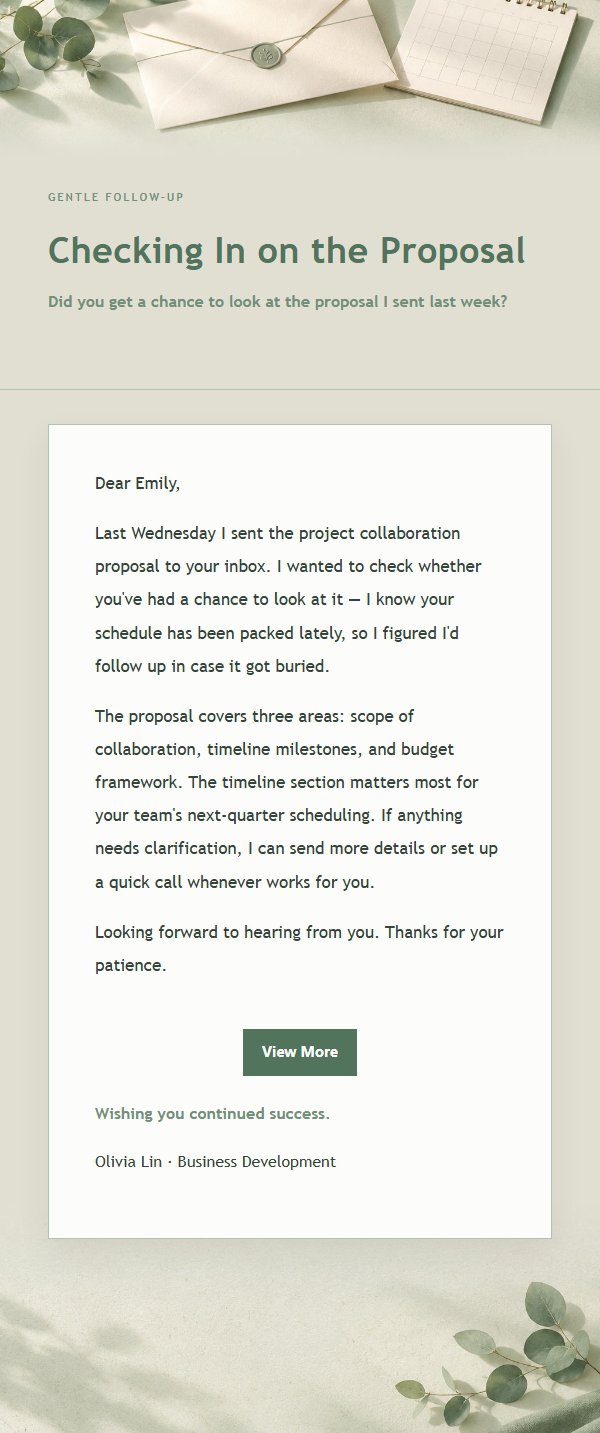
A workplace relationship and business etiquette email template designed for polite follow-up scenarios. Its core challenge is transforming a message that could easily sound stiff, wordy, or tactless into a clear, dignified, and genuinely readable expression of relationship. The template adopts a sage and ivory aesthetic, using the #edf1eb palette as its visual base, combined with low-contrast gradients, fine borders, paper-like whitespace, and a stable reading area for the body text. It avoids relying solely on decorative images and steers clear of turning business communication into a cold system notification. For female professionals and business communicators who value aesthetics, it can be used for post-meeting follow-ups, collaboration confirmations, project updates, thank-you notes, referrals, reminders, declines, apologies, and proposal submissions. The visual focus rests on the polite restraint of the headline, the rhythm of body paragraphs, the relationship between the closing greeting and signature, and the natural closure of the external link button. The content strategy first explains the reason for writing, then covers background, impact, and next steps, and finally preserves a replaceable closing greeting, allowing the recipient to quickly grasp the key points while feeling the sender's sincerity and respect. The template uses a structure, with media queries enhancing font size, whitespace, and button layout on desktop; dynamic links in the body, signature, and theme footer all have pre-defined compatibility styles for stable sending after backend conversion to inline format.
Email previews
2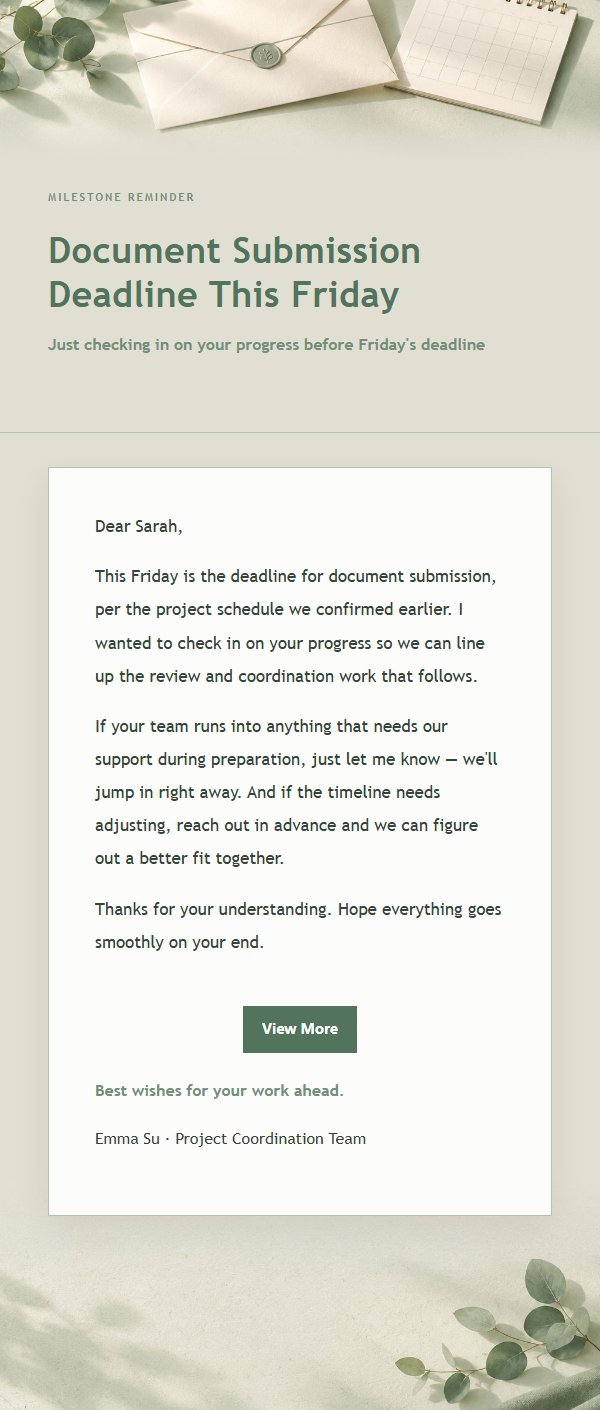
Use this template in three steps
No downloads and no HTML editing. After you sign in, this template opens automatically; just tell AI who the email is for and why you are writing.
- 1
Open this template
Click the button and sign in or create a free account. The writing screen opens with this template already selected.
- 2
Tell AI the essentials
In your own words, share the recipient, purpose, and tone. If dates, locations, links, or other details are missing, AI asks for them.
- 3
Preview, revise, and send
Review the complete email and ask AI for changes. Then enter the recipient and choose to send now or schedule it.
Version history
- v1.0First Created
Turn this template into your own email
Create a free account and this template opens automatically. Tell AI who you are writing to, why, and what matters; then preview the complete email, revise it, and decide how to send it.