
Rose Receipt Contract Signing Confirmation Email
Worried clients won't understand your contract email? This rose receipt style template lays out amounts, dates, and next steps clearly. Generate with AI, review, then send.
Create a free account and this template opens in the writing screen. Tell AI who the email is for and why you are writing; it asks for the missing details and creates your complete email.
About this template
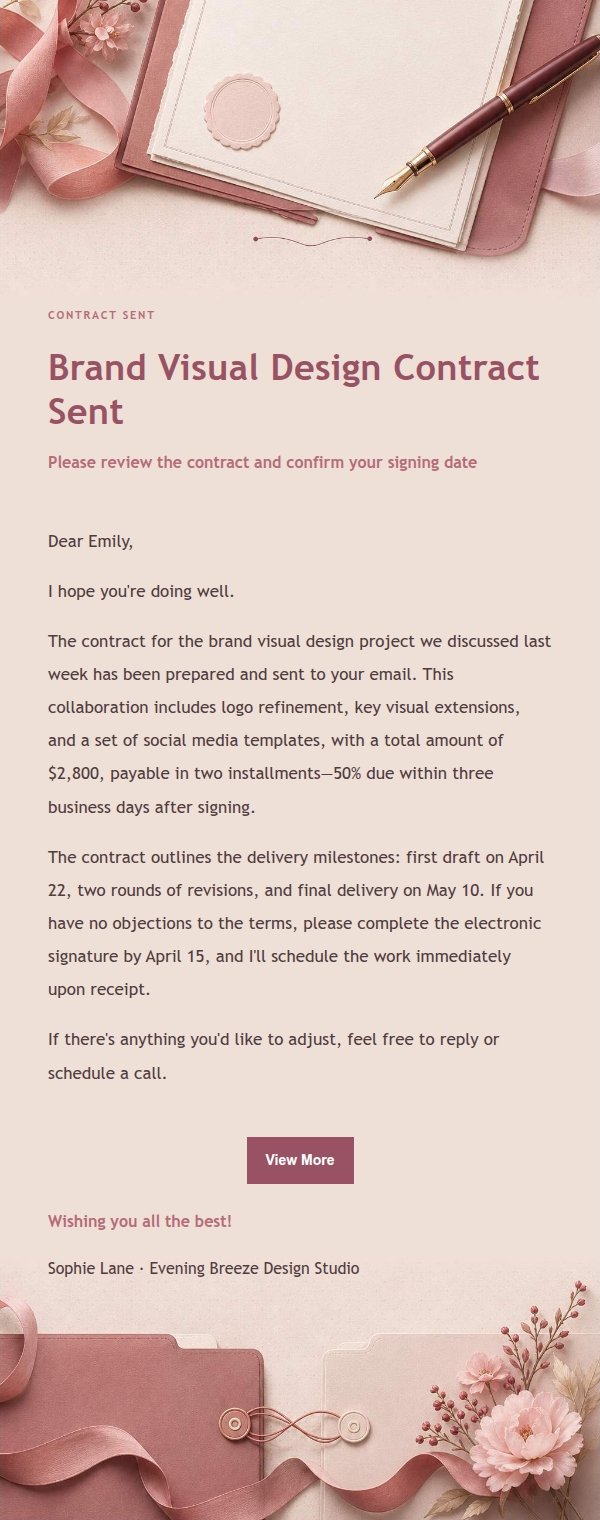
A transactional email template for sending contracts and confirming signatures, built for female freelancers, lifestyle businesses, and service providers who care about presentation. It lays out the order amount, signing date, and next steps in a clear, readable way while keeping the sender's personal warmth, so recipients are more likely to keep it than delete it. The visual style follows a rose receipt aesthetic with dusty rose, blush, cream white, and berry red, using paper texture, card layering, and soft floral ribbons to create a boutique stationery feel. The top identification area helps recipients instantly understand the email's purpose, and the body leaves ample whitespace for longer order, amount, date, or service details. Mobile-first reading, with desktop scaling up font size and spacing.
Email previews
2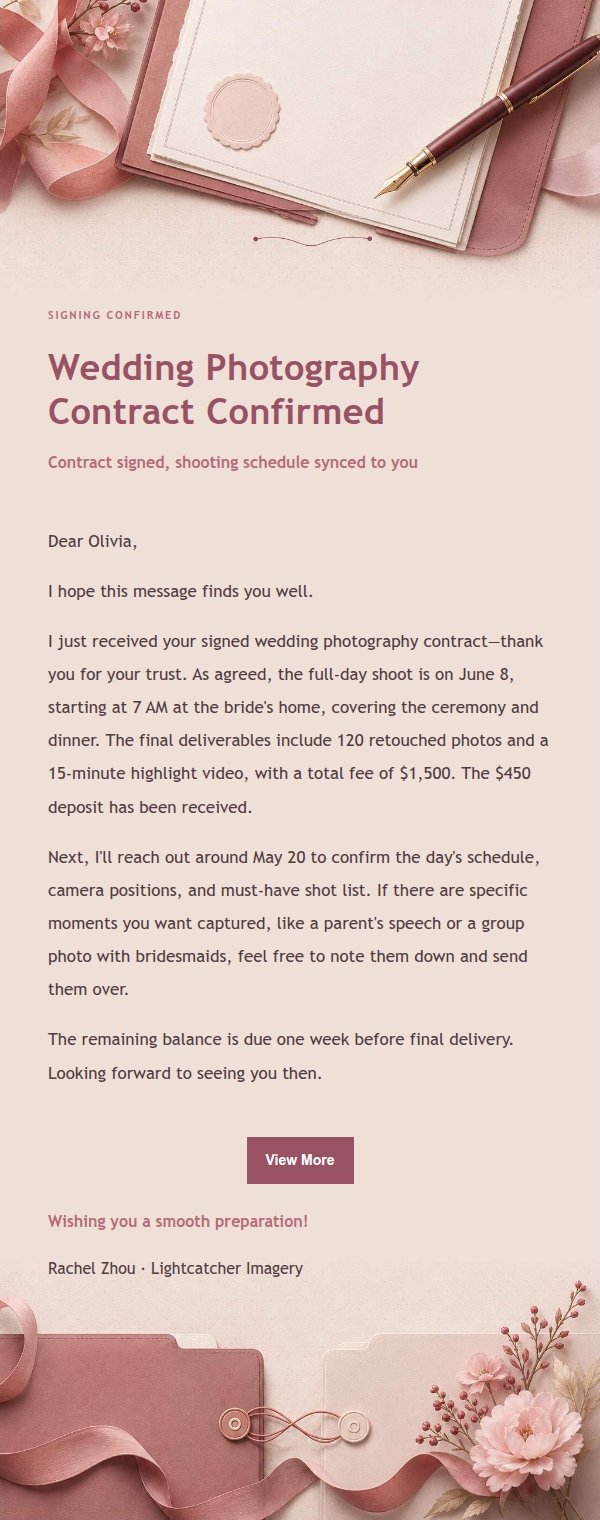
Use this template in three steps
No downloads and no HTML editing. After you sign in, this template opens automatically; just tell AI who the email is for and why you are writing.
- 1
Open this template
Click the button and sign in or create a free account. The writing screen opens with this template already selected.
- 2
Tell AI the essentials
In your own words, share the recipient, purpose, and tone. If dates, locations, links, or other details are missing, AI asks for them.
- 3
Preview, revise, and send
Review the complete email and ask AI for changes. Then enter the recipient and choose to send now or schedule it.
Version history
- v1.0First Created
Turn this template into your own email
Create a free account and this template opens automatically. Tell AI who you are writing to, why, and what matters; then preview the complete email, revise it, and decide how to send it.