
Rose Editorial Private Dinner Invitation
A private dinner worth inviting people to properly. The rose editorial style lays out the time, place and sentiment clearly, and after AI conversation generates it you can review and confirm before sending.
Create a free account and this template opens in the writing screen. Tell AI who the email is for and why you are writing; it asks for the missing details and creates your complete email.
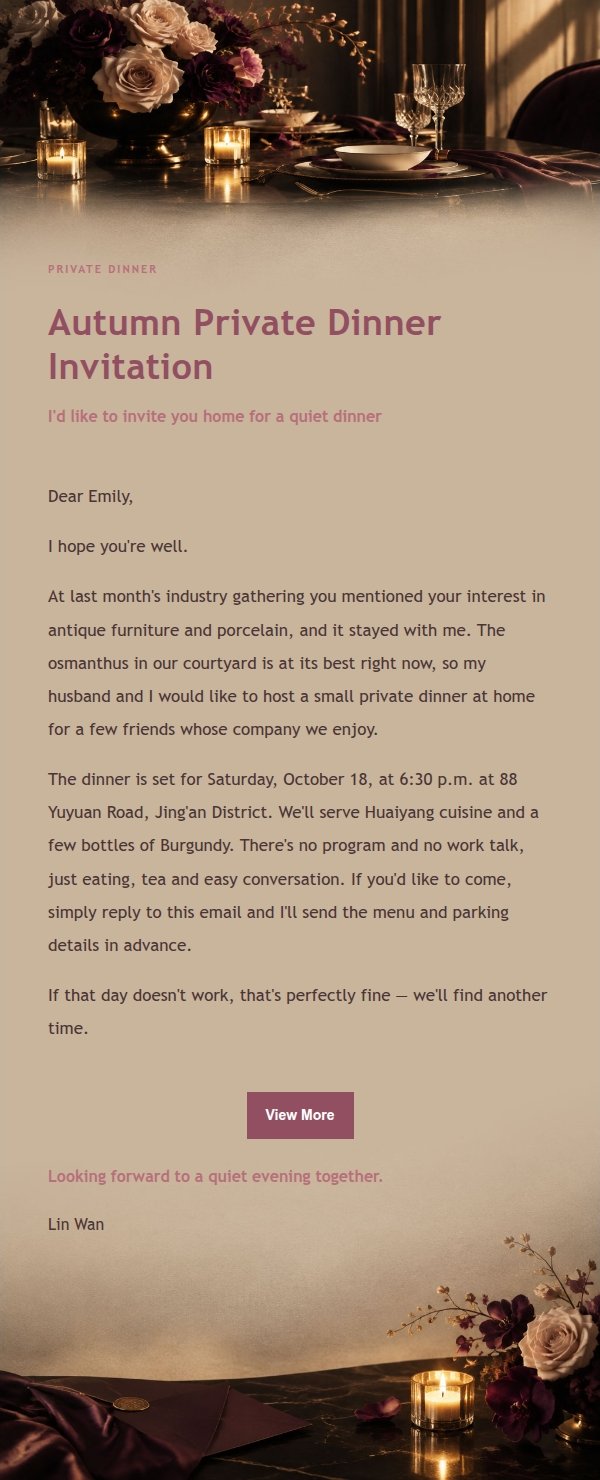
About this template
An invitation email template for an intimate private dinner, built in a rose editorial style with obsidian black, champagne, ivory, deep plum and brushed gold. The layout keeps the top and bottom as fixed scene visuals, while the middle uses a low-contrast background band to hold longer explanatory text. It opens with the reason for the invitation, then sets out the nature of the gathering, the time and place, and how to confirm, closing in a tone that is gracious rather than pushy. Mobile-first, with desktop media queries that enlarge type and spacing.
Email previews
2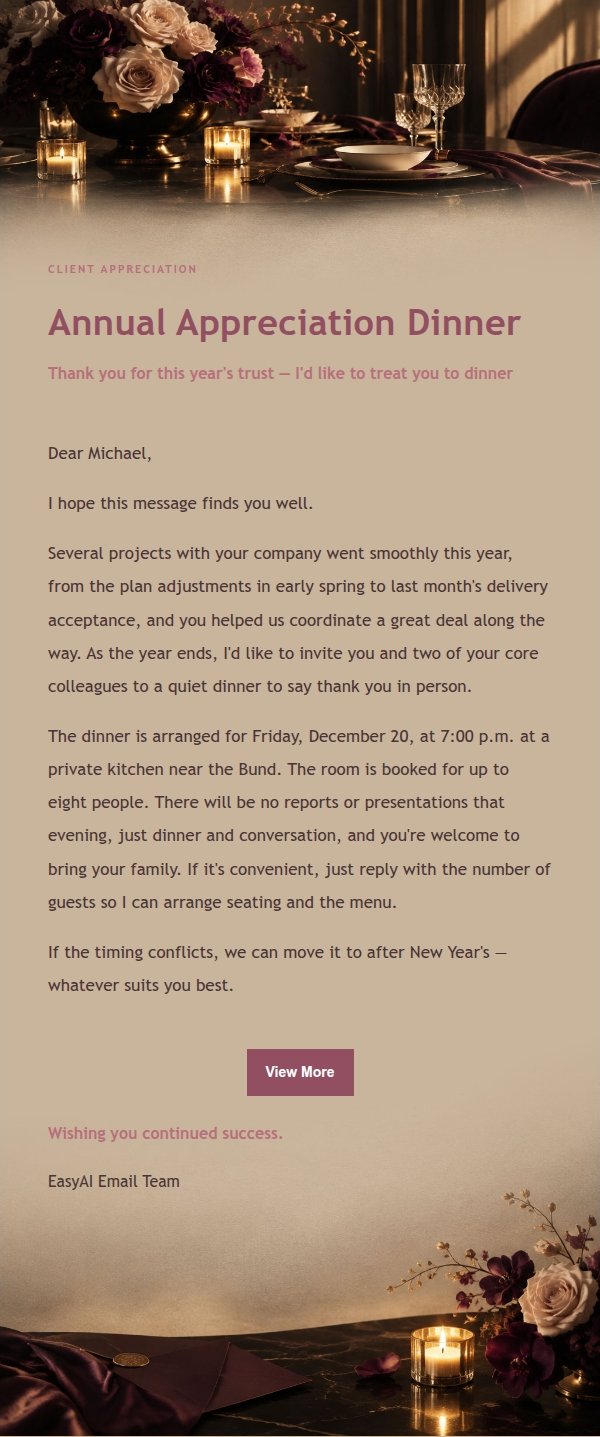
Use this template in three steps
No downloads and no HTML editing. After you sign in, this template opens automatically; just tell AI who the email is for and why you are writing.
- 1
Open this template
Click the button and sign in or create a free account. The writing screen opens with this template already selected.
- 2
Tell AI the essentials
In your own words, share the recipient, purpose, and tone. If dates, locations, links, or other details are missing, AI asks for them.
- 3
Preview, revise, and send
Review the complete email and ask AI for changes. Then enter the recipient and choose to send now or schedule it.
Version history
- v1.0First Created
Turn this template into your own email
Create a free account and this template opens automatically. Tell AI who you are writing to, why, and what matters; then preview the complete email, revise it, and decide how to send it.