
Rose Berry Soft Glow Baby Marketing Email
Soft rose berry gradient baby marketing email template with flexible product cards to easily guide bookings and purchases.
Create a free account and this template opens in the writing screen. Tell AI who the email is for and why you are writing; it asks for the missing details and creates your complete email.
About this template
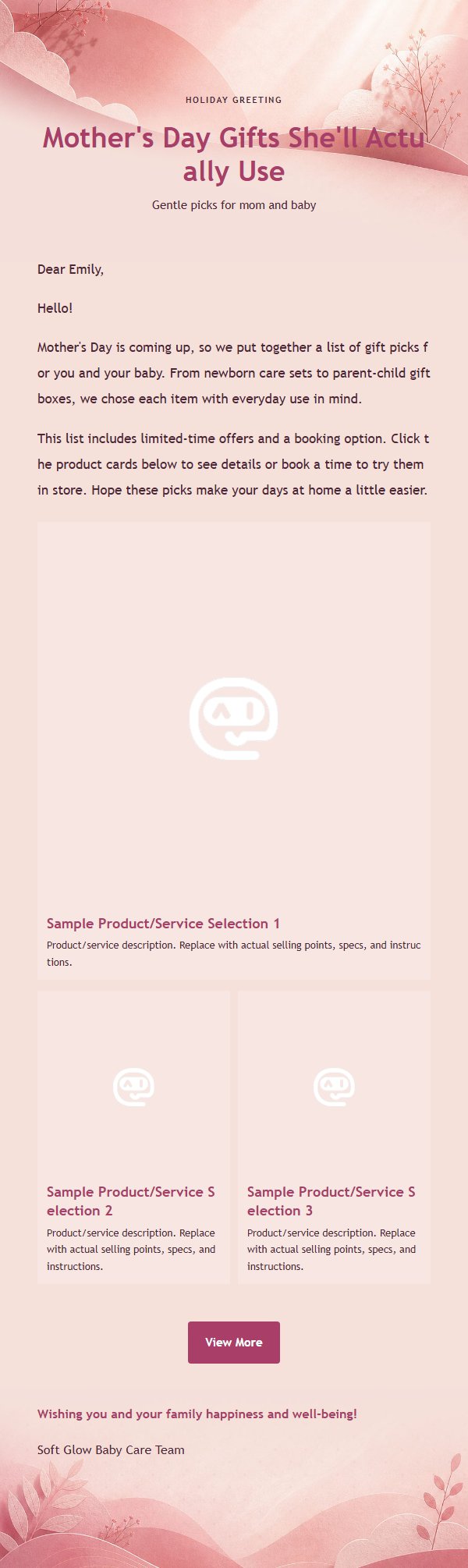
This is a baby and maternity marketing email template built around a soft rose-pink and berry-red gradient visual. It is great for holiday greetings, baby product recommendations, growth service introductions, and family plan promotions. The template uses a 600px email canvas, with an eyebrow, main title, and subtitle at the top to create a clear reading entry point. The middle body area supports Markdown HTML, while the bottom places the closing greeting, signature, and external link button in sequence. For marketing scenarios, it supports a single-column featured product and a two-column secondary product layout on desktop that stacks vertically on mobile, helping recipients quickly understand the benefits, view details, and complete a booking or purchase.
Email previews
2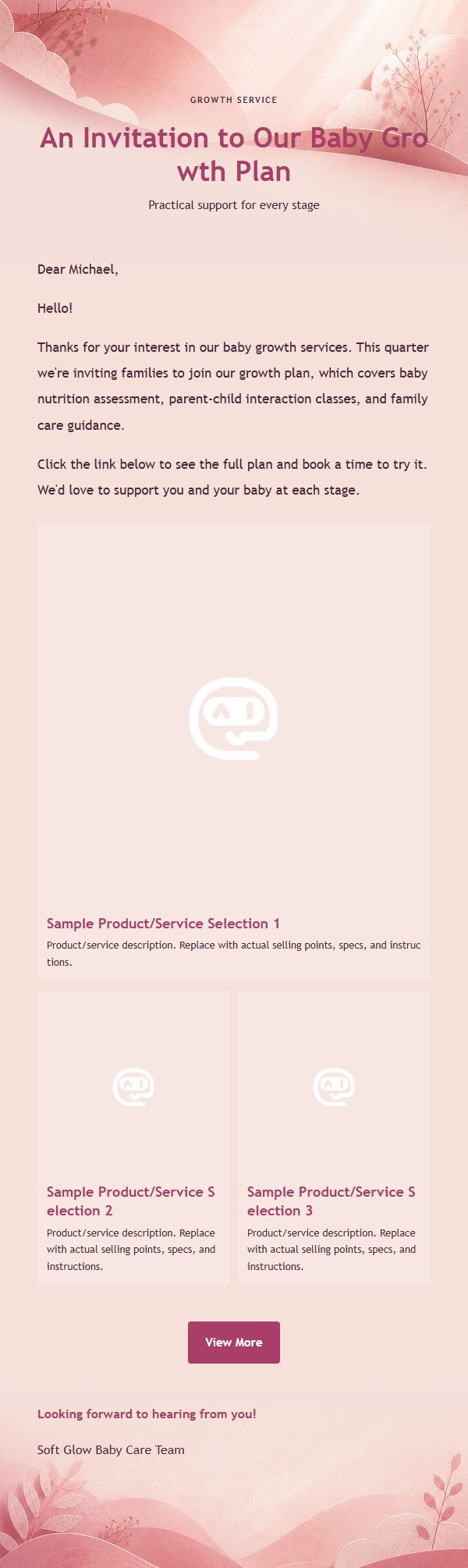
Use this template in three steps
No downloads and no HTML editing. After you sign in, this template opens automatically; just tell AI who the email is for and why you are writing.
- 1
Open this template
Click the button and sign in or create a free account. The writing screen opens with this template already selected.
- 2
Tell AI the essentials
In your own words, share the recipient, purpose, and tone. If dates, locations, links, or other details are missing, AI asks for them.
- 3
Preview, revise, and send
Review the complete email and ask AI for changes. Then enter the recipient and choose to send now or schedule it.
Version history
- v1.0First Created
Turn this template into your own email
Create a free account and this template opens automatically. Tell AI who you are writing to, why, and what matters; then preview the complete email, revise it, and decide how to send it.