
Professional Concise Reply Email
A reply template for browser-extension email workflows, built on deep navy, pale blue, white and restrained brass for a rational, understated stationery feel. The top eyebrow, title and summary form a light frame, while the mid-section paper texture tiles seamlessly so short replies stay polished and long ones never stretch. The body supports paragraphs, lists, blockquotes, dividers and dynamic links, making it easy to inject AI-generated Markdown converted to HTML. The tone is professional and concise, covering confirmations, polite declines, negotiation, thanks, clarifications, rescheduling and follow-ups. Mobile-first, with desktop media queries enlarging type and spacing and placing up to two link buttons side by side.
This template was made for EasyAImail with AI assistance and was not copied from a third-party template library. No separate template license is required, and it may be used in commercial email under our Terms of Service.
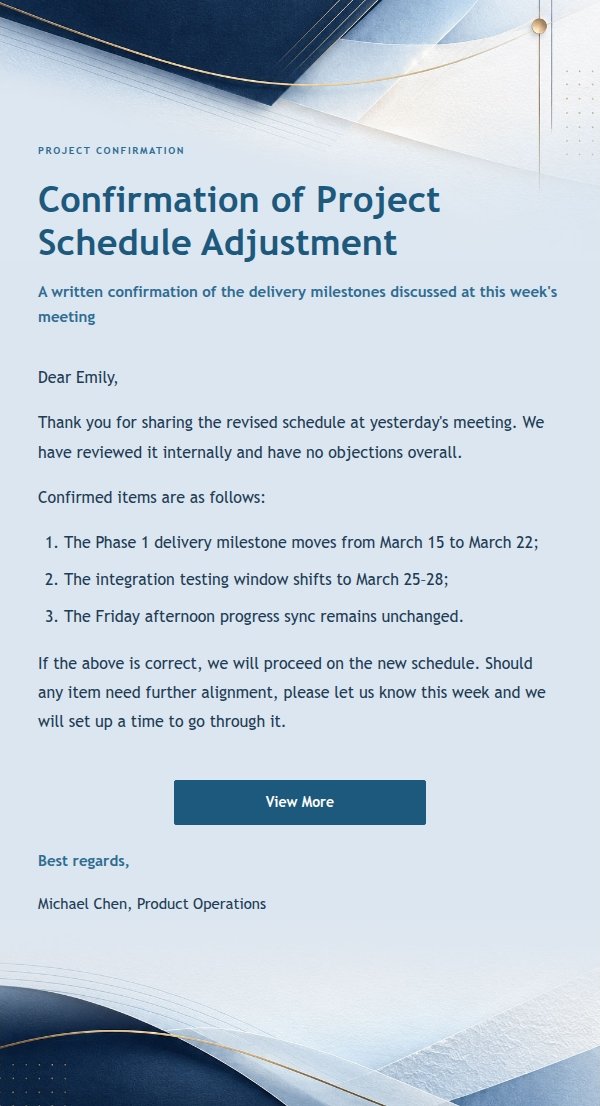
Email previews
2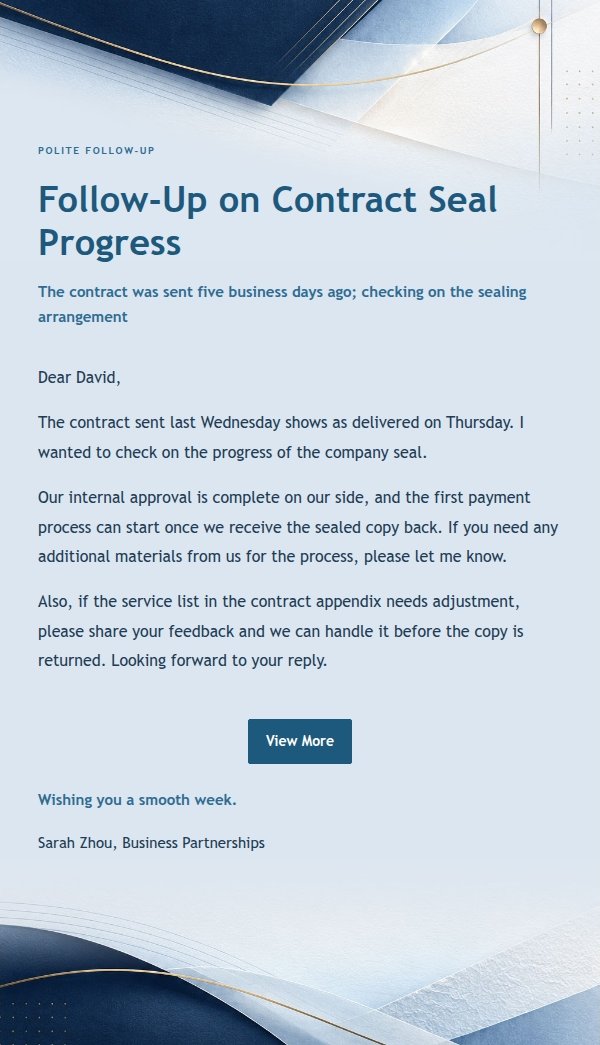
Use this template in three steps
No downloads and no HTML editing. After you sign in, this template opens automatically; just tell AI who the email is for and why you are writing.
- 1
Open this template
Click the button and sign in or create a free account. The writing screen opens with this template already selected.
- 2
Tell AI the essentials
In your own words, share the recipient, purpose, and tone. If dates, locations, links, or other details are missing, AI asks for them.
- 3
Preview, revise, and send
Review the complete email and ask AI for changes. Then enter the recipient and choose to send now or schedule it.
Version history
- v1.0First Created