
Pink Rose Farewell Thank-You Letter
Pink rose letterhead farewell thank-you template—gentle yet dignified, so every word of thanks is taken seriously. Great for farewells, mentor appreciation, and team gratitude.
Create a free account and this template opens in the writing screen. Tell AI who the email is for and why you are writing; it asks for the missing details and creates your complete email.
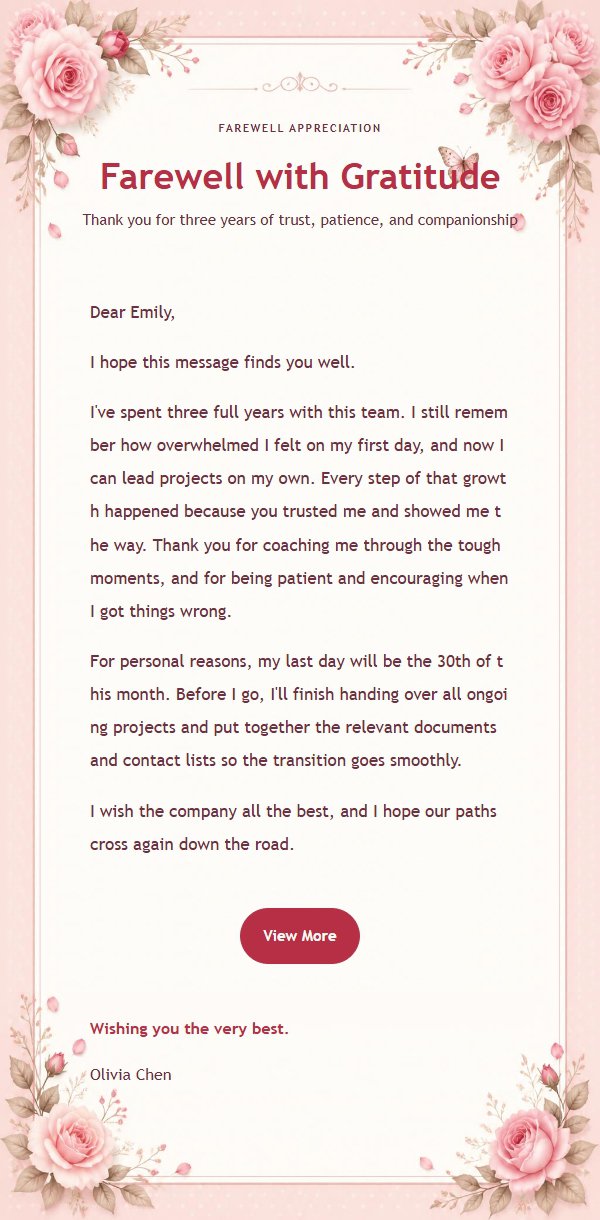
About this template
This is a formal thank-you email template featuring a pink rose letterhead as its core visual, blending the design language of a thank-you letter with a floral gift card—gentle yet dignified. It is great for farewells, mentor appreciation, team gratitude, and leadership acknowledgments. Built on a 600px email canvas, the top establishes a clear reading entry through an eyebrow, main title, and subtitle, while the middle carries the body content and the bottom places the closing greeting, signature, and external link button. The palette combines pink, rose pink, wine red, warm white, and beige, and long body text maintains visual continuity through the vertical extension of the main background—great for occasions that balance formal communication with heartfelt expression.
Email previews
2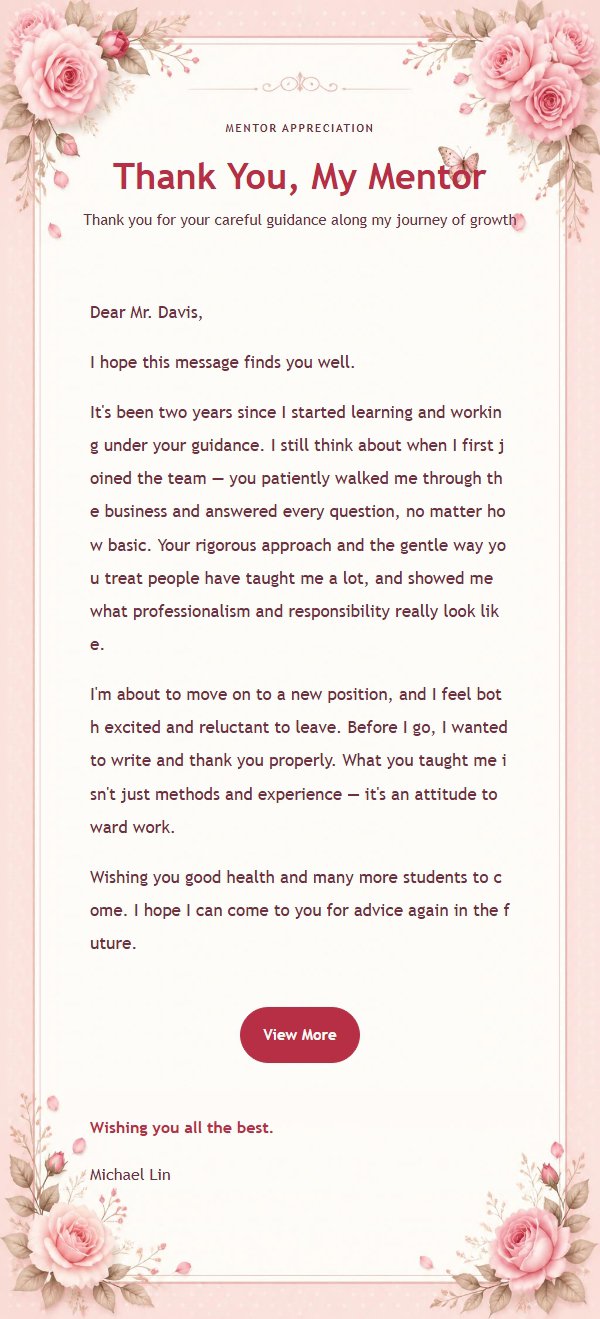
Use this template in three steps
No downloads and no HTML editing. After you sign in, this template opens automatically; just tell AI who the email is for and why you are writing.
- 1
Open this template
Click the button and sign in or create a free account. The writing screen opens with this template already selected.
- 2
Tell AI the essentials
In your own words, share the recipient, purpose, and tone. If dates, locations, links, or other details are missing, AI asks for them.
- 3
Preview, revise, and send
Review the complete email and ask AI for changes. Then enter the recipient and choose to send now or schedule it.
Version history
- v1.0First Created
Turn this template into your own email
Create a free account and this template opens automatically. Tell AI who you are writing to, why, and what matters; then preview the complete email, revise it, and decide how to send it.