
Orange Trail Race Invitation
Trail passion, ready to ignite! This orange trail race invitation template uses deep navy blue and fluorescent orange to spark athletic energy, helping you quickly gather runners, share race info, and guide registration.
Create a free account and this template opens in the writing screen. Tell AI who the email is for and why you are writing; it asks for the missing details and creates your complete email.
About this template
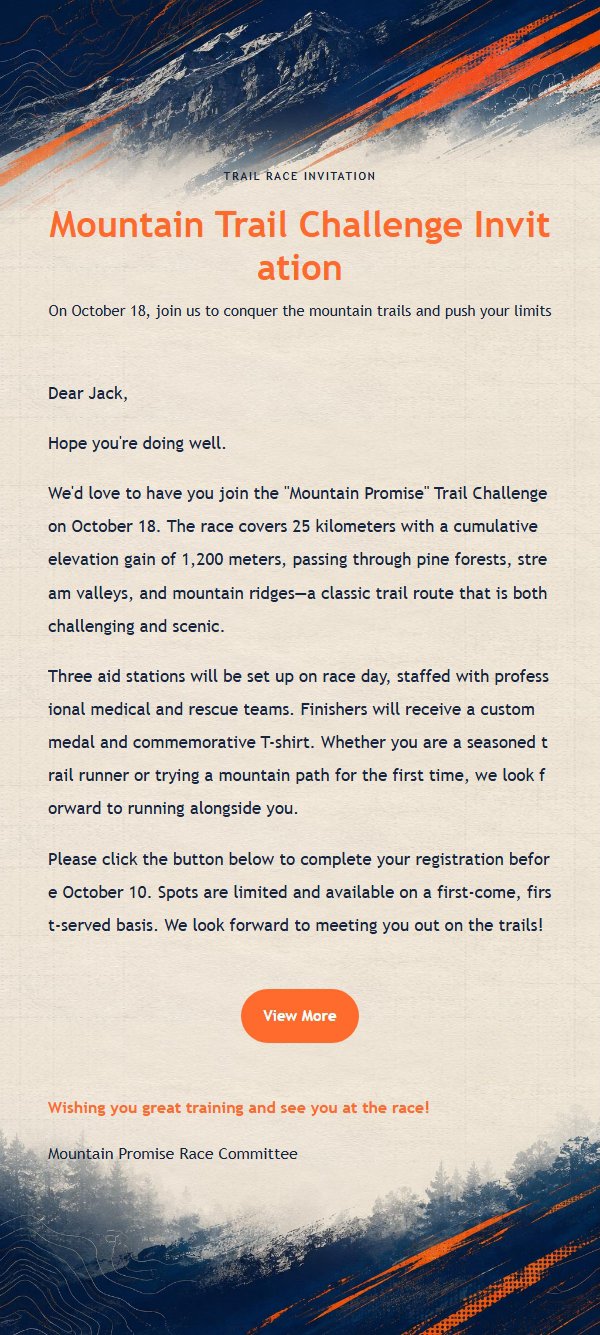
This is a race invitation email template designed for trail running, morning run challenges, and outdoor sports communities. It features a bold contrast of deep navy blue and fluorescent orange, conveying a passionate and professional athletic spirit. Built on a 600px email canvas, the top establishes a clear reading entry with an eyebrow, main title, and subtitle, while the middle section uses a stable body area to carry long-form text. The bottom places the closing greeting, signature, and external link button in sequence. The body container sets default font size, line height, link color, and dividers, with long content maintaining visual continuity through the vertical extension of the main background. For trail running, outdoor challenges, sports events, and running communities, it helps organizers quickly communicate race information and guide registration and confirmation.
Email previews
2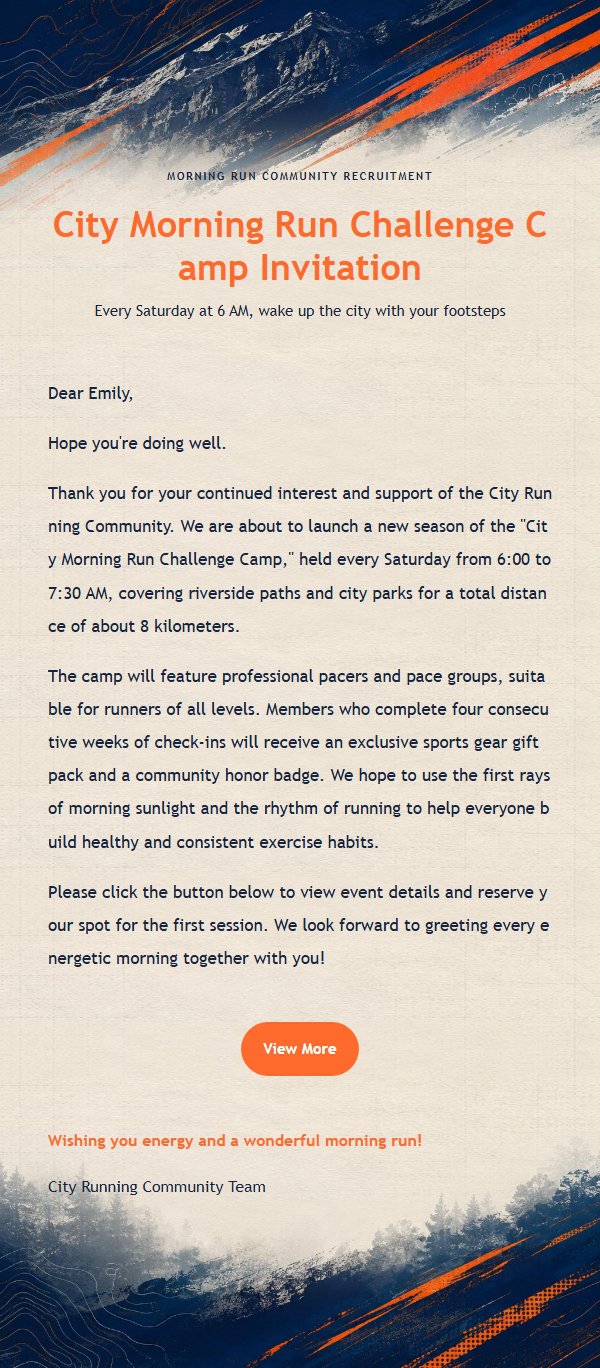
Use this template in three steps
No downloads and no HTML editing. After you sign in, this template opens automatically; just tell AI who the email is for and why you are writing.
- 1
Open this template
Click the button and sign in or create a free account. The writing screen opens with this template already selected.
- 2
Tell AI the essentials
In your own words, share the recipient, purpose, and tone. If dates, locations, links, or other details are missing, AI asks for them.
- 3
Preview, revise, and send
Review the complete email and ask AI for changes. Then enter the recipient and choose to send now or schedule it.
Version history
- v1.0First Created
Turn this template into your own email
Create a free account and this template opens automatically. Tell AI who you are writing to, why, and what matters; then preview the complete email, revise it, and decide how to send it.