
Lilac Paper Order Confirmation Email
A lilac paper-style order confirmation template that lays out the order number, amount, and ship date clearly while keeping a small-shop warmth. Generated by AI, ready to review and send.
Create a free account and this template opens in the writing screen. Tell AI who the email is for and why you are writing; it asks for the missing details and creates your complete email.
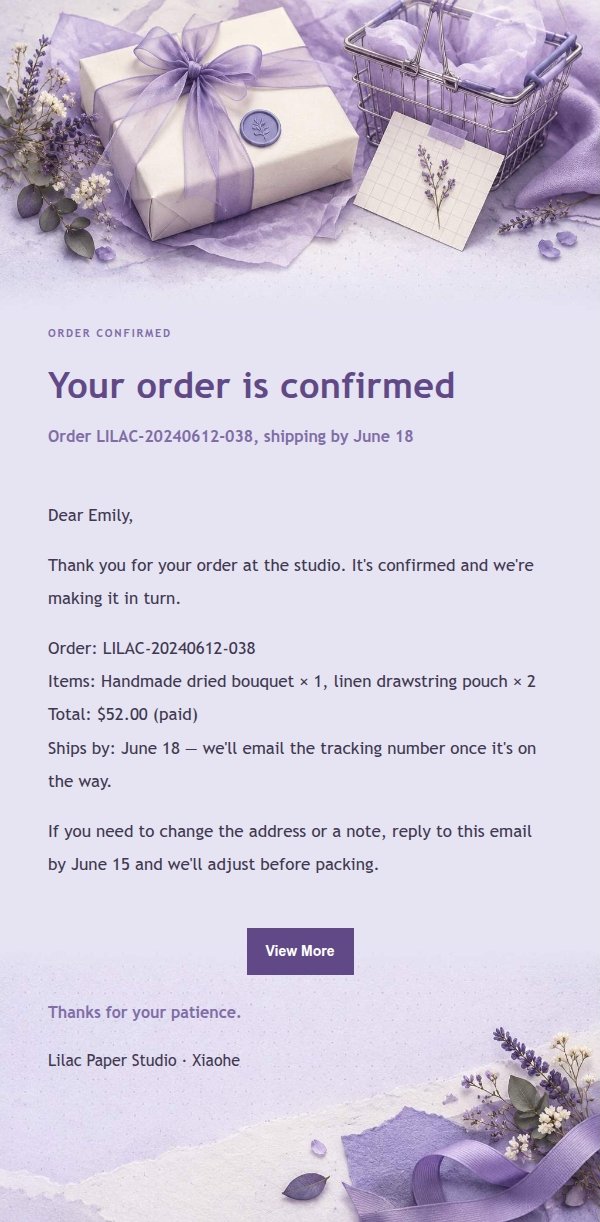
About this template
A transactional email template for order confirmations, built for independent makers, lifestyle shops, and service providers who care about how their emails look. It lays out the order number, amount, date, and shipping or service details alongside the next step and a warm sign-off, so the message is easy to read and worth keeping. The look is lilac paper goods: lavender and smoky violet, ivory paper with ink-blue text, collage textures, and pressed botanical accents. The top identifies the order at a glance, while the card layout leaves room for longer order details. Mobile-first, with larger type and spacing on desktop.
Email previews
2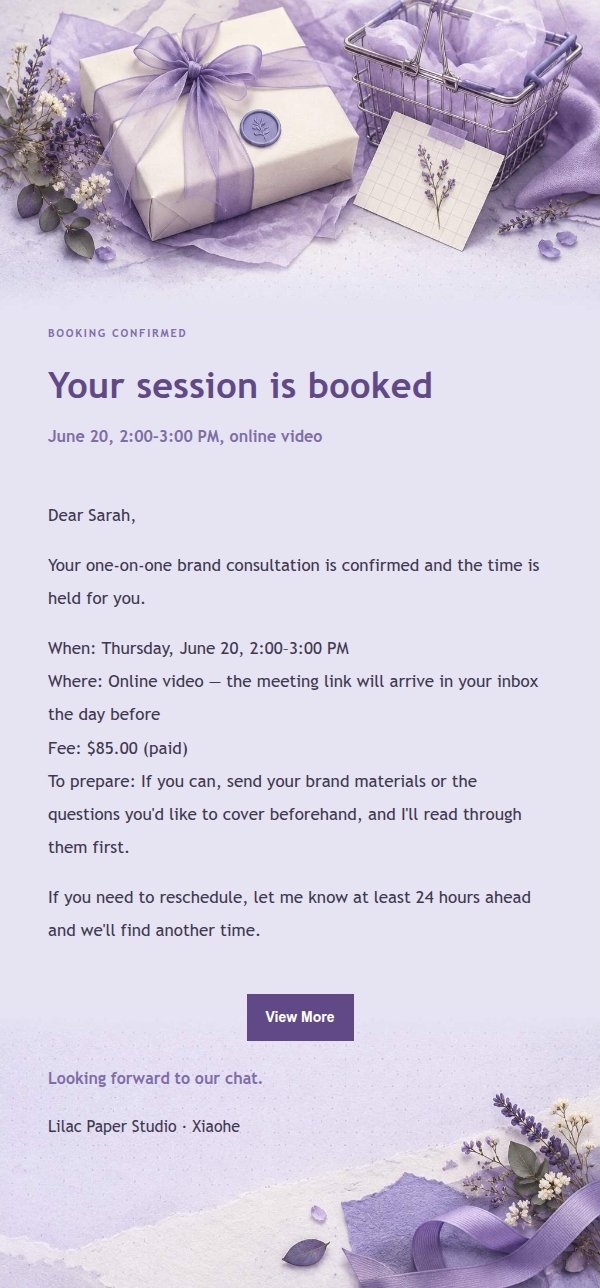
Use this template in three steps
No downloads and no HTML editing. After you sign in, this template opens automatically; just tell AI who the email is for and why you are writing.
- 1
Open this template
Click the button and sign in or create a free account. The writing screen opens with this template already selected.
- 2
Tell AI the essentials
In your own words, share the recipient, purpose, and tone. If dates, locations, links, or other details are missing, AI asks for them.
- 3
Preview, revise, and send
Review the complete email and ask AI for changes. Then enter the recipient and choose to send now or schedule it.
Version history
- v1.0First Created
Turn this template into your own email
Create a free account and this template opens automatically. Tell AI who you are writing to, why, and what matters; then preview the complete email, revise it, and decide how to send it.