
Lilac Paper Customer Satisfaction Survey Email
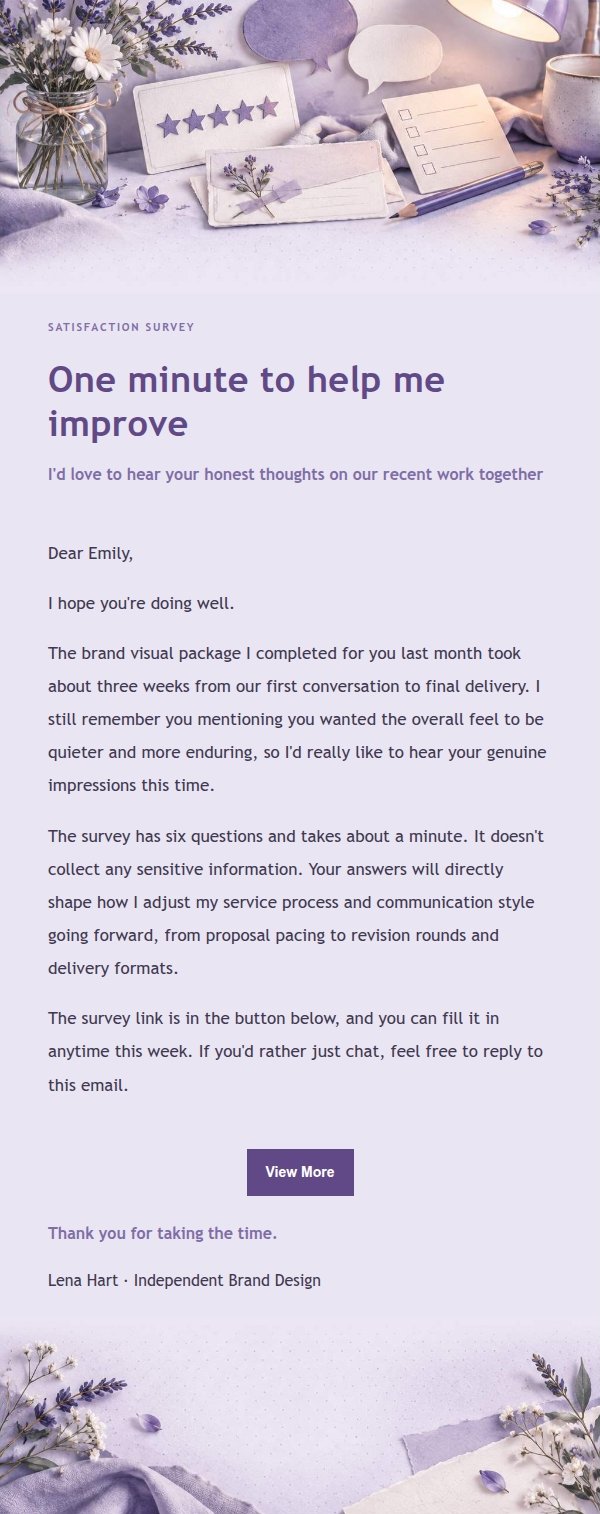
Lilac paper style satisfaction survey email template with lavender and ink blue palette and paper collage texture. Made for freelancers and lifestyle brands collecting customer feedback, generated by AI and ready to review before sending.
Create a free account and this template opens in the writing screen. Tell AI who the email is for and why you are writing; it asks for the missing details and creates your complete email.
About this template
A customer relationship email template built for satisfaction surveys and feedback requests, made for women freelancers, lifestyle brand owners and service providers who care about warmth in relationships. The visual direction is lilac paper craft: lavender, smoky violet, ivory and ink blue, refined paper collage and pressed botanical accents, with a quiet feminine editorial mood. The top area carries a clear survey identifier so recipients understand the purpose at a glance. The body uses low-distraction paper texture, card layering and generous white space, leaving room for longer background notes, service introductions or forwarding prompts. Mobile-first, with media queries widening type and reading width on desktop, while keeping stable injection points for dynamic body, greeting, signature, external link button and compliance footer.
Email previews
2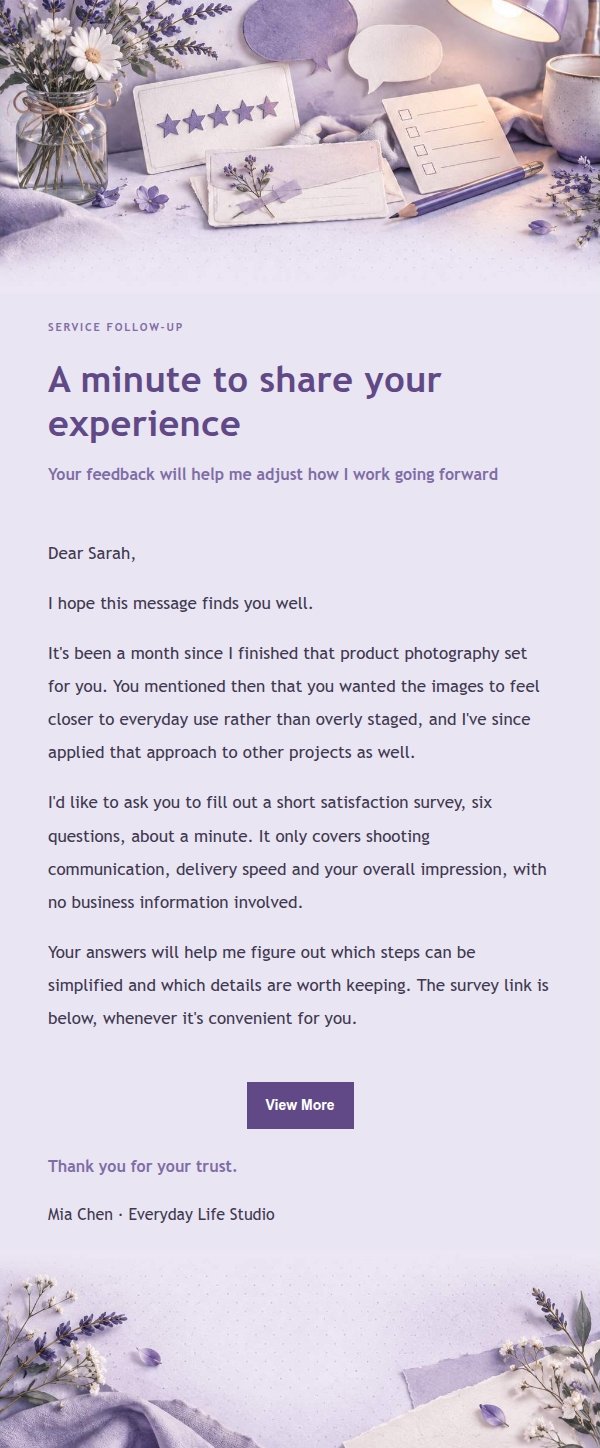
Use this template in three steps
No downloads and no HTML editing. After you sign in, this template opens automatically; just tell AI who the email is for and why you are writing.
- 1
Open this template
Click the button and sign in or create a free account. The writing screen opens with this template already selected.
- 2
Tell AI the essentials
In your own words, share the recipient, purpose, and tone. If dates, locations, links, or other details are missing, AI asks for them.
- 3
Preview, revise, and send
Review the complete email and ask AI for changes. Then enter the recipient and choose to send now or schedule it.
Version history
- v1.0First Created
Finish your next email beside Gmail or Outlook
Install the Edge or Firefox extension, start from an open message or a rough idea, fill in the missing details, choose a fitting template, and preview the result before inserting it into your draft. The complete web app remains available too.
 Get the Edge extension
 Get the Firefox extension