
Lilac Ink Reconnecting with a Former Employer
Reaching out to a former boss after time away can feel awkward. This lilac-ink template lays out your reason, update, and request clearly, so you can review the AI draft and send with confidence.
Create a free account and this template opens in the writing screen. Tell AI who the email is for and why you are writing; it asks for the missing details and creates your complete email.
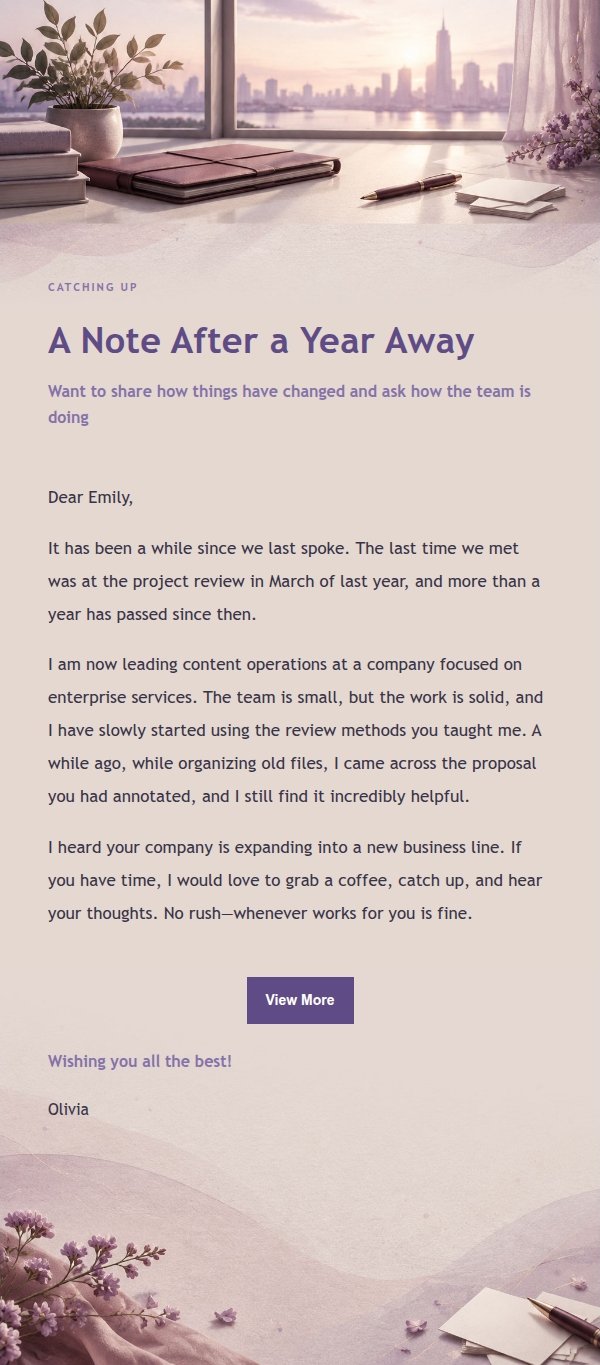
About this template
A personal email template for reaching out to a former boss, manager, or colleague after time away. The lilac-ink palette pairs a soft background with dark text, leaving quiet space at the top and a low-contrast band in the middle for longer messages. It suits anyone who wants to reconnect, share an update, or gently ask about collaboration or returning. The body follows a clear order: reason for writing, current situation, a specific request or invitation, and a warm close. Greeting, sign-off, and signature stay separate, and the layout is mobile-first with larger type and spacing on desktop.
Email previews
2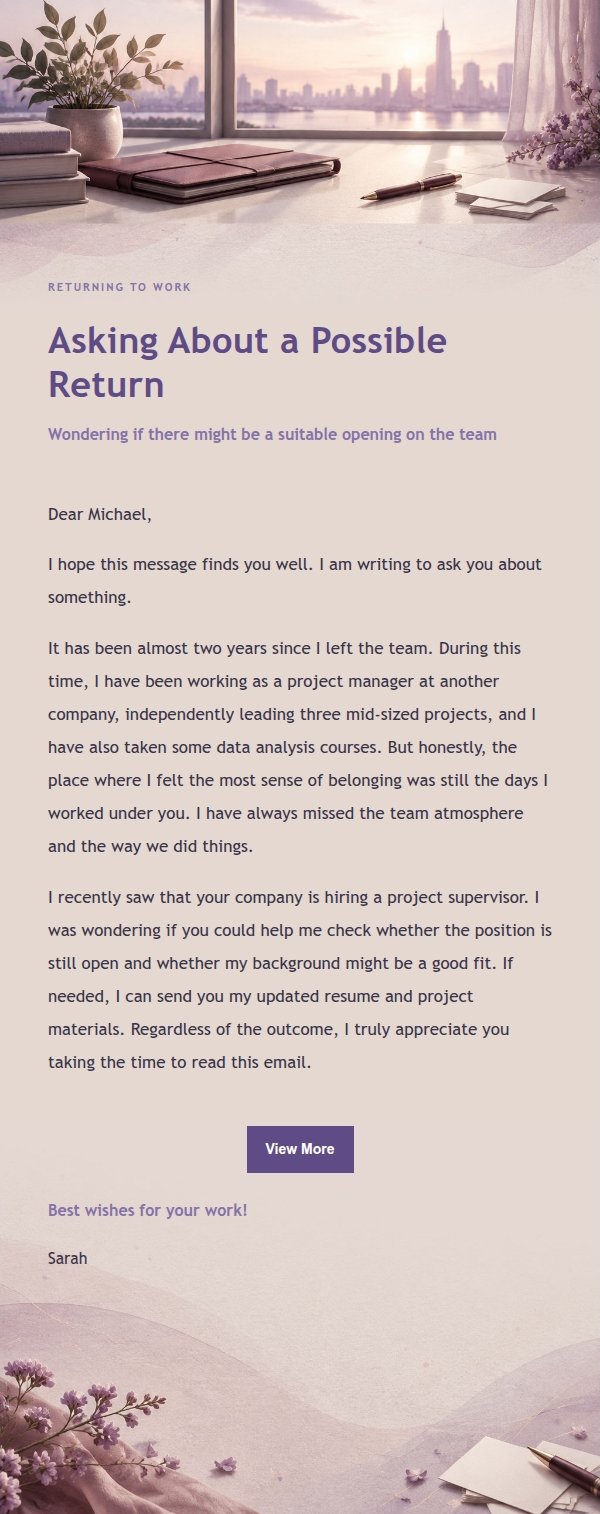
Use this template in three steps
No downloads and no HTML editing. After you sign in, this template opens automatically; just tell AI who the email is for and why you are writing.
- 1
Open this template
Click the button and sign in or create a free account. The writing screen opens with this template already selected.
- 2
Tell AI the essentials
In your own words, share the recipient, purpose, and tone. If dates, locations, links, or other details are missing, AI asks for them.
- 3
Preview, revise, and send
Review the complete email and ask AI for changes. Then enter the recipient and choose to send now or schedule it.
Version history
- v1.0First Created
Turn this template into your own email
Create a free account and this template opens automatically. Tell AI who you are writing to, why, and what matters; then preview the complete email, revise it, and decide how to send it.