
Lilac Ink Industry Networking Invitation
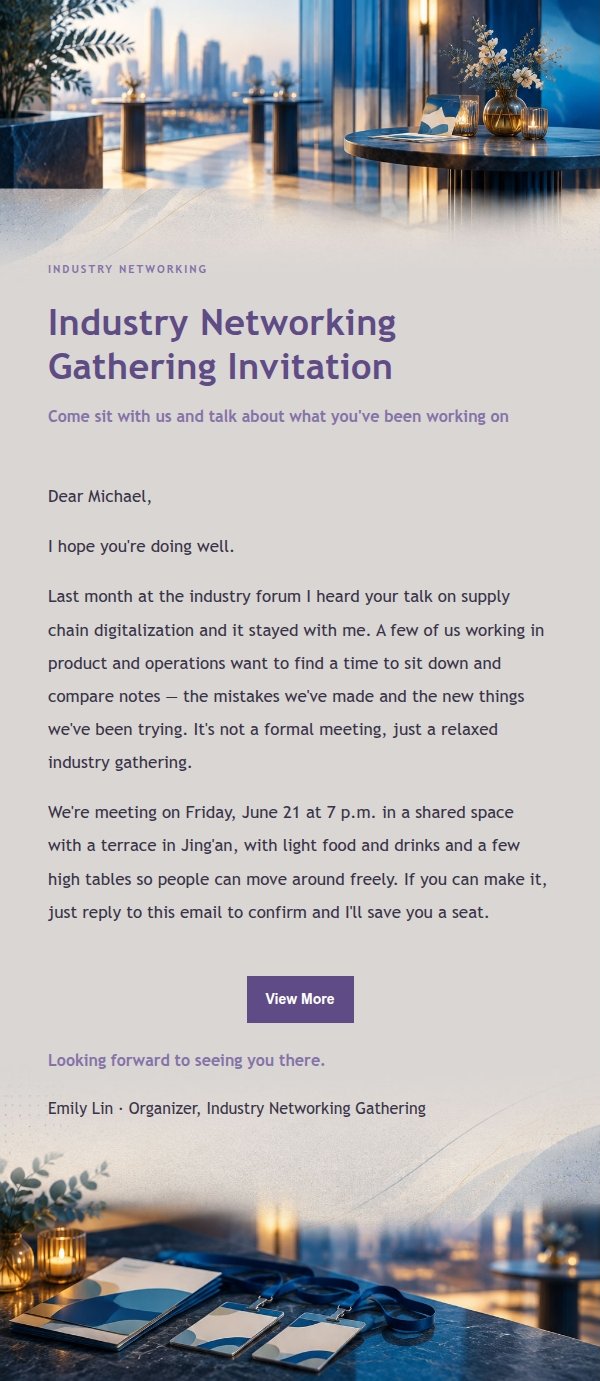
A lilac ink industry networking invitation with cobalt blue and warm ivory, editorial graphics and architectural lines. It lays out the reason, time, place and RSVP clearly without sounding stiff — generated by AI, ready to review and send.
Create a free account and this template opens in the writing screen. Tell AI who the email is for and why you are writing; it asks for the missing details and creates your complete email.
About this template
An invitation email template for industry networking gatherings, built around a lilac-ink palette with cobalt blue, cyan and warm ivory. The top uses editorial graphics and architectural lines to set the gathering scene, while the middle section carries the details on a low-contrast background band, so you can explain why you're inviting someone, what kind of event it is, the time and place, and how to confirm. Suited to inviting peers, clients or partners to an offline meetup, and to writing an invitation that sounds warm rather than stiff.
Email previews
2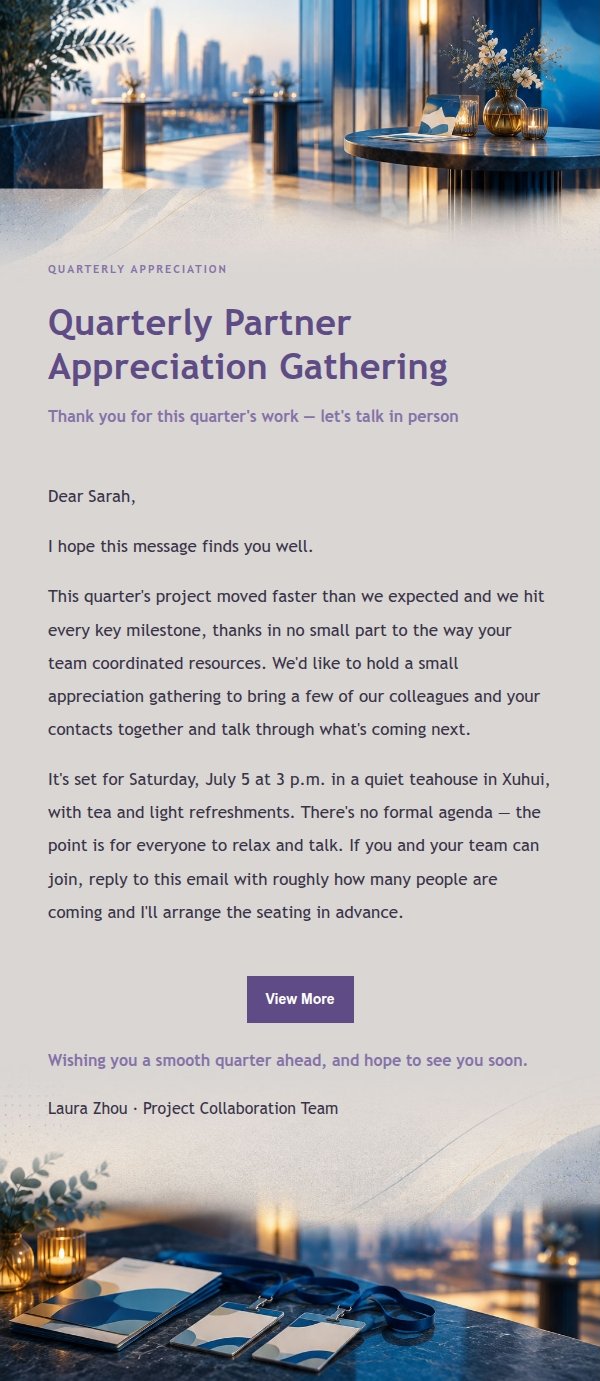
Use this template in three steps
No downloads and no HTML editing. After you sign in, this template opens automatically; just tell AI who the email is for and why you are writing.
- 1
Open this template
Click the button and sign in or create a free account. The writing screen opens with this template already selected.
- 2
Tell AI the essentials
In your own words, share the recipient, purpose, and tone. If dates, locations, links, or other details are missing, AI asks for them.
- 3
Preview, revise, and send
Review the complete email and ask AI for changes. Then enter the recipient and choose to send now or schedule it.
Version history
- v1.0First Created
Turn this template into your own email
Create a free account and this template opens automatically. Tell AI who you are writing to, why, and what matters; then preview the complete email, revise it, and decide how to send it.