
Lilac Glamping Gathering Invitation
Lilac glamping gathering invitation template with twilight forest and champagne gold vibes, perfect for friends' get-togethers, team events, and client appreciation. AI-generated, ready to review and send.
Create a free account and this template opens in the writing screen. Tell AI who the email is for and why you are writing; it asks for the missing details and creates your complete email.
About this template
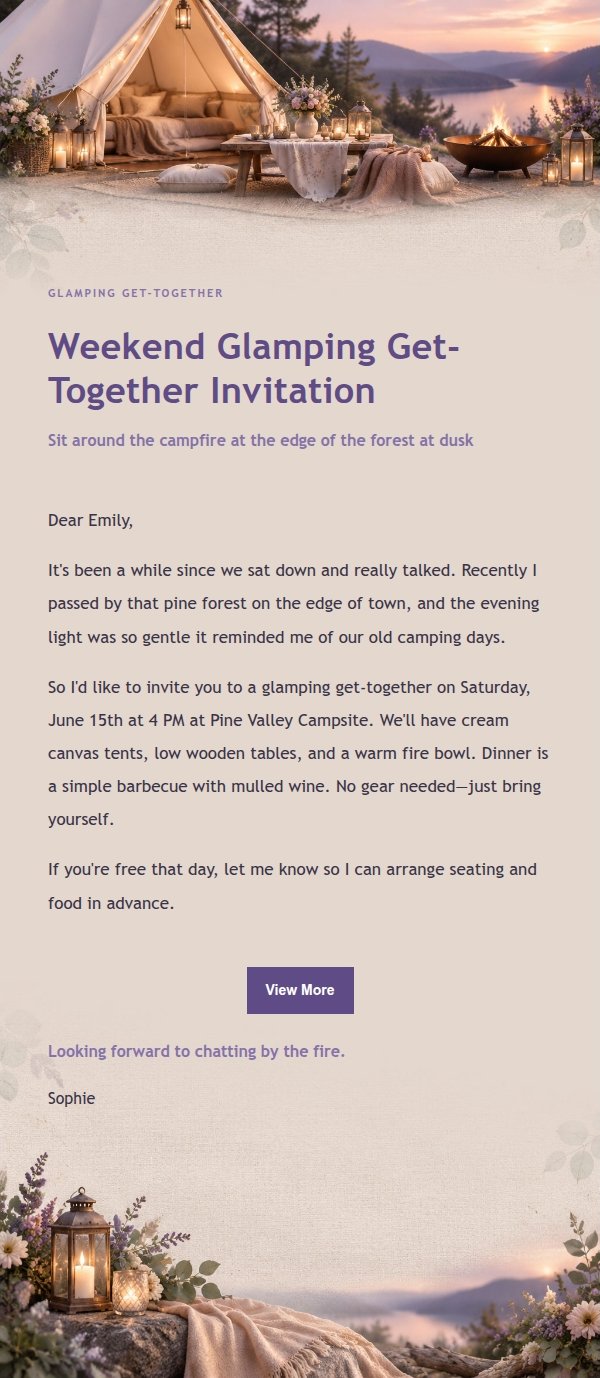
An invitation email template for an upscale glamping gathering, designed for friends' get-togethers, team building, client appreciation, or birthday celebrations. The design uses a lilac-ink palette with lavender gray, blush cream, eucalyptus green, champagne gold, and warm taupe to evoke a gentle twilight forest mood. The top and bottom sections feature a cream canvas tent, low wooden table, floral linen, lanterns, and a warm fire bowl, while the middle uses a low-contrast background band for the invitation text. The copy first explains the reason for inviting, then covers the event nature, time, location, and confirmation details, in a relaxed, pressure-free tone suited to users who appreciate delicate rituals.
Email previews
2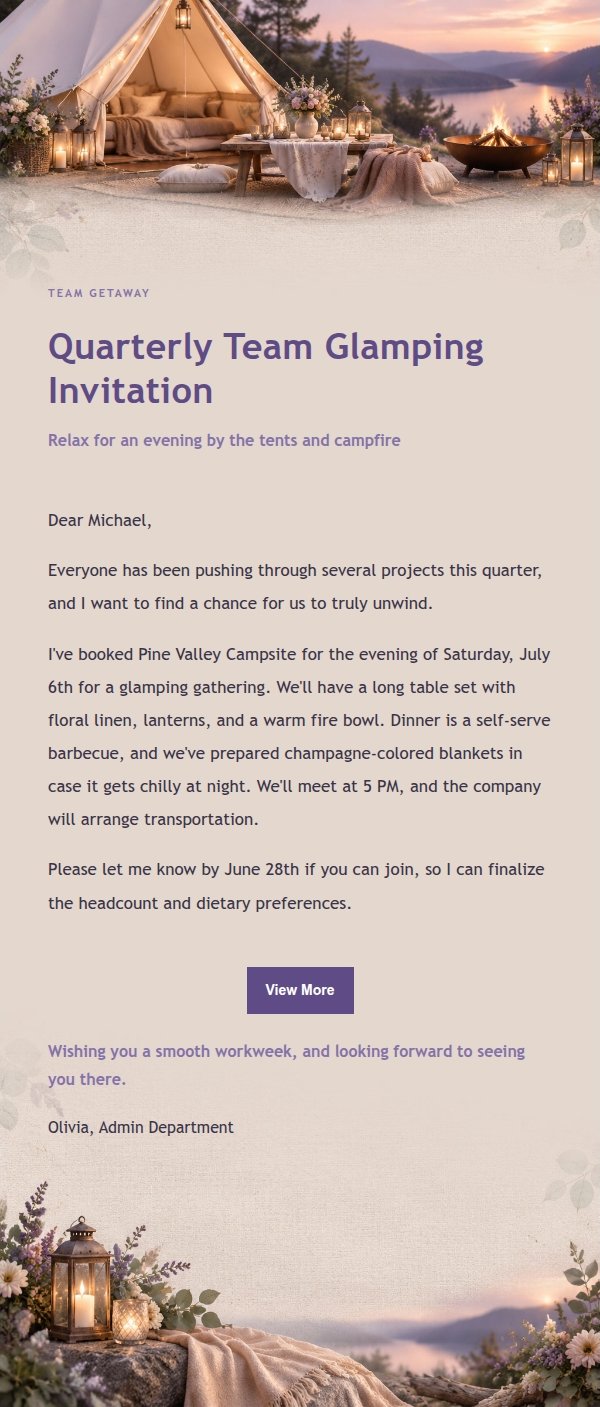
Use this template in three steps
No downloads and no HTML editing. After you sign in, this template opens automatically; just tell AI who the email is for and why you are writing.
- 1
Open this template
Click the button and sign in or create a free account. The writing screen opens with this template already selected.
- 2
Tell AI the essentials
In your own words, share the recipient, purpose, and tone. If dates, locations, links, or other details are missing, AI asks for them.
- 3
Preview, revise, and send
Review the complete email and ask AI for changes. Then enter the recipient and choose to send now or schedule it.
Version history
- v1.0First Created
Turn this template into your own email
Create a free account and this template opens automatically. Tell AI who you are writing to, why, and what matters; then preview the complete email, revise it, and decide how to send it.