
Forest Copper Retirement Tribute Email
Use a forest copper letter to sincerely express respect and blessings at retirement. Not loud, not perfunctory—let every word be seen.
Create a free account and this template opens in the writing screen. Tell AI who the email is for and why you are writing; it asks for the missing details and creates your complete email.
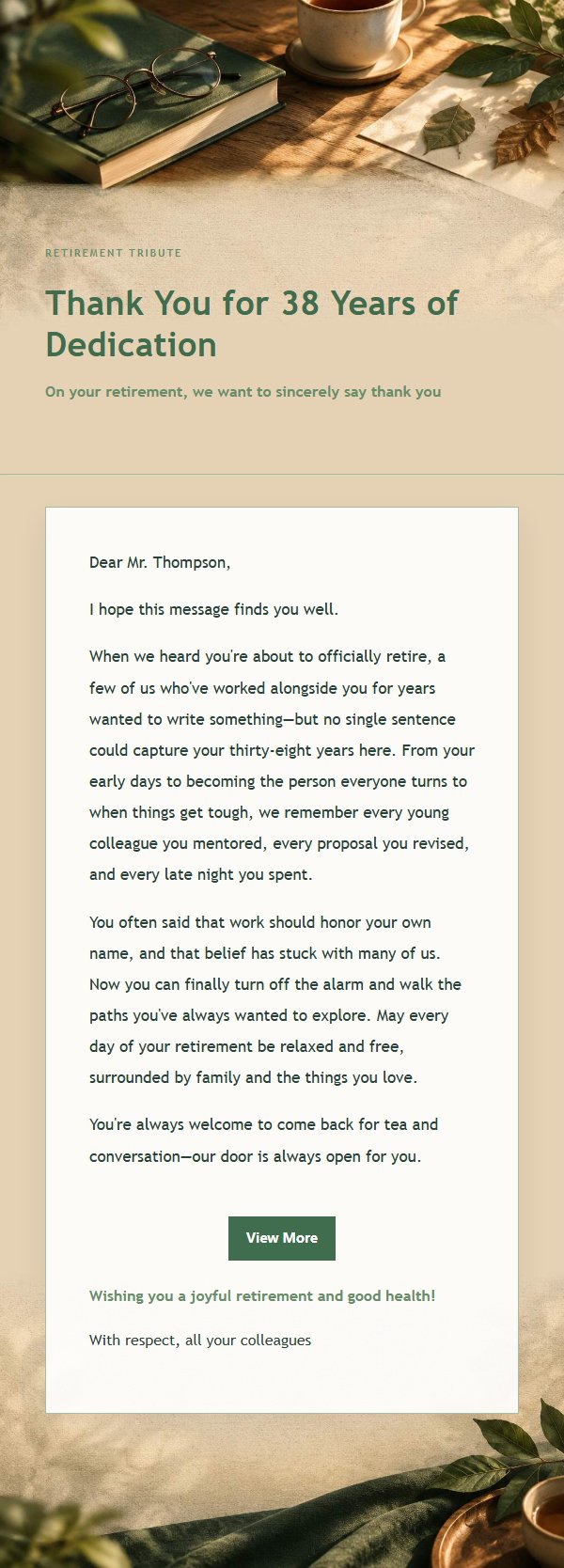
About this template
A heartfelt email template designed for retirement tribute moments, using forest green and copper tones with low-contrast textures of paper, fabric, and window light to create a warm yet understated atmosphere. Great for family members, friends, colleagues, and partners to express respect and blessings at a farewell milestone. The structure first explains the reason for writing, then recalls the recipient's dedication and precious contributions throughout their career, followed by specific yet measured wishes, and finally leaves a replaceable closing blessing so the recipient feels truly seen. Mobile-first design with desktop media queries enhancing font size and spacing, ensuring stable delivery after backend inlining.
Email previews
2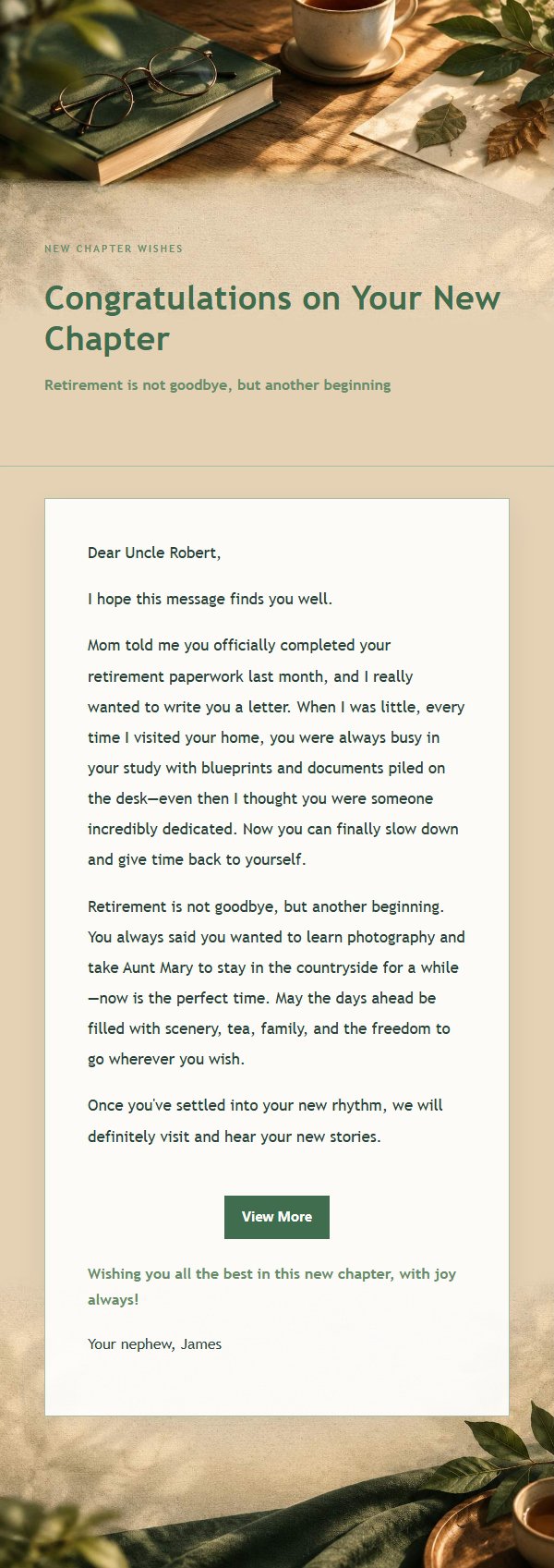
Use this template in three steps
No downloads and no HTML editing. After you sign in, this template opens automatically; just tell AI who the email is for and why you are writing.
- 1
Open this template
Click the button and sign in or create a free account. The writing screen opens with this template already selected.
- 2
Tell AI the essentials
In your own words, share the recipient, purpose, and tone. If dates, locations, links, or other details are missing, AI asks for them.
- 3
Preview, revise, and send
Review the complete email and ask AI for changes. Then enter the recipient and choose to send now or schedule it.
Version history
- v1.0First Created
Turn this template into your own email
Create a free account and this template opens automatically. Tell AI who you are writing to, why, and what matters; then preview the complete email, revise it, and decide how to send it.