
Editorial Qixi Festival Greeting Email
Qixi is coming. Say what you mean with this editorial-style email — Milky Way, magpie bridge, silk ribbons and warm gold, opening like a handwritten letter.
Create a free account and this template opens in the writing screen. Tell AI who the email is for and why you are writing; it asks for the missing details and creates your complete email.
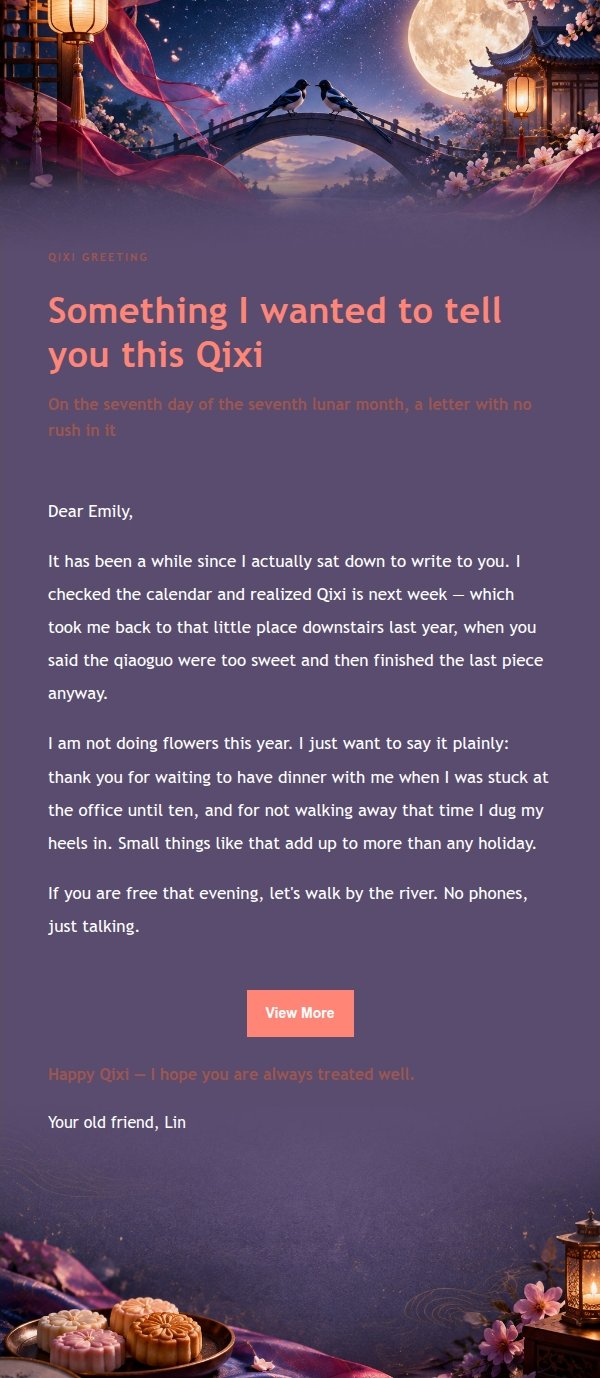
About this template
A Qixi Festival email template for the days around the seventh day of the seventh lunar month, built for writing to friends, colleagues or clients. The fixed visuals are a star-filled Milky Way, a magpie bridge silhouette, silk ribbons, qiaoguo pastries and a moonlit garden, so the festival reads at first glance. The palette mixes ink navy, rose red, plum purple, moon silver and warm gold to suggest paper and silk, with soft whitespace and a feminine feel. The copy explains why you are writing, moves into thanks or a wish, and closes with a low-pressure button.
Email previews
2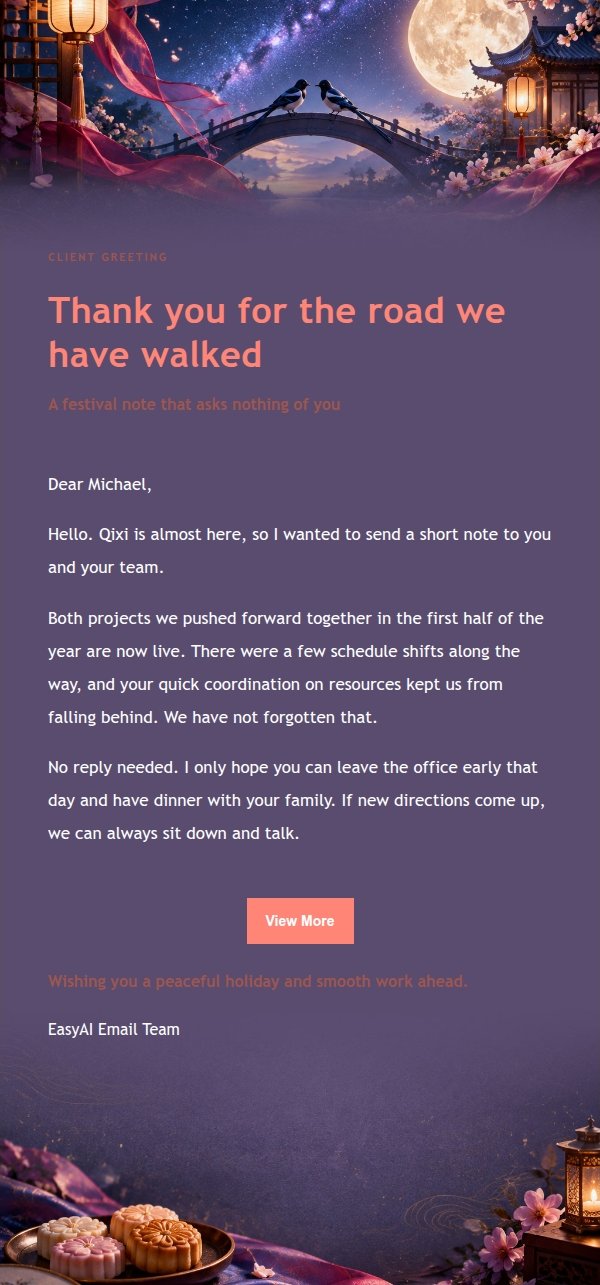
Use this template in three steps
No downloads and no HTML editing. After you sign in, this template opens automatically; just tell AI who the email is for and why you are writing.
- 1
Open this template
Click the button and sign in or create a free account. The writing screen opens with this template already selected.
- 2
Tell AI the essentials
In your own words, share the recipient, purpose, and tone. If dates, locations, links, or other details are missing, AI asks for them.
- 3
Preview, revise, and send
Review the complete email and ask AI for changes. Then enter the recipient and choose to send now or schedule it.
Version history
- v1.0First Created
Turn this template into your own email
Create a free account and this template opens automatically. Tell AI who you are writing to, why, and what matters; then preview the complete email, revise it, and decide how to send it.