
Cobalt Teal Post-Interview Thank-You Email
Don't let a great impression end at the interview door. Send a polished cobalt teal thank-you email that delivers both sincerity and professionalism to your interviewer.
Create a free account and this template opens in the writing screen. Tell AI who the email is for and why you are writing; it asks for the missing details and creates your complete email.
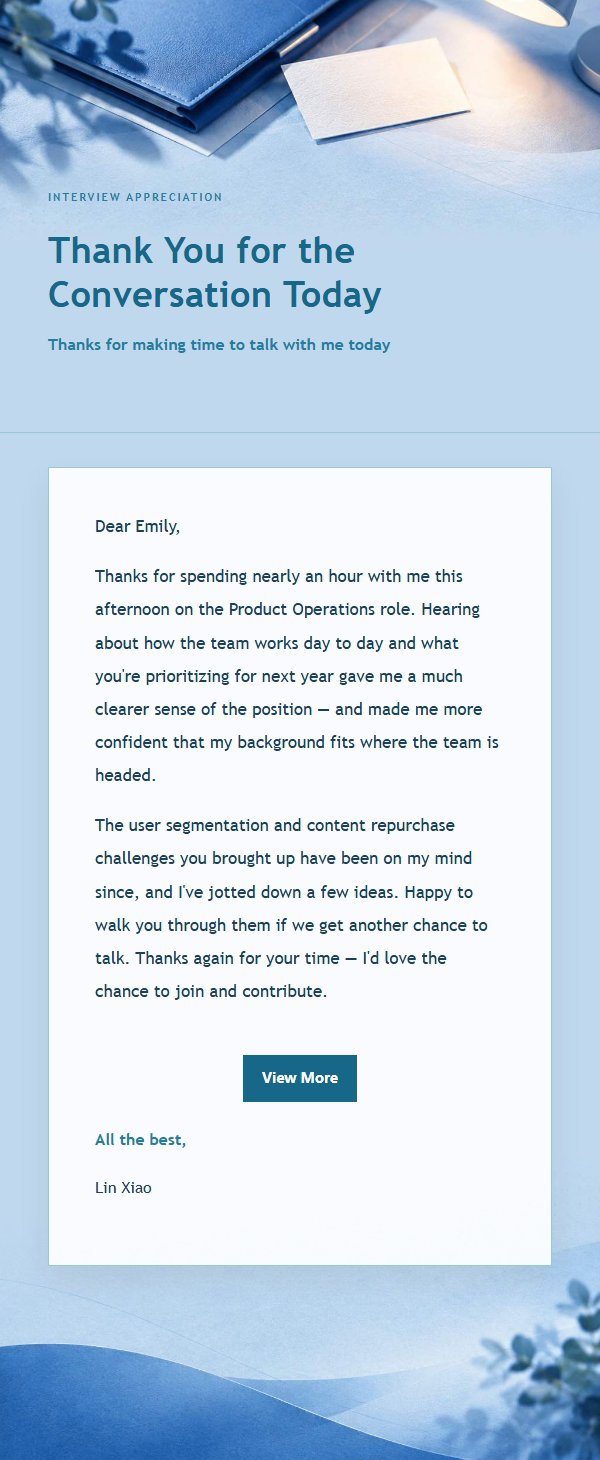
About this template
A professional post-interview thank-you email template designed to help job seekers leave a lasting impression after their interview. Featuring a cobalt teal visual style with a soft #e8f1f7 light blue background, subtle gradients, thin borders, and generous white space, it creates a polished yet warm reading experience. The structure guides you from explaining the purpose of writing, to reflecting on key takeaways and shared moments from the interview, and finally expressing gratitude and anticipation. Great for candidates following up after interviews, application follow-ups, and offer acknowledgments. Mobile-first with desktop enhancements.
Email previews
2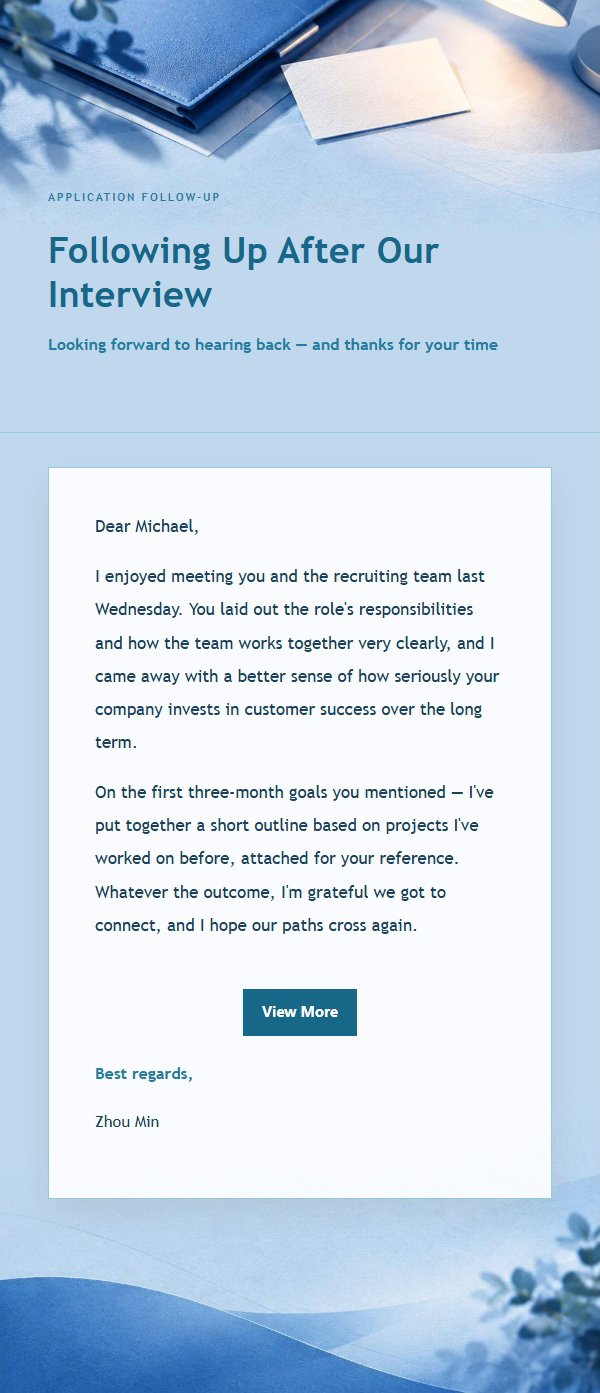
Use this template in three steps
No downloads and no HTML editing. After you sign in, this template opens automatically; just tell AI who the email is for and why you are writing.
- 1
Open this template
Click the button and sign in or create a free account. The writing screen opens with this template already selected.
- 2
Tell AI the essentials
In your own words, share the recipient, purpose, and tone. If dates, locations, links, or other details are missing, AI asks for them.
- 3
Preview, revise, and send
Review the complete email and ask AI for changes. Then enter the recipient and choose to send now or schedule it.
Version history
- v1.0First Created
Turn this template into your own email
Create a free account and this template opens automatically. Tell AI who you are writing to, why, and what matters; then preview the complete email, revise it, and decide how to send it.