
Cobalt Teal Housewarming Blessing Email
A housewarming joy deserves a blessing written with care. Cobalt teal emotional email template, making new home blessings arrive warmly, neither perfunctory nor noisy.
Create a free account and this template opens in the writing screen. Tell AI who the email is for and why you are writing; it asks for the missing details and creates your complete email.
About this template
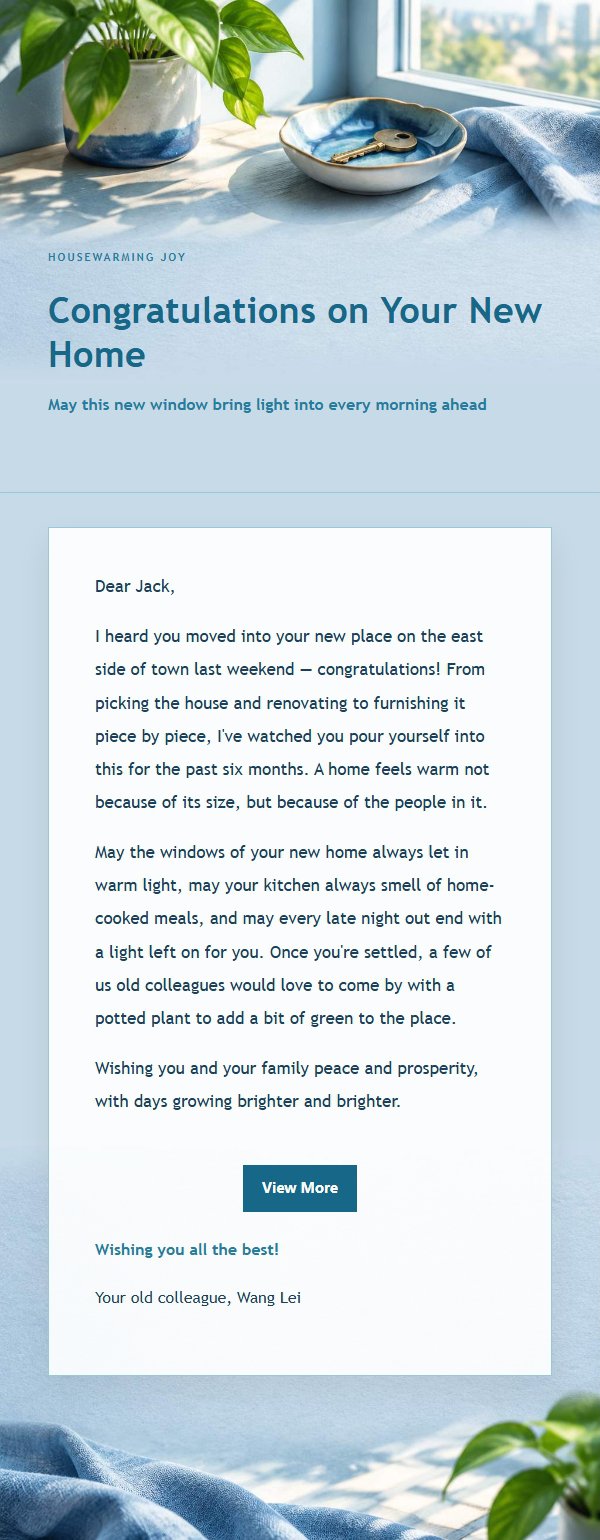
This is an emotional email template designed for housewarming blessings, using cobalt teal as the primary tone with paper, fabric, and window light to create a warm yet restrained atmosphere. It is for family members, friends, colleagues, or partners to use when celebrating a new home completion, moving-in joy, or a housewarming invitation. The template first expresses the reason for writing, then acknowledges the effort and care the recipient has poured into this new home, followed by specific yet moderate wishes, and finally leaves a replaceable closing blessing. The structure gives the body ample breathing room, with appropriate spacing between the blessing and signature, and the external link button provides a light closure at the end, making the recipient feel truly seen rather than receiving a perfunctory mass-sent greeting.
Email previews
2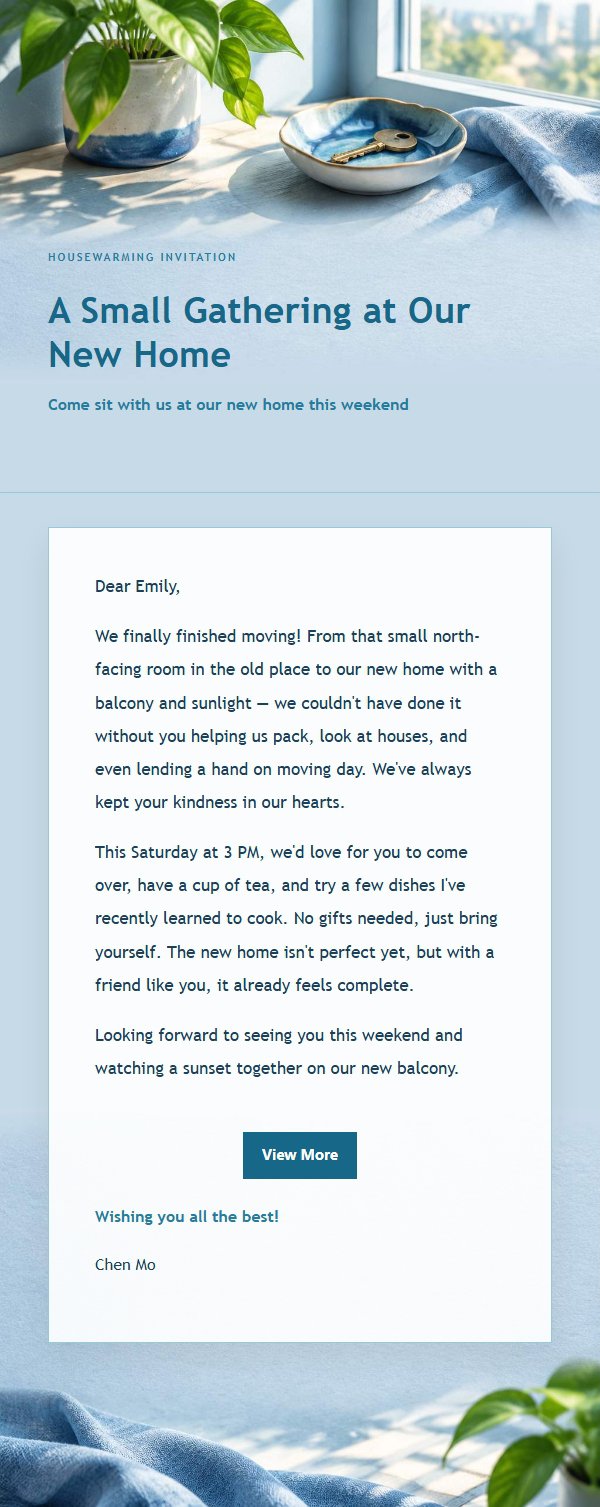
Use this template in three steps
No downloads and no HTML editing. After you sign in, this template opens automatically; just tell AI who the email is for and why you are writing.
- 1
Open this template
Click the button and sign in or create a free account. The writing screen opens with this template already selected.
- 2
Tell AI the essentials
In your own words, share the recipient, purpose, and tone. If dates, locations, links, or other details are missing, AI asks for them.
- 3
Preview, revise, and send
Review the complete email and ask AI for changes. Then enter the recipient and choose to send now or schedule it.
Version history
- v1.0First Created
Turn this template into your own email
Create a free account and this template opens automatically. Tell AI who you are writing to, why, and what matters; then preview the complete email, revise it, and decide how to send it.