
Cobalt Teal Birthday Wish Email
A cobalt-teal birthday email that turns what you want to say into a quiet note. Generated by AI, ready to review and send.
Create a free account and this template opens in the writing screen. Tell AI who the email is for and why you are writing; it asks for the missing details and creates your complete email.
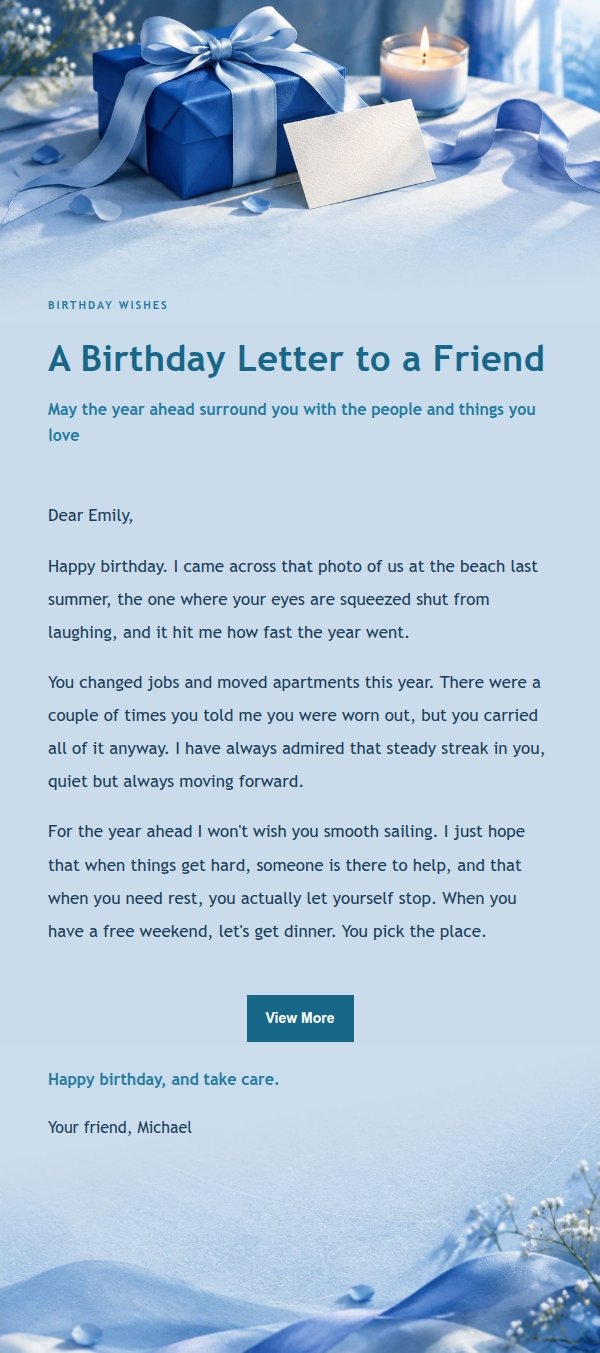
About this template
A birthday email template built around a cobalt-teal palette, using paper, fabric and window light to create a quiet, low-contrast mood. The headline carries the emotion, a small scene label hints at the relationship, and the body leaves room to breathe. It works for a birthday note to family, a friend, a colleague or a partner, and also for inviting people to a small birthday gathering. The copy first explains why you are writing, then acknowledges what the past year held, offers a specific wish, and closes with a line you can swap out.
Email previews
2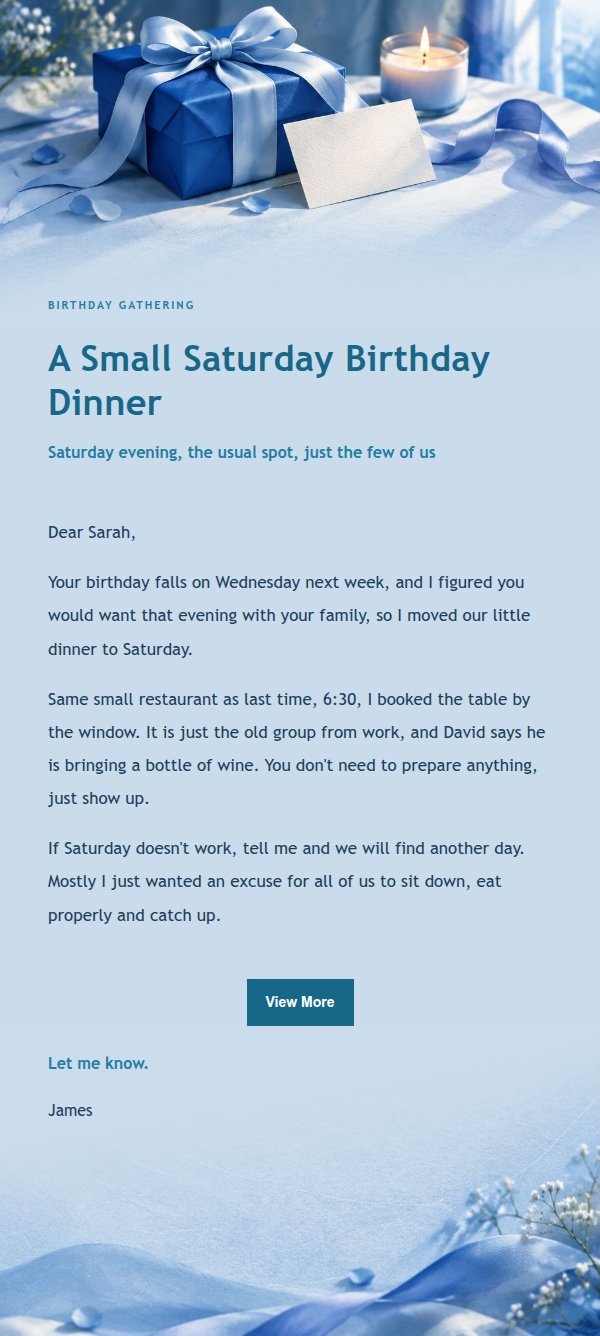
Use this template in three steps
No downloads and no HTML editing. After you sign in, this template opens automatically; just tell AI who the email is for and why you are writing.
- 1
Open this template
Click the button and sign in or create a free account. The writing screen opens with this template already selected.
- 2
Tell AI the essentials
In your own words, share the recipient, purpose, and tone. If dates, locations, links, or other details are missing, AI asks for them.
- 3
Preview, revise, and send
Review the complete email and ask AI for changes. Then enter the recipient and choose to send now or schedule it.
Version history
- v1.0First Created
Turn this template into your own email
Create a free account and this template opens automatically. Tell AI who you are writing to, why, and what matters; then preview the complete email, revise it, and decide how to send it.