
Berry & Autumn Gold Team Thanksgiving Letter
Want to genuinely thank your small team this Thanksgiving without it reading like a rally memo? This berry and autumn gold template puts specific thanks and a no-reply-over-the-holiday note right in the body. Generate it with AI, review once, then send.
Create a free account and this template opens in the writing screen. Tell AI who the email is for and why you are writing; it asks for the missing details and creates your complete email.
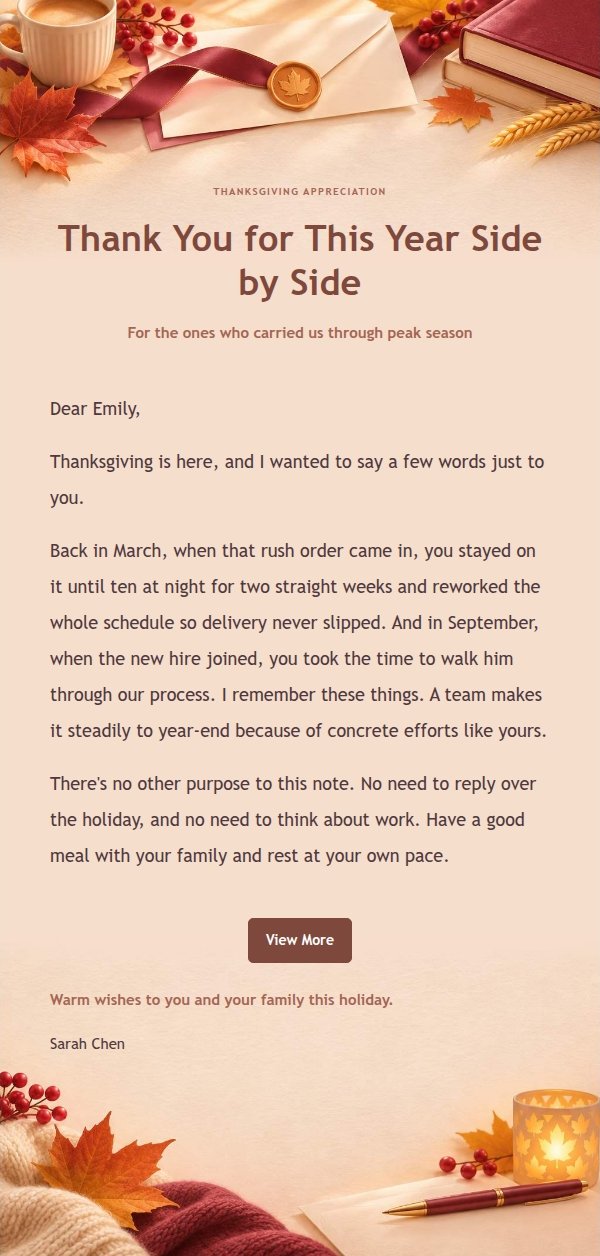
About this template
A Thanksgiving email template for managers and small business owners who want to thank their small team for specific contributions over the past year. The design pairs berry tones with autumn orange: a winter letterhead and autumn leaves with an open book sit fixed at the top, evergreen branches close the bottom, and a clean reading area in the middle keeps decorations out of the long-form text. The body moves from why you're writing, to a specific memory or support, to a clear note that no reply is needed over the holiday, and ends with restrained wishes. The tone is sincere and equal, never a corporate rally or generic praise, and it puts no reply pressure on the recipient.
Email previews
2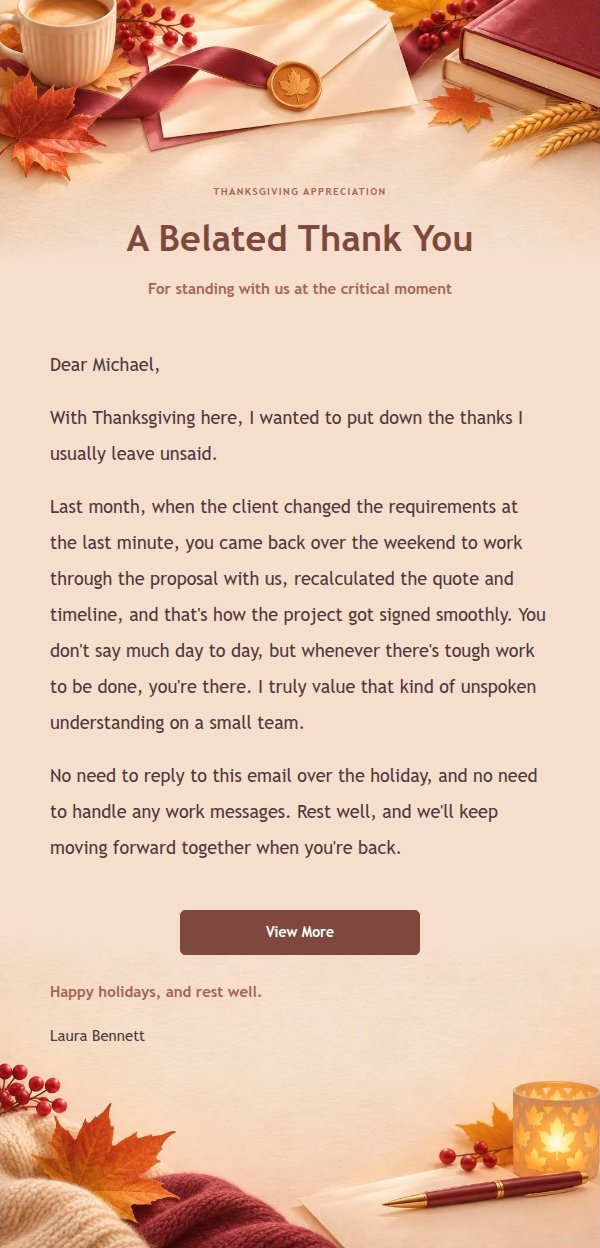
Use this template in three steps
No downloads and no HTML editing. After you sign in, this template opens automatically; just tell AI who the email is for and why you are writing.
- 1
Open this template
Click the button and sign in or create a free account. The writing screen opens with this template already selected.
- 2
Tell AI the essentials
In your own words, share the recipient, purpose, and tone. If dates, locations, links, or other details are missing, AI asks for them.
- 3
Preview, revise, and send
Review the complete email and ask AI for changes. Then enter the recipient and choose to send now or schedule it.
Version history
- v1.0First Created
Turn this template into your own email
Create a free account and this template opens automatically. Tell AI who you are writing to, why, and what matters; then preview the complete email, revise it, and decide how to send it.