
Amber Workbench Payment Receipt Email
Send a proper confirmation once the money lands: amber workbench styling, with amount, order and date laid out clearly enough that clients keep it. Generated by AI, ready for you to review and send.
Create a free account and this template opens in the writing screen. Tell AI who the email is for and why you are writing; it asks for the missing details and creates your complete email.
About this template
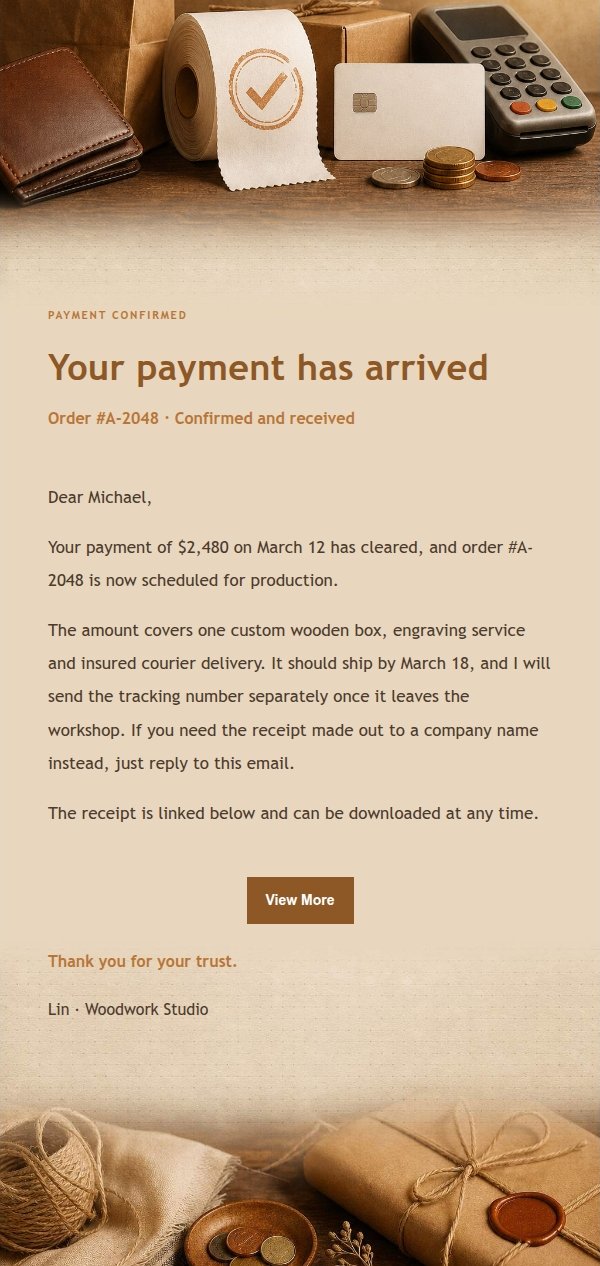
A transaction email template for payment confirmations and receipts, built for freelancers, independent professionals and small businesses who want to send a clear confirmation after money arrives. The look is an amber workbench: warm amber, espresso, cream and kraft paper layered like a receipt and wrapping paper spread on a wooden desk. A recognition band sits at the top so the recipient knows at a glance this is a payment confirmation, while the body uses quiet paper texture, card layering and generous whitespace for order numbers, amounts, dates and delivery notes. Mobile-first, with larger type and spacing on desktop.
Email previews
2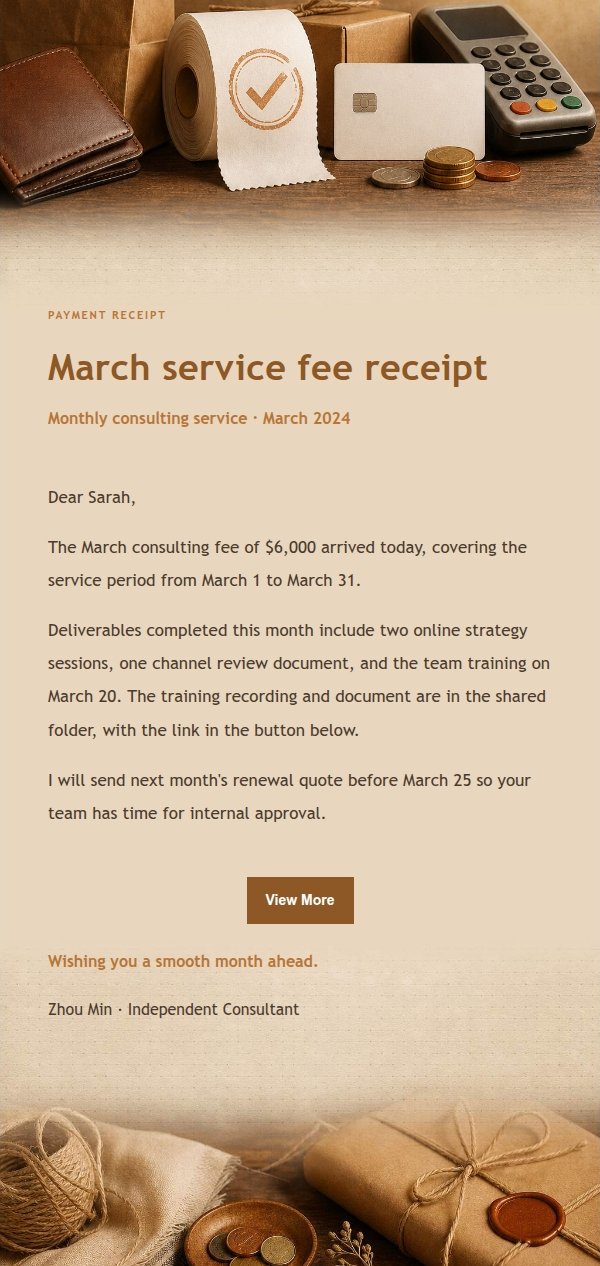
Use this template in three steps
No downloads and no HTML editing. After you sign in, this template opens automatically; just tell AI who the email is for and why you are writing.
- 1
Open this template
Click the button and sign in or create a free account. The writing screen opens with this template already selected.
- 2
Tell AI the essentials
In your own words, share the recipient, purpose, and tone. If dates, locations, links, or other details are missing, AI asks for them.
- 3
Preview, revise, and send
Review the complete email and ask AI for changes. Then enter the recipient and choose to send now or schedule it.
Version history
- v1.0First Created
Finish your next email beside Gmail or Outlook
Install the Edge or Firefox extension, start from an open message or a rough idea, fill in the missing details, choose a fitting template, and preview the result before inserting it into your draft. The complete web app remains available too.
 Get the Edge extension
 Get the Firefox extension